INTEGRA-X User Manual TOOLS
SAF Tehnika JSC 110
10) Store changes by command (must be done within the time frame of 3 minutes after boot)
or by using WEB GUI (any time before the Integra device is powered off) “SAVE” button.
For example,
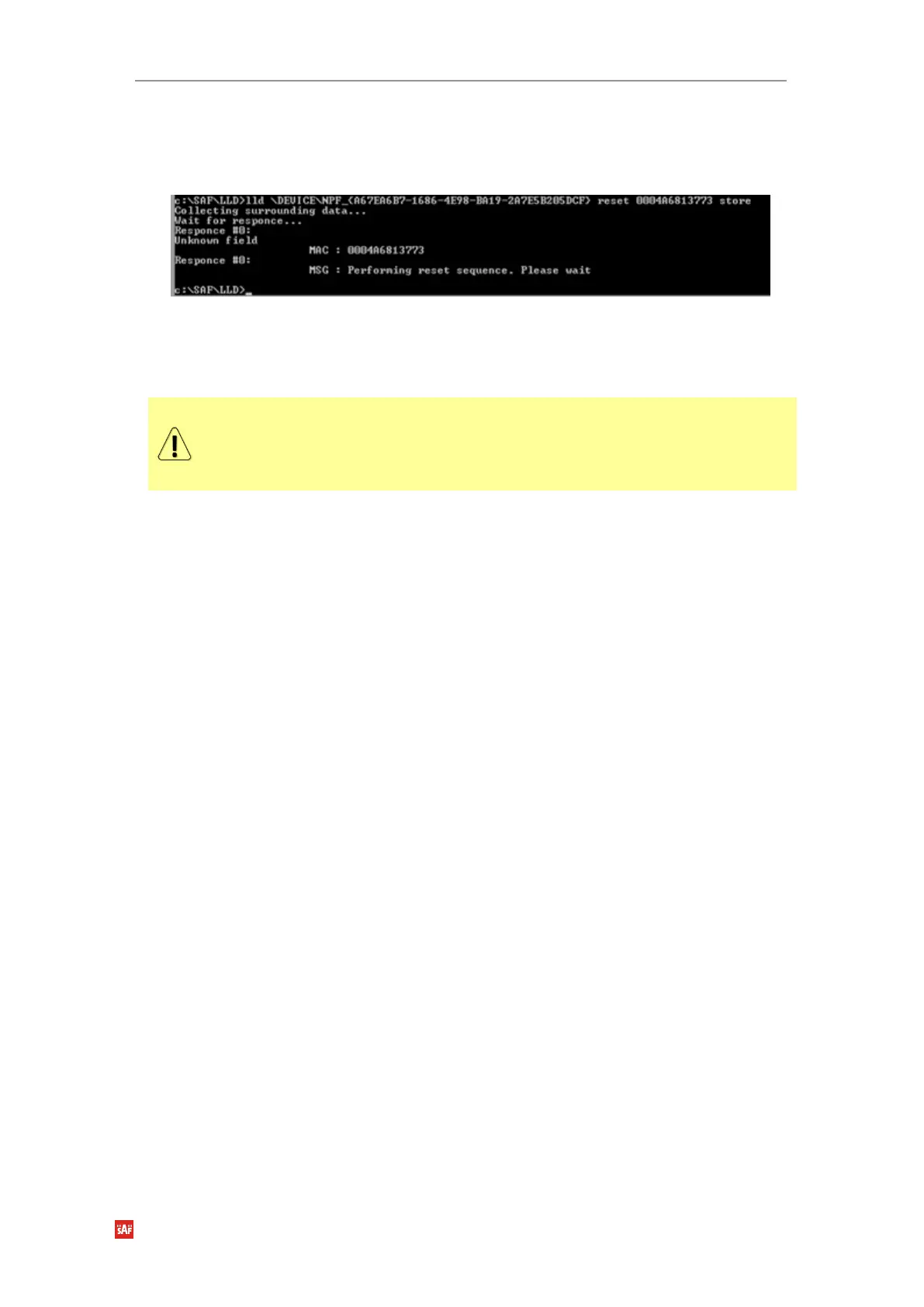
lld \DEVICE\NPF_{A67EA6B7-1686-4E98-BA19-2A7E5B205DCF} reset 0004A6813773 store
Figure 6-12 Successful command response
MIB files
Relevant MIB files can be downloaded directly from the Integra-X Web GUI. See
System
Configuration SNMP configuration
System Configuration SNMP
configuration
for further details.



 To Next Page