INTEGRA-X User Manual WEB GUI
SAF Tehnika JSC 83
2)
Location name
– Allows entering preferable system location name. The maximum length of
the location name cannot exceed 16 symbols. By default, the system location is not
specified.
3)
Timezone
– Allows specifying the time zone.
4)
Time (YY-MM-DD hh:mm:ss)
– Allows changing system date and time manually by entering
date and time in a specific syntax.
5)
Set local machine time
– Press to force the system to use the time set on your PC, from
which you are connected to the Web GUI.
6)
NTP client
– Allows enabling or disabling the NTP (Network Time Protocol) client.
7)
List of NTP servers
– Allows adding or deleting IP addresses of NTP servers.
8)
Obtain time from NTP server
– Press to force the system to obtain the time from an NTP
server.
9)
By pressing
„Execute configuration”,
changes made to the corresponding section apply
only to the local side Integra-X.
CLI commands
See Chapter 4: COMMAND LINE INTERFACE
system datetime [<datetime>]
Use to show/set system time and date. Use “YYYY-MM-
DD/hh:mm:ss” syntax for date/time.
Use to show/define system name.
system location [<location>]
Use to show/define system location.
Use to show system uptime since last system start.
system ntp {enable|disable}
Use to enable or disable NTP client.
system ntp server add
<IP_address>
Use to add an IP address of an NTP server.
system ntp server remove
<IP_address>
Use to remove an IP address of an NTP server.
Use to clear the list of NTP servers.
system ntp timezone [<-12:00 ...
14:00>]
Use to show/define UTC time zone.
Use to force the system to obtain the time from an NTP
server.
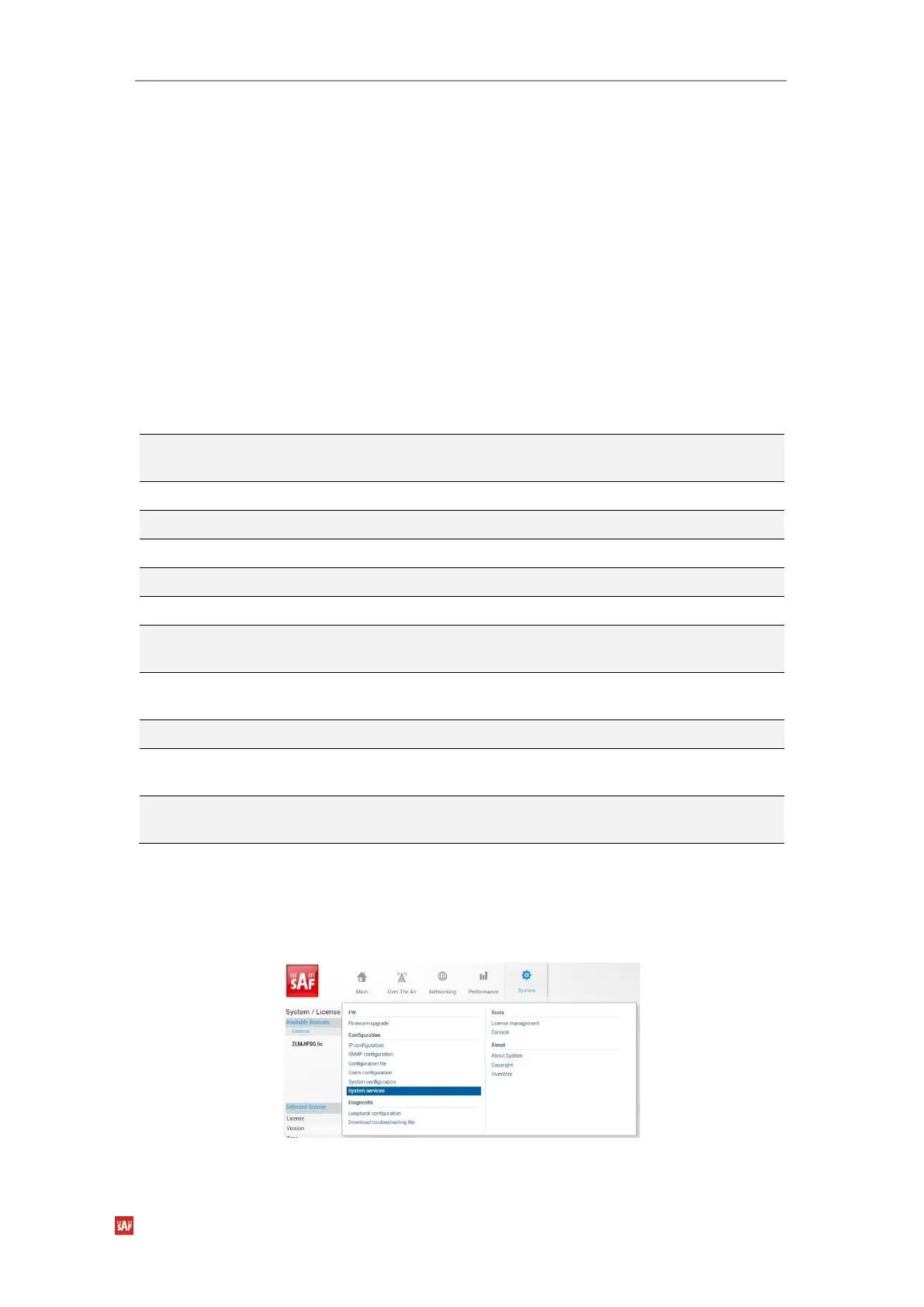
System Configuration System services
Define Web GUI connection parameters and centralized user management (RADIUS).
Refer to chapter “
RADIUS authentication”
for an example of RADIUS configuration.
Figure 3-91 Accessing System services page



 To Next Page