INTEGRA-X User Manual WEB GUI
SAF Tehnika JSC 92
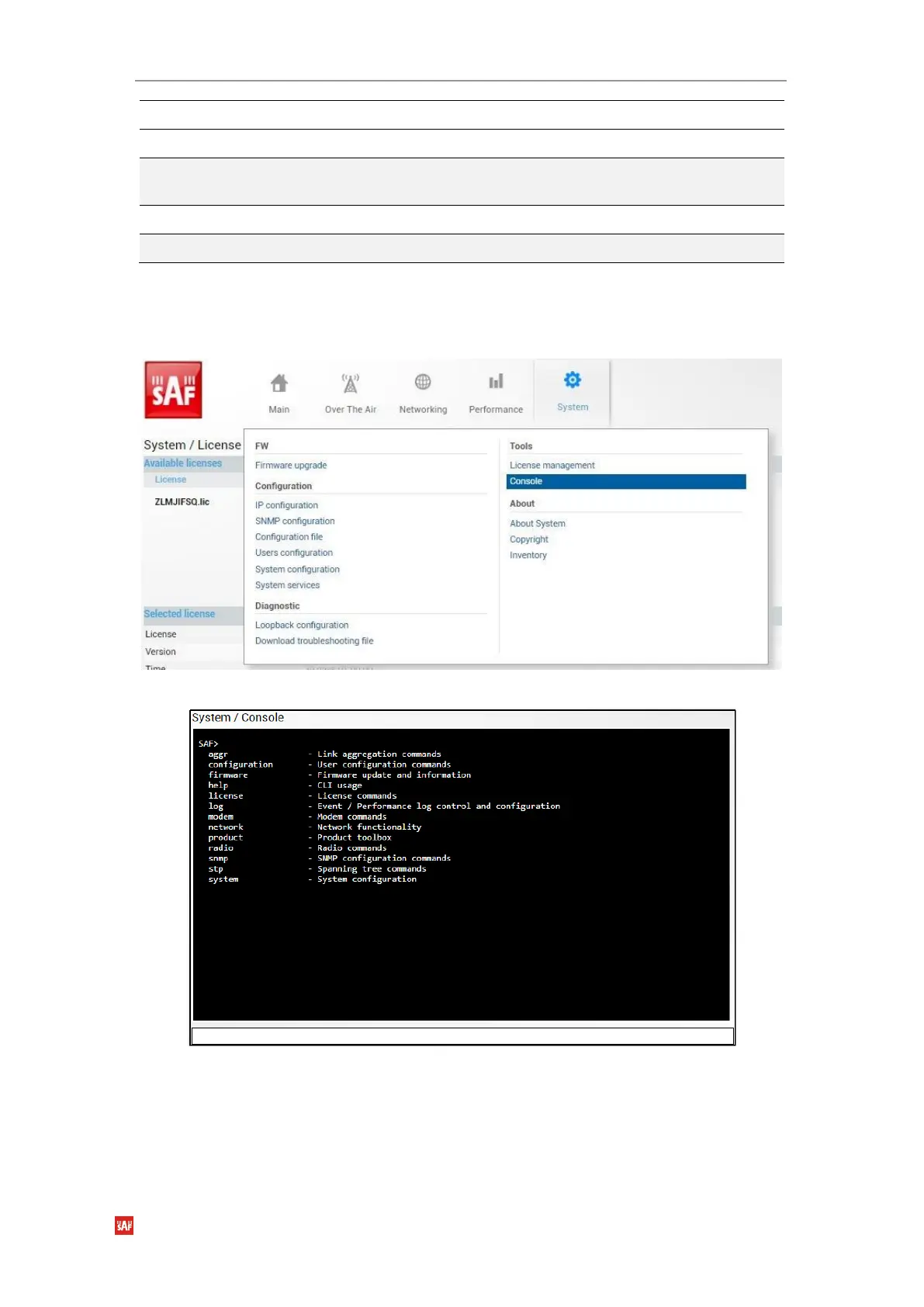
System Tools Console
Console provides CLI functionality in Web GUI.
Figure 3-103 Accessing Console page in Web GUI
Figure 3-104 Console in WEB GUI
Use syntax “<command> ?” to see information on subcommands.
Use ENTER key to execute entered command.
List of valid CLI commands can be found at the end of each Web GUI page description.
Refer to
Chapter 4: COMMAND LINE INTERFACE
for details on how to connect to other CLI
interfaces (serial, SSH, Telnet).
Use to view settings of a currently active license.
Use to list available license files.
license file add <filename>
Use to add uploaded the license file to license file list
from the FTP directory.
license file activate <filename>
Use to activate previously added license file.
license file restriction <filename>
Use to view settings of a license file.



 To Next Page