- 23 -
4 - Web interface
Web interface
The web interface allows you to view, configure and customize the machine’s settings.
To access the web interface, you need:
• to have a computer connected to the same network as the machine or connected to the machine directly with the
cable supplied
• to know the machine’s IP address
To connect to the machine’s web interface, follow these steps:
1 Connect your machine to your computer or to the network using the network cable supplied. Note the IP address
displayed on the machine’s LCD screen. This operation may take up to 1 minute. To display the IP address, you
can use the “Maintenance menu” page 28.
2 Open a web browser on your computer and enter the IP address as follows: http://machine’s adresseIP (IP
address displayed on the LCD screen).
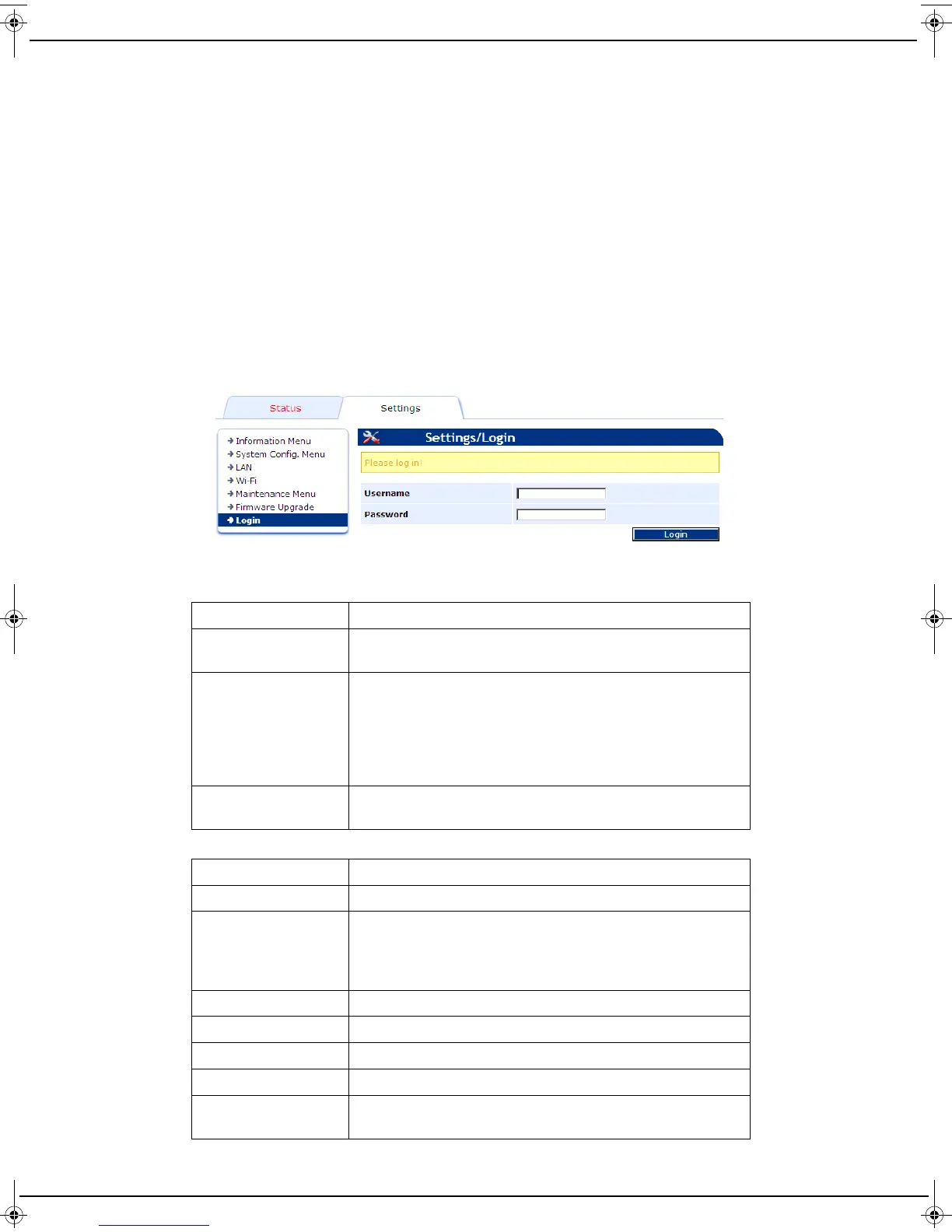
The web interface is displayed.
3 Enter your user name (default user) and password (default user) and then click on Login.
4 The web interface includes two tabs:
The Status tab which is used to view the machine’s information.
The Settings tab which is used to view and/or change the machine’s settings.
5 Once you have finished, click Logout to exit the interface.
Item Description
Connection status Information about the status of the machine and the
connection.
Identification Machine-related information:
Name
Serial number
IP address
Netbios name
Software version
Usage Information about the memory used and the total number of
sheets scanned by the machine.
Item Description
Information Menu Is used to change the machine’s interface language.
System Config. Menu Is used to configure the idle time after which your machine
automatically switches over to power saving mode: 15 min,
1 h, 5 h, 13 h or 25 h.
Default setting: 25 h (see section “Standby” page 24).
LAN LAN connection settings.
Wi-Fi Wi-Fi connection settings.
Maintenance menu Menu used to reset the machine with the factory settings.
Firmware upgrade Menu used to update the machine’s software.
Login Menu used to change the name and password for connecting
to the web interface.
LU IB1100E_EN.book Page 23 Mercredi, 15. mai 2013 9:01 09


 To Next Page