- 28 -
5 - Maintenance and incidents
Error code
Error codes are provided during the use of the machine to help you solve any problems that may arise during its use.
Maintenance menu
The maintenance menu is a hidden menu that can be displayed through a key combination. This menu allows the
following operations to be carried out:
• run the machine pairing,
• check the software version,
• check the machine’s IP address,
• update the software,
• perform a calibration,
• change the interface language,
• restore the default configuration (factory settings),
• delete a provider,
• restore the settings previously saved on a USB flash drive,
• save the settings on a USB flash drive.
SAVING ERROR
An error occurred when saving your settings on the flash drive. Please
repeat the operation using a properly formatted flash drive with enough
free space and do not remove it until the operation is completed.
NO FILE FOUND
Your machine did not find the file on your flash drive containing the
settings to be restored.
RESTORE ERROR
An error occurred while restoring your settings from the flash drive.
Please repeat the operation using a properly formatted flash drive
containing the settings file to be restored and only remove it when the
operation is completed.
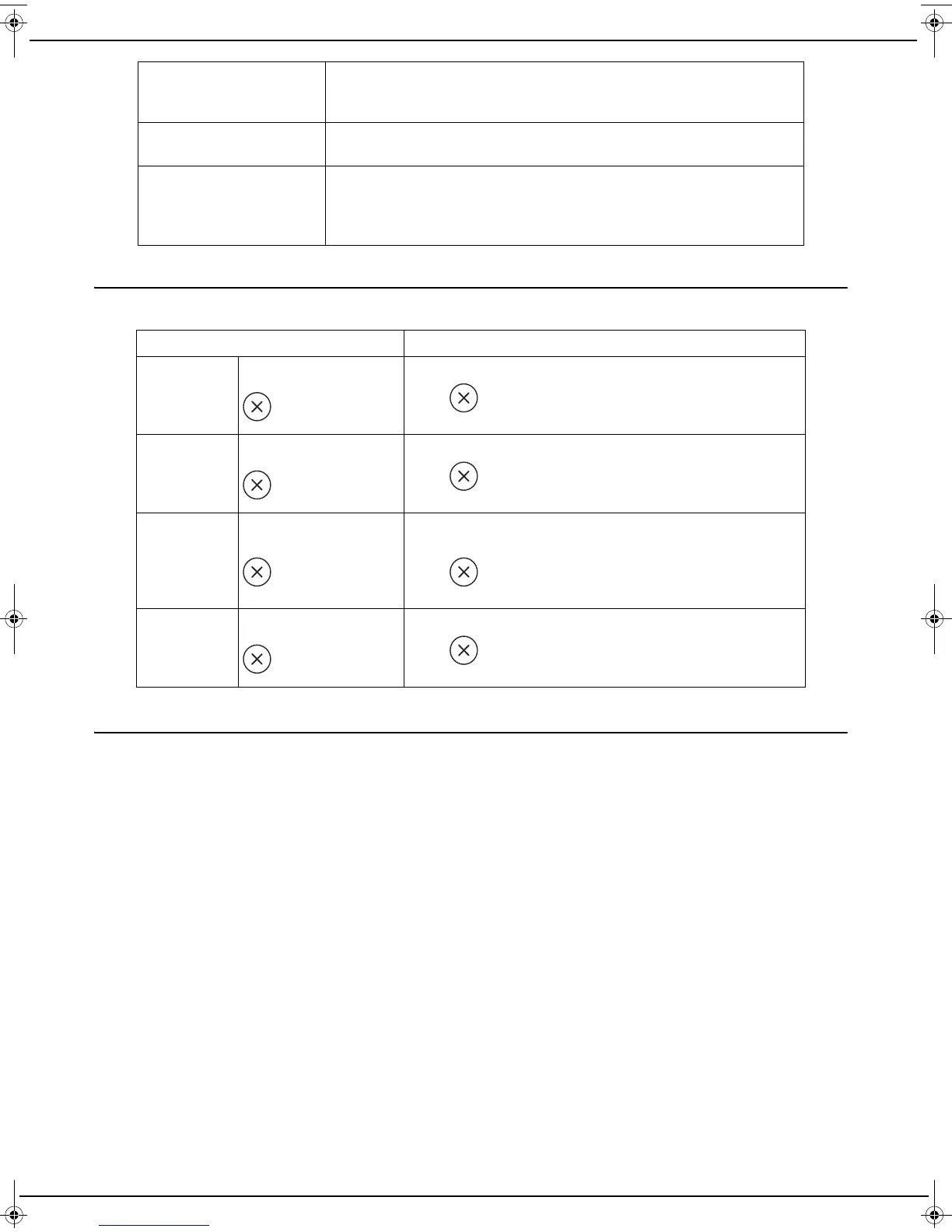
Error codes Description / Solution
ERR01
The LED is red and the
button is flashing.
Problem during transmission.
Press , reload the document to be scanned and try
again.
ERR02
The LED is red and the
button is flashing.
The document could not be sent to your service provider.
Press , reload the document to be scanned and try
again.
ERR03
The LED is red and the
button is flashing.
The document was not sent to your service provider due to
an incident during sending (power failure).
Press , reload the document to be scanned and try
again.
ERR04
The LED is red and the
button is flashing.
The service with your service provider has been cancelled.
Press , reload the document to be scanned and try
again.
LU IB1100E_EN.book Page 28 Mercredi, 15. mai 2013 9:01 09


 To Next Page