- 31 -
5 - Maintenance and incidents
Software updating
The software is automatically updated, and the machine periodically checks whether a new software version is
available.
When a new software version is available,
The green LED is off and the red LED flashes.
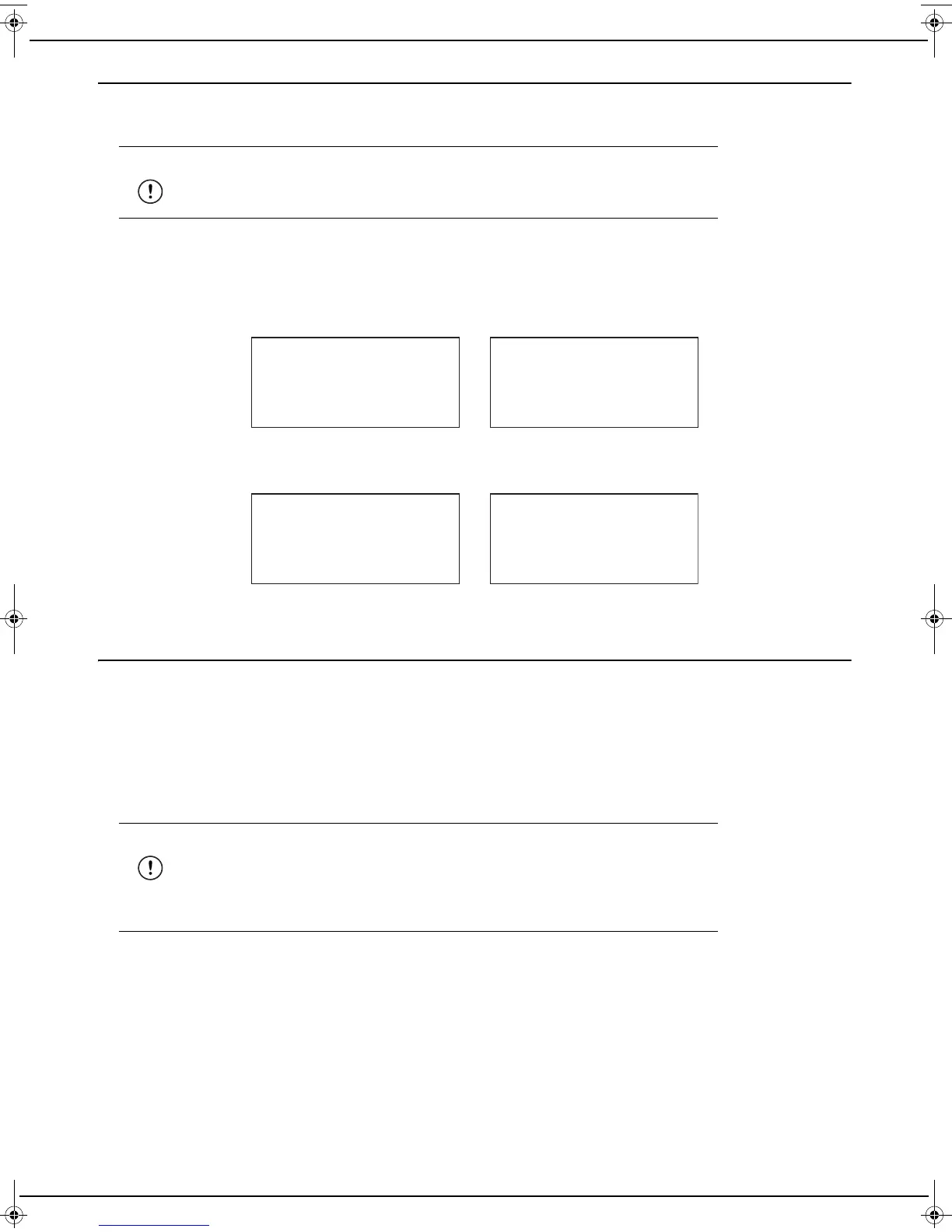
The machine downloads and installs the software. This procedure is performed in two stages.
1 First stage: downloading from 0 to 50%
The following messages are displayed on the screen alternately.
2 Second stage: installation from 51 to 100%
The following messages are displayed on the screen alternately.
Once the software is installed, the machine restarts automatically.
Machine recovery
If your machine no longer starts when you turn it on, or its LED is illuminated steadily in orange and the LCD screen
seems frozen, this means that your machine's software is probably corrupted. This situation may occur if the power to
your machine was inadvertently disconnected during the software update.
You can restore your machine to its original condition by carrying out the recovery procedure described below. Note
that the on-screen messages are in English regardless of your machine's language setting.
1 Go to the Sagemcom support site (support.sagemcom.com), choose your country and find your machine in the
"scanners" section. On your product's home page, select the "Software/Drivers" section. Download the file
whose name starts with "fw_" and save it on a USB flash drive in the root directory.
2 Unplug the power cord from your machine. Press the Setup button on the back of your machine and while press-
ing the Setup button, reconnect the power cord to your machine.
Warning
Never unplug the machine during the software update
Warning
This procedure should only be used if your machine no longer starts. Indeed, at
the end of the recovery procedure, your machine's settings are reset to their de-
fault value, and you will have to reconfigure them (language, network connection
settings, etc.)
xx
% DOWNLOADING
xx
DON'T SWITCH OFF
xx
% INSTALLING
xx
DON'T SWITCH OFF
LU IB1100E_EN.book Page 31 Mercredi, 15. mai 2013 9:01 09


 To Next Page