- 32 -
5 - Maintenance and incidents
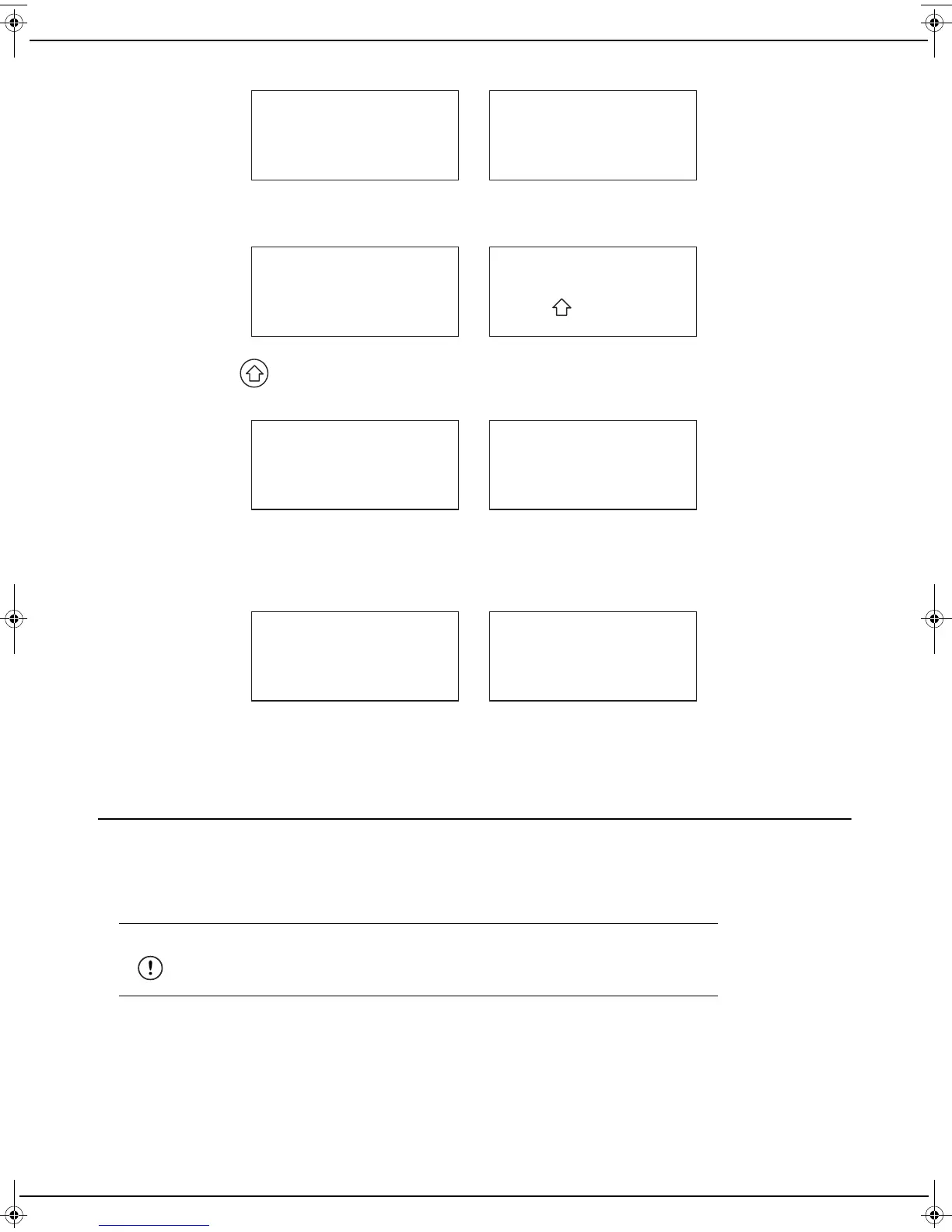
3 Your machine starts in recovery mode and displays the following messages on the screen alternately:
4 Insert the USB flash drive on which you have saved the downloaded software file, into the back of your machine.
After a few seconds, your machine displays the following messages on the screen alternately:
5 Then press the button. The software checking process starts, the red LED flashes and your machine then
displays the following messages on the screen alternately:
- xx indicates the percentage of the software file written to memory.
- Do not disconnect your machine during this writing to memory.
6 When the memory write process is completed, your machine displays the following messages on the screen al-
ternately:
7 Then remove your USB flash drive.
8 Your machine restarts and you then only have to reconfigure any language choices and network connection set-
tings you may have made.
Packing and transporting the machine
If you need to transport the machine, always use the original package. If the machine is not properly packed, the
warranty may be cancelled.
1 Unplug the power cord from the wall power socket.
1 Disconnect all the cables connected to the machine.
2 Close the covers.
3 Place the machine in its packaging and pack it in its original carton with all the original packing bracing.
4 Close the carton and seal it with adhesive tape.
Warning
Make sure to keep the cables and the power cord so that you can reconnect your
machine again later.
Recovery process
Insert USB stick
xx
% WRITE PACKAGE
xx
DON'T POWER OFF
OK
End of Recovery
OK
Remove USB stick
LU IB1100E_EN.book Page 32 Mercredi, 15. mai 2013 9:01 09


 To Next Page