T-Max® Manager/Plus and T-Max®3A/F/I User’s Guide Page 22
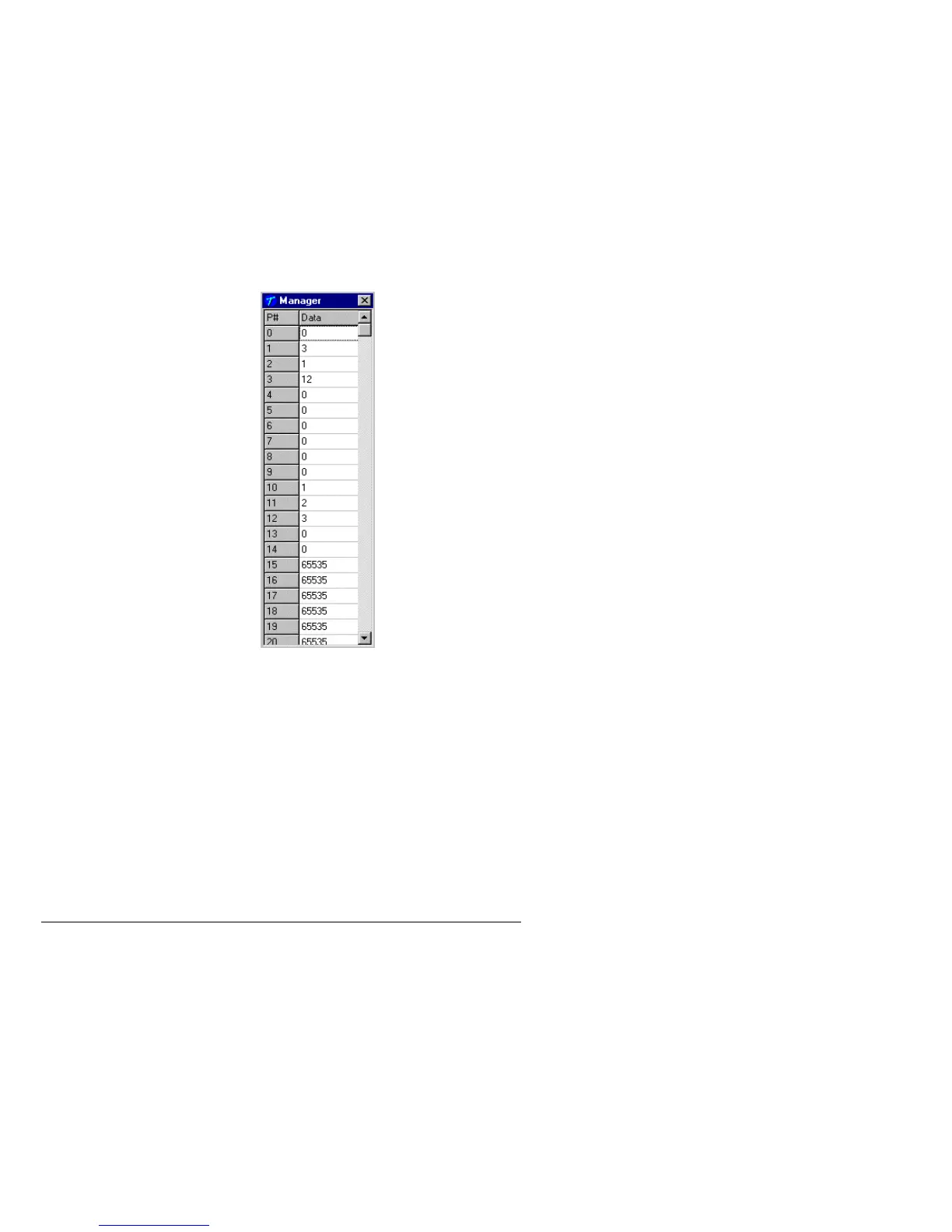
The Manager screen will appear:
Currently only P# 1,2,3 and 4 are used. These settings are changed in the T-Max®
Mgr/Plus for use when the T-Max® Mgr/Plus is used manually in the event of a computer
failure. These settings do not effect the settings described in section 2.2.
When changes are complete, click the X on the upper right corner of the window with your
left mouse button.
6.3.9
Rescan Manager
Click Manager Utilities then Rescan Manager with your left mouse button. The T-Max®
Mgr/Plus will rescan the timer network.
6.3.10
Auto Address the T-Max® System
Auto Address will allow you to reset the addresses on the timers in the room. This is typically
done on initial installation, when adding tanning beds or when you want to change the room
numbers in your salon.
Note: Make sure no one is tanning before selecting this option.
Delay
Auto Start
Maximum Bed Number
Display Mode
All others not used



 To Next Page