T-Max® Manager/Plus and T-Max®3A/F/I User’s Guide Page 26
6.4.3
Recording Your In-Room Messages
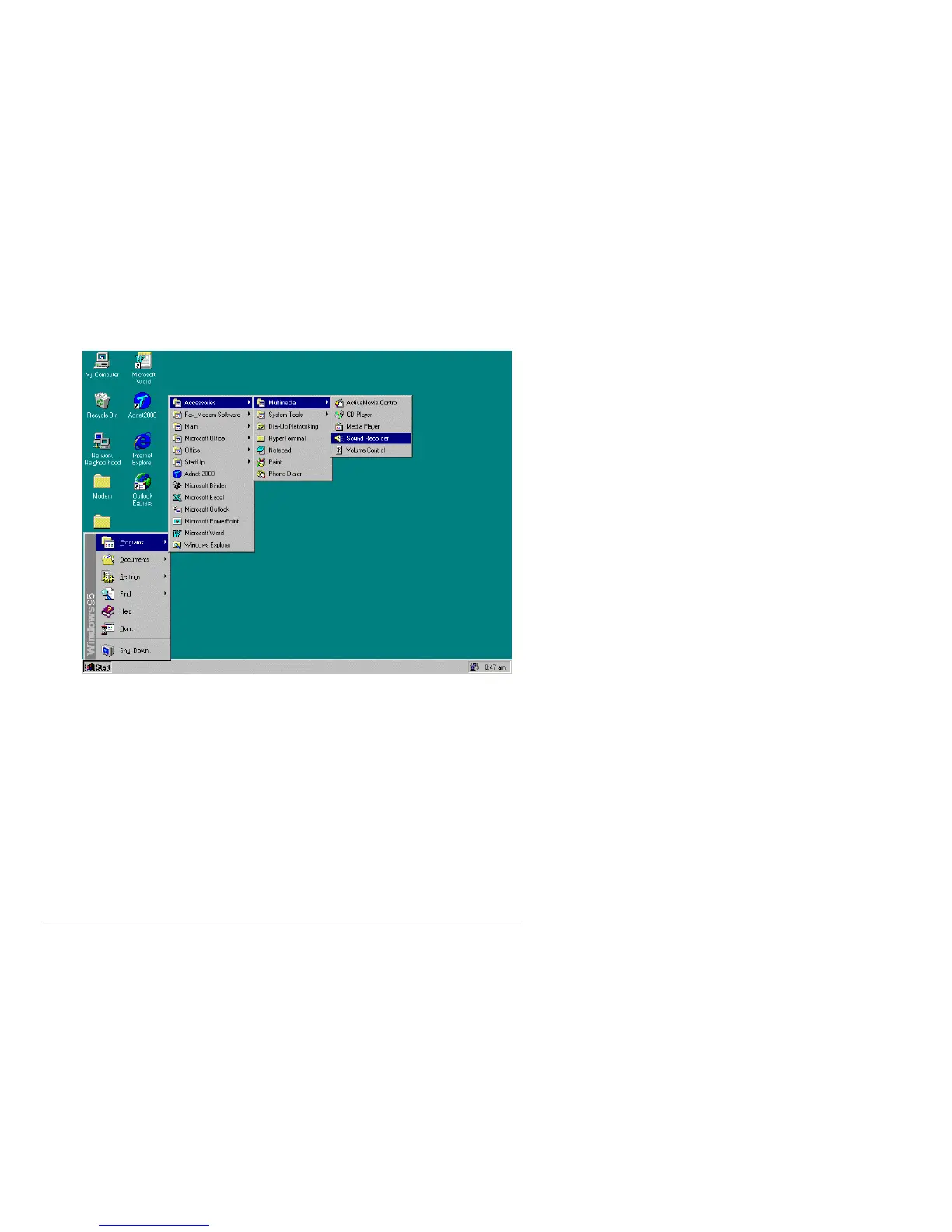
1) Find the Sound Recorder. Typically you will click Start, go to Programs then go to
Accessories then go to Multimedia then click Sound Recorder with your left mouse button.
Note: If you are running Windows® 98, the Sound Recorder may be in your
Entertainment folder under Accessories.



 To Next Page