T-Max® Manager/Plus and T-Max®3A/F/I User’s Guide Page 27
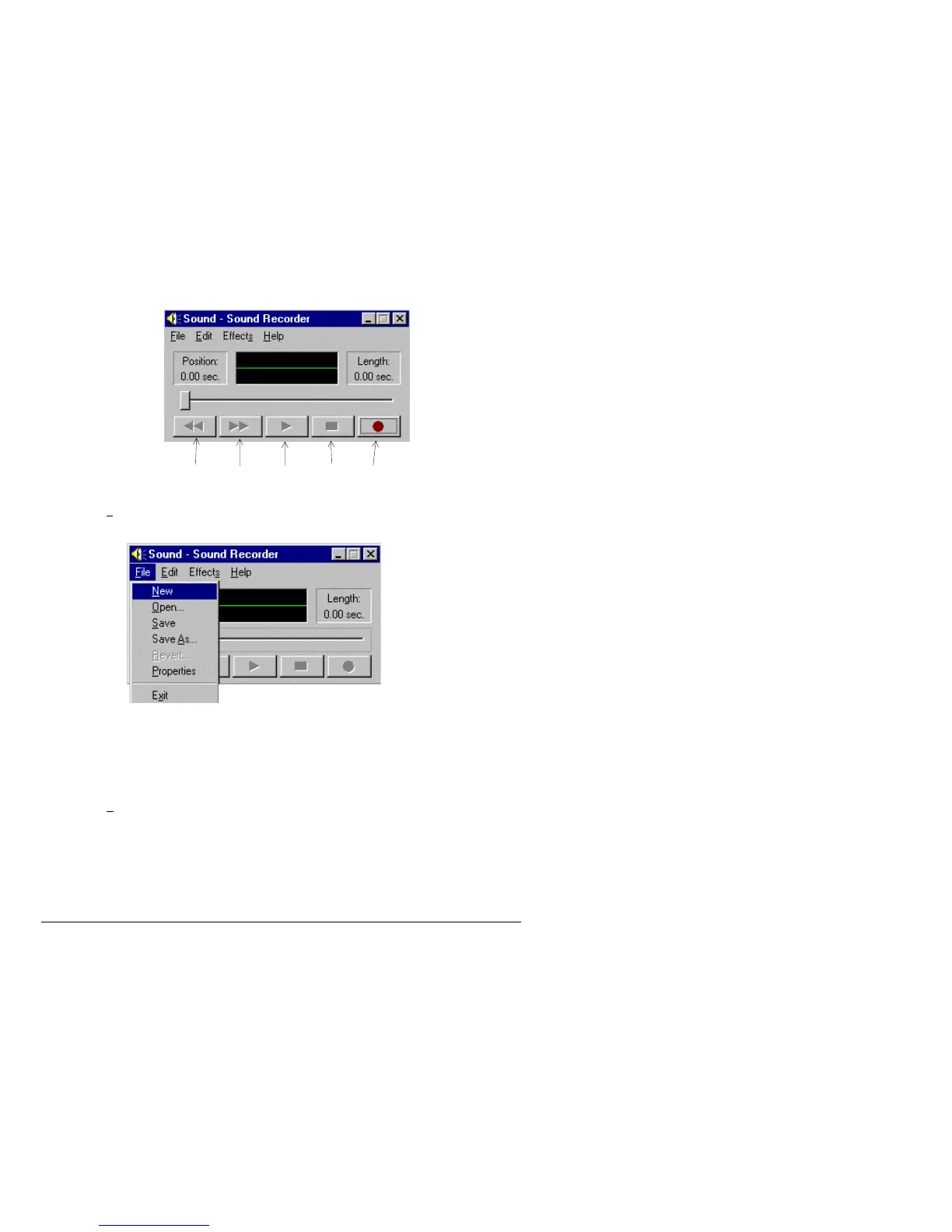
2) The following screen will appear:
3) Press F
ile with your left mouse button. A window will appear.
4) Move your mouse down to New and click it with your left mouse button.
6) Click the record button with your left mouse button and record your message into the
computer’s microphone.
7) Click the Stop button as soon as your are done speaking.
We recommend that your message is no longer than 10-15 seconds.
8) Click F
ile with your left mouse button. A window will appear.
Rewind Fast Play Stop Record
Forward



 To Next Page