CHAPTER 5
46
5.7.2. Advanced Settings (Sample Print)
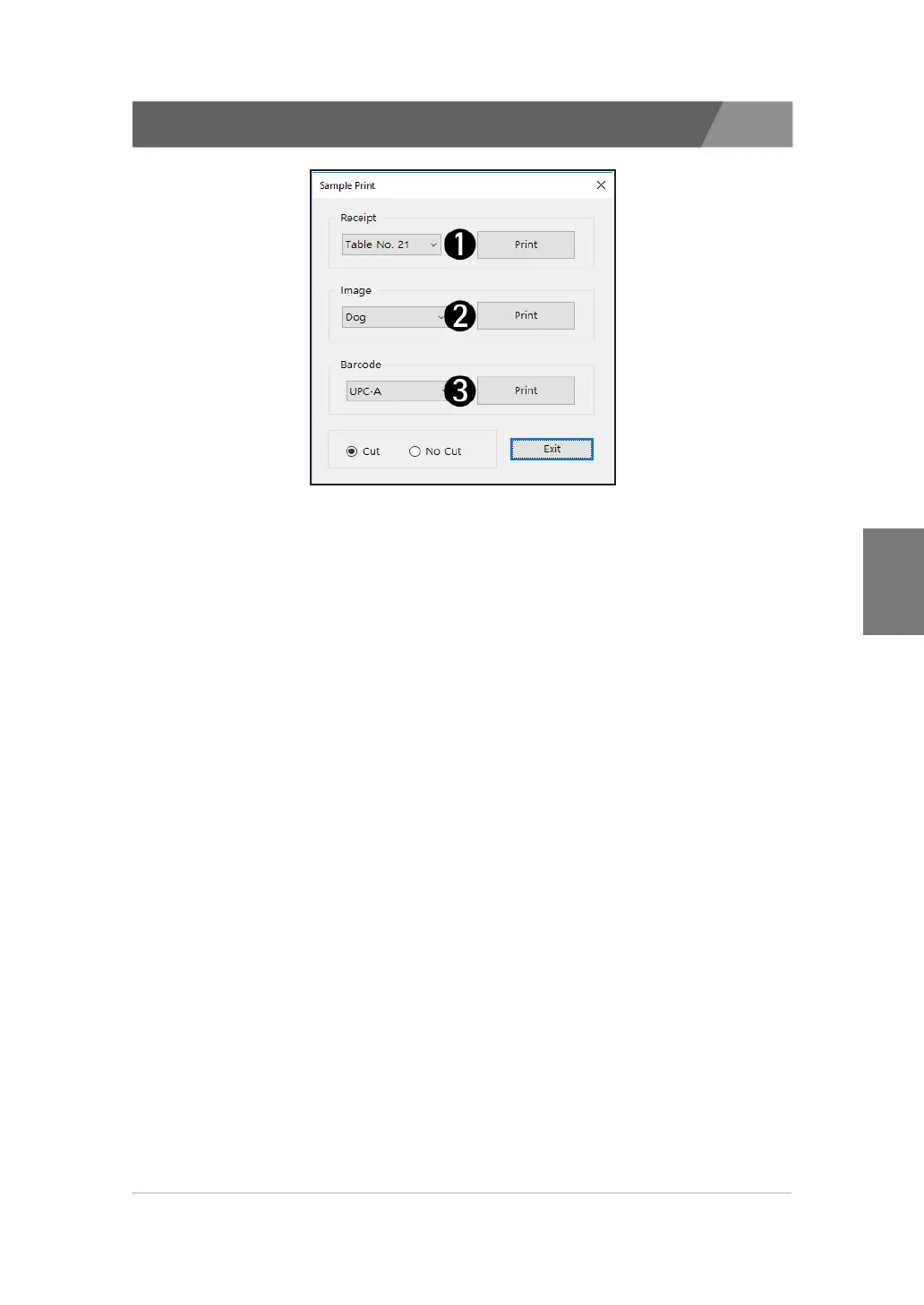
A description of sample printing follows.
1) Receipt
>>
Receipt samples can be printed.
>>
There are three receipt samples. If you select the cut, receipt sample will be cut.
2) Image
>>
Image samples can be printed.
>>
There are three image samples. If you select the cut, image sample will be cut.
3) Barcode
>>
Barcode samples can be printed.
>>
There are ten barcode samples. If you select the cut, barcode sample will be cut.


 To Next Page
 Loading...







