Load the Images by SD Card
1. Insert the SD card into the register’s SD slot. Note: The SD slot is located
in the printer compartment of the ER-900. Remove the security screw to
access the slot.
2. Turn the control lock to the S position.
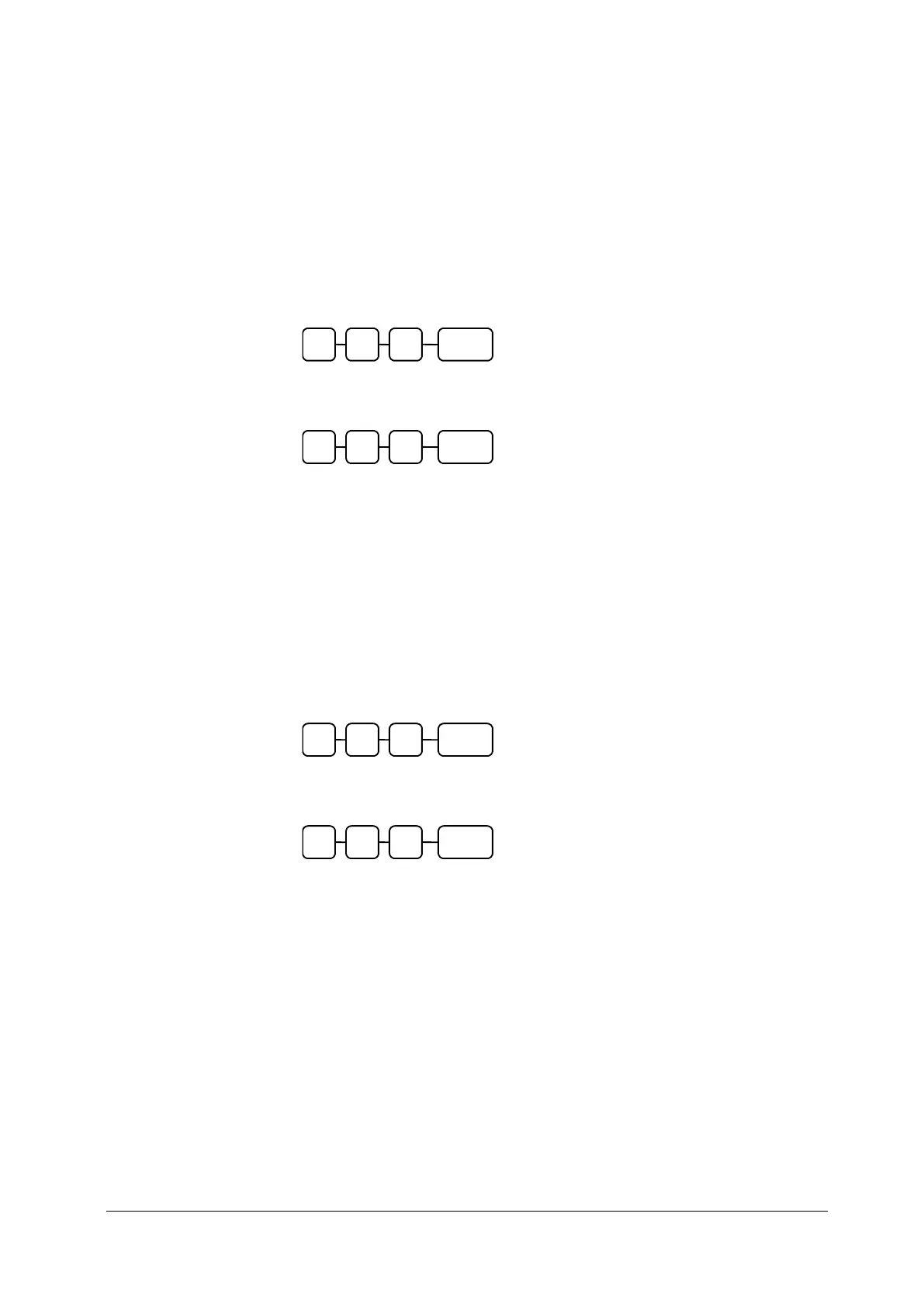
3. To load the Preamble Image to the register from the SD card, then enter
1 2 0, press the SUBTOTAL key.
4. To load the Postamble Image to the register from the SD card, then
enter 1 3 0, press the SUBTOTAL key.
Saving Images from an ER-900 to an SD Card
1. Insert the SD card into the register’s SD slot. Note: The SD slot is located
in the printer compartment of the ER-900. Remove the security screw to
access the slot.
2. Turn the control lock to the S position.
3. To save the Preamble Image to the register from the SD card, then enter
1 2 1, press the SUBTOTAL key.
4. To save the Postamble Image to the register from the SD card, then
enter 1 3 1, press the SUBTOTAL key.



 To Next Page