4.2 Operation of the three levels
Operation of the controller is divided into the following three levels of operation, also referred to
as operating modes: 1) operating level (standard operation), 2) parameterization level and 3)
configuration level.
4.2.1 Operating level
This is the standard operating level of the controller.
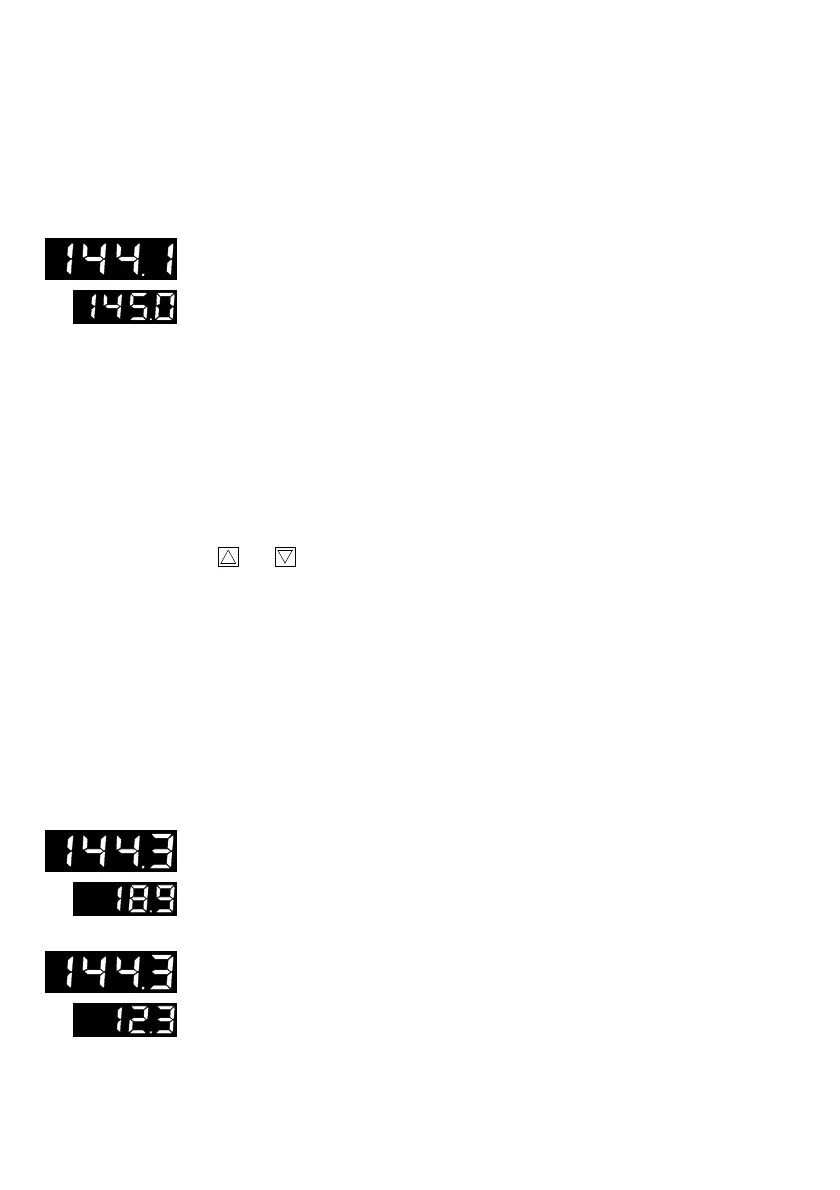
Controlled variable x is displayed in the top display panel; setpoint W1 is
displayed in the bottom display panel.
Controlled variable x
The range of values in the display depends on the minimum and maximum
measuring range limits, which are to be specified in the configuration level
(see page 18) with
In__
and
In
—
.
Setpoint W1
Setpoint W2 is displayed in the bottom display panel. If no LED (10) illumi-
nates, setpoint W1 is selected in the display. The range of values depends
on the measuring range limit
In__
and
In
—
specified for controlled vari-
able x. Any decimal points are displayed analogous to the controlled vari-
able display.
Modify setpoint W1
The displayed value can be modified to the desired value using
cursor
keys
(5) and .
After a single press of a
cursor
key (5), the display of the setpoint flashes, in-
dicating that a new value may now be set.
Afterwards actuate the
ENTER
key (8) to accept and store the value, which is
then retained in non-volatile memory even in event of power loss. If the new
setpoint is not to be stored or activated, return can be made to the operating
level (standard operation) by means of the operating key (7).
If other controller variables are to be displayed in the bottom display panel,
the operating key (7) must be actuated each time.
In the sequence of the defined display, the following control parameters are
displayed in the bottom display in conjunction with a yellow LED (10):
Control deviation (error) xd
(xd = w – x)
The numeric value of the control deviation is displayed in the bottom display
panel. In connection with this yellow LED, XD illuminates for the display
mode control deviation (10). The displayed value is specified as a percent.
Output variable y
The numeric value of the output variable is displayed as a percent in the bot-
tom display panel. The range of values in the display depends on the
measuring range limit, which is to be specified with
Y__
and
Y
—
in the par-
ameterization level. The yellow LED (10) of output variable Y illuminates.
12



 To Next Page