4.2.3 Configuration level
In the configuration level, the controller function is determined for the required control task to be
solved.
Access can be made to the configuration level by entering the code number.
The code number is preset (factory preconfiguration) to
0
and can be modified in configuration
block
CCO
(see page 22).
Determine and modify the controller functions
If controller functions are to be set, the configuration level is opened, considering the code num-
ber has been entered and stored first.
Use
cursor
keys (5) and to select the desired configuration block. If the yellow
ENTER
key
(8) is subsequently pressed, the block chosen flashes in the bottom display panel.
Now use
cursor
keys (5) and to set the desired value or selection block in the top display
panel. Accept and store this entry by pressing the
ENTER
key (8).
After modifying a value and actuating the ENTER key (8), the controller operates in MANUAL
mode.
Use
cursor
keys (5) and to advance to the next configuration block, or press the
operating
key (7) to return to the operating level.
The MANUAL function is activated, and switch was made to output variable Y in the bottom dis-
play. Switch can be made to AUTOMATIC operation by actuating the MANUAL/AUTOMATIC
key (6).
Open the configuration level
Press the yellow
ENTER
key (8);
PA
appears in the bottom display panel.
Press
cursor
key .
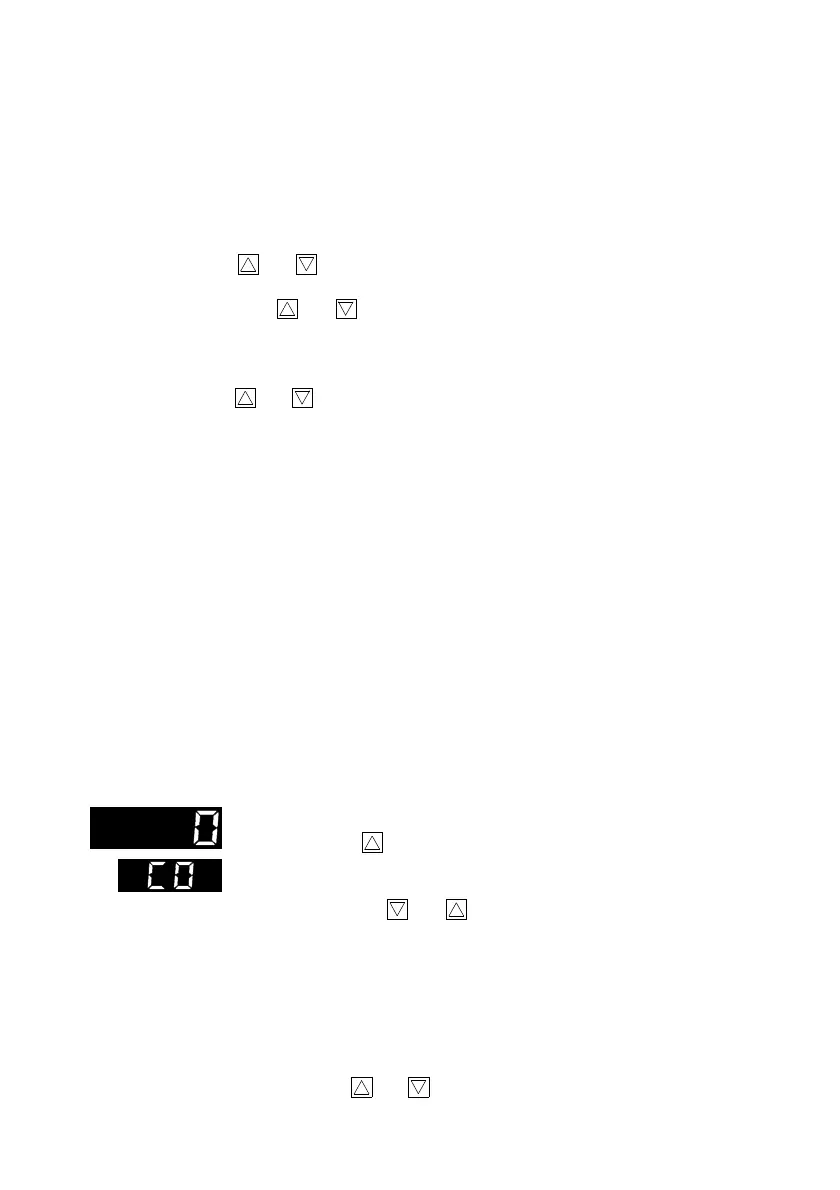
CO
appears in the bottom display panel. Code number
0
appears in the top display panel.
Press
ENTER
key (8);
CO
flashes in the bottom display panel.
Use
cursor
keys (5) and to set the specified code number in configu-
ration block
CCO
(if no number was entered in
CCO
, the factory default
0
remains in force).
Press the
ENTER
key (8) to confirm the code number and
open
the
configu-
ration level
. The first configuration block
In
appears.
If the wrong code number is entered, the controller returns to the operating
level (standard operation).
All the configuration blocks listed below can be selected and modified via
cursor
keys (5) and .
17



 To Next Page