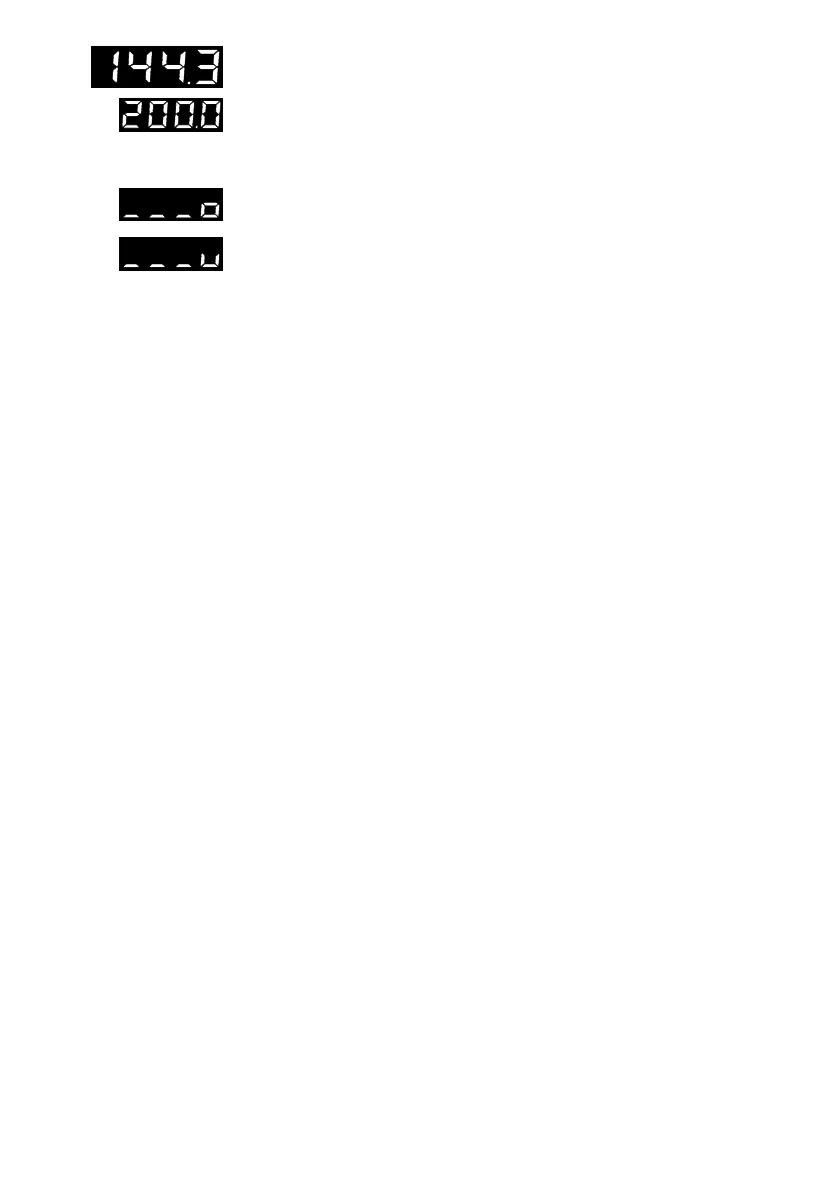
Modify setpoint W2
Setpoint W2 is presented for viewing purposes in the bottom display panel.
A change of setpoint W2 is performed analogous to that of setpoint W1.
The yellow LED (10) of setpoint W2 illuminates.
If no LED (10) illuminates, W1 is selected as active setpoint in the display.
Display sensor line breakage
If a sensor wire break or short-circuit is detected at the controller input or an
input range is exceeded in either direction, three bars appear in the top dis-
play panel, designated
o
(over) or
u
(under). In this case, the output signal is
automatically set to the value specified in configuration block
YSt
(safety
output value to restart) when AUTOMATIC mode is enabled.
After correcting the defect, the controller operates in standard operation.
13



 To Next Page