4.2.2 Parameterization level
Control parameters can be set in the parameterization level.
Values set in this level are protected against unauthorized access by means of a
code number
(personal security code lock).
Access to the parameterization level must be first obtained by entering the code number before
set values can be modified.
The code number is pre-set (factory configuration) to
0
and can be modified in configuration
block
CPA
(see page 22).
Determine and modify the control parameters
If control parameters are to be set, the parameterization level is opened after the code number
has been entered and accepted.
Select the desired
parameterization
option using
cursor
keys (5) and . If the yellow
ENTER
key (8) is consequently pressed, the selected option flashes in the bottom display panel.
Use
cursor
keys (5) and to set the desired value in the top display; press the
ENTER
key (8)
to accept and store this value.
Advance to the next
parameterization
option using
cursor
keys (5) and , or return to the
operating level (standard operation) by pressing the
operating
key (7).
Open the parameterization level
Press yellow
ENTER
key (8)
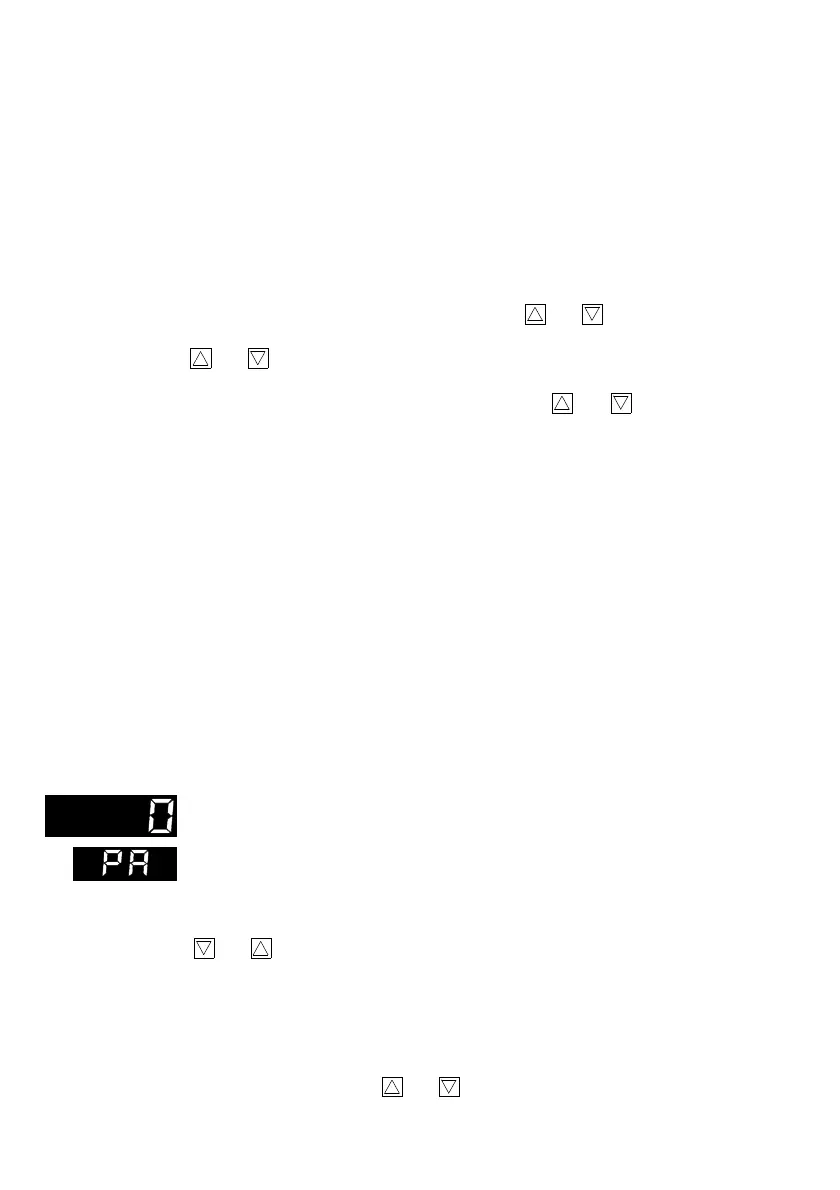
PA
appears in the bottom display panel; code number
0
appears in the top
display panel.
Press
ENTER
key (8).
PA
flashes in the bottom display panel.
Enter the specified code number (if no number was entered, the factory de-
fault value
0
is assumed) in configuration block
CPA
using
cursor
keys (5)
and .
Press
ENTER
key (8) again to
open
the
parameterization level
.
P
appears
as the first control parameter in the display.
If the wrong code number is entered, the controller returns to the operating
level.
The following
parameterization
options listed can be selected and modi-
fied using
cursor
keys (5) and .
14



 To Next Page