113
Screen Adjustment
4
4 Screen Adjustment
4.14 Lamp Control
This function is used to adjust the brightness of the backlight to reduce power consumption. (Range:
0~100)
This option is available when Dynamic Contrast is set to Off.
(Refer to page 112 for details about Dynamic Contrast)
4.14.1 Changing the Lamp Control Setting
This product can only be controlled by using the remote control.
1 Press MENU on the remote control.
2 Press / to move to Picture and press [ ].
3 Press / to move to Lamp Control and press [ ].
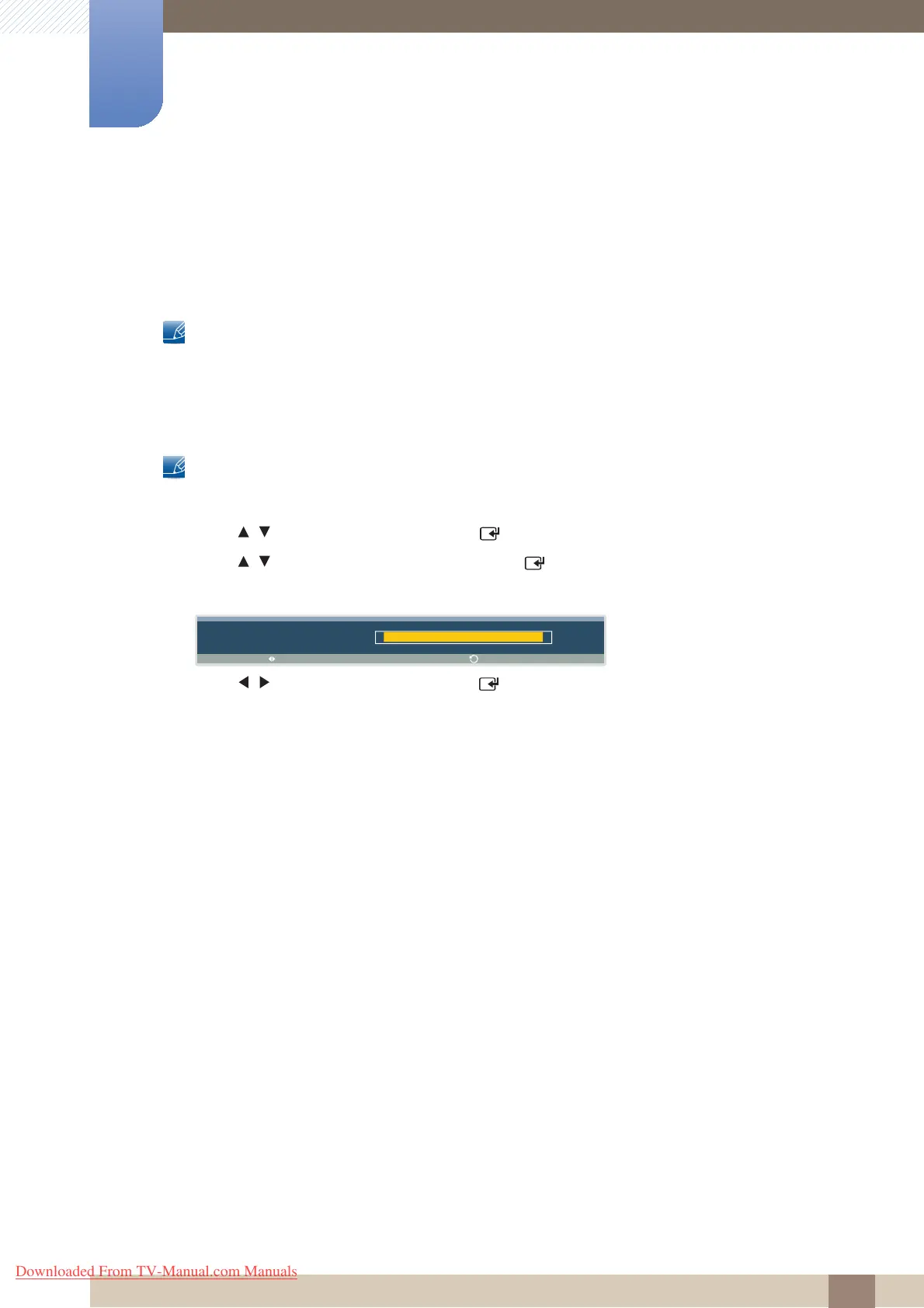
The following screen will appear.
4 Press / to adjust the value and press [ ]. The change will be applied.
L a m p C o n t r o l
1 0 0
A d j u s t
R e t u r n
Downloaded From TV-Manual.com Manuals







 To Next Page