53
Connecting and Using a Source Device
2
2 Connecting and Using a Source Device
2.2.3 Changing the Resolution
Adjust the resolution and refresh rate in Control Panel on your PC to obtain optimum picture quality.
The picture quality of TFT-LCDs may degrade if the optimum resolution is not selected.
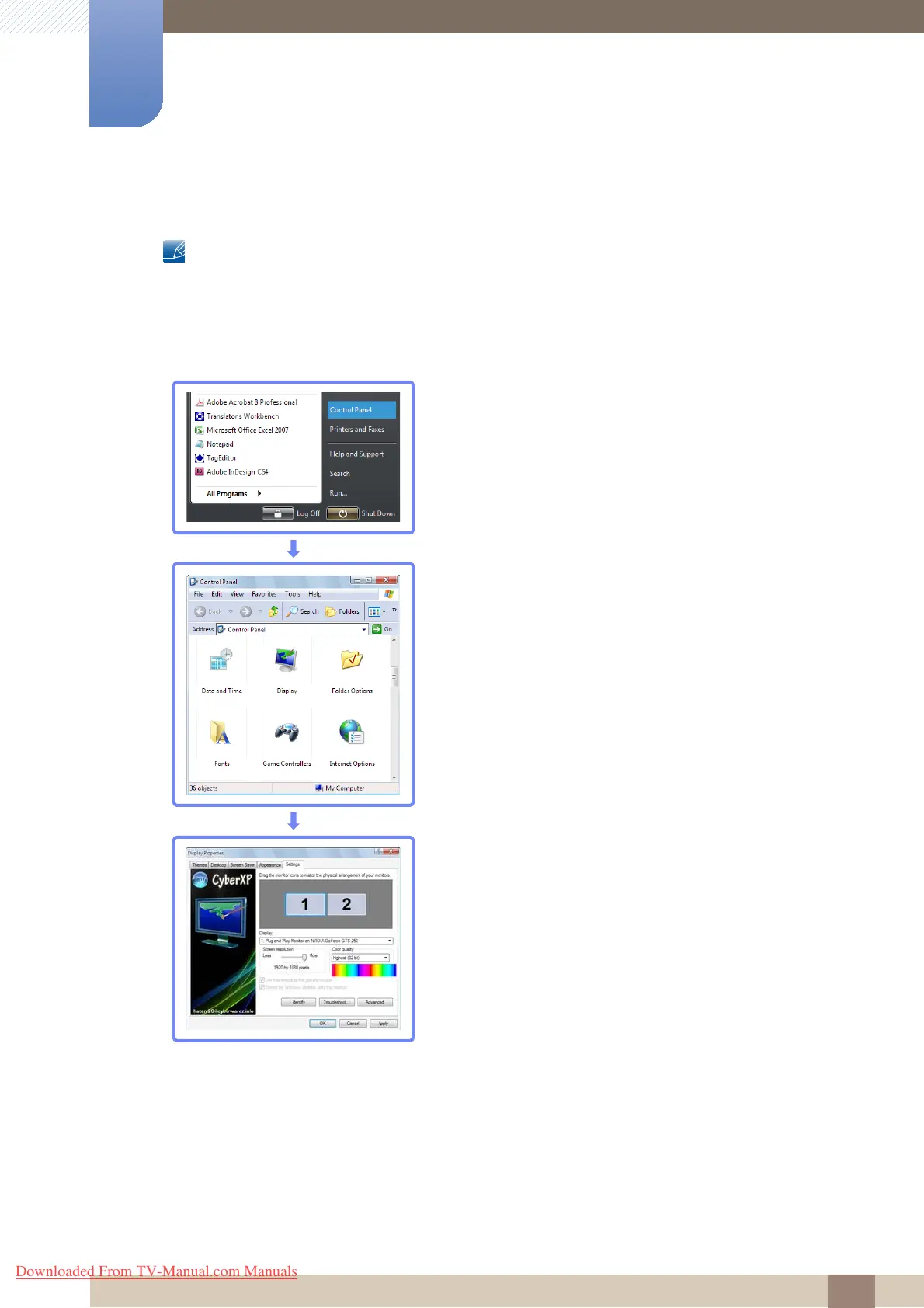
Changing the Resolution on Windows XP
Go to Control Panel
ĺ Display ĺ Settings, and change the resolution.
Downloaded From TV-Manual.com Manuals







 To Next Page