136
Settings
6
6 Settings
6.7.2 Timer
Easily protect the screen by setting the timer to activate the afterimage burn-in prevention mode.
(Bar and Eraser)
Setting Timer
This product can only be controlled by using the remote control.
1 Press MENU on the remote control.
2 Press / to move to Setup and press [ ].
3 Press / to move to Safety Screen and press [ ].
4 Press / to move to Timer and press [ ].
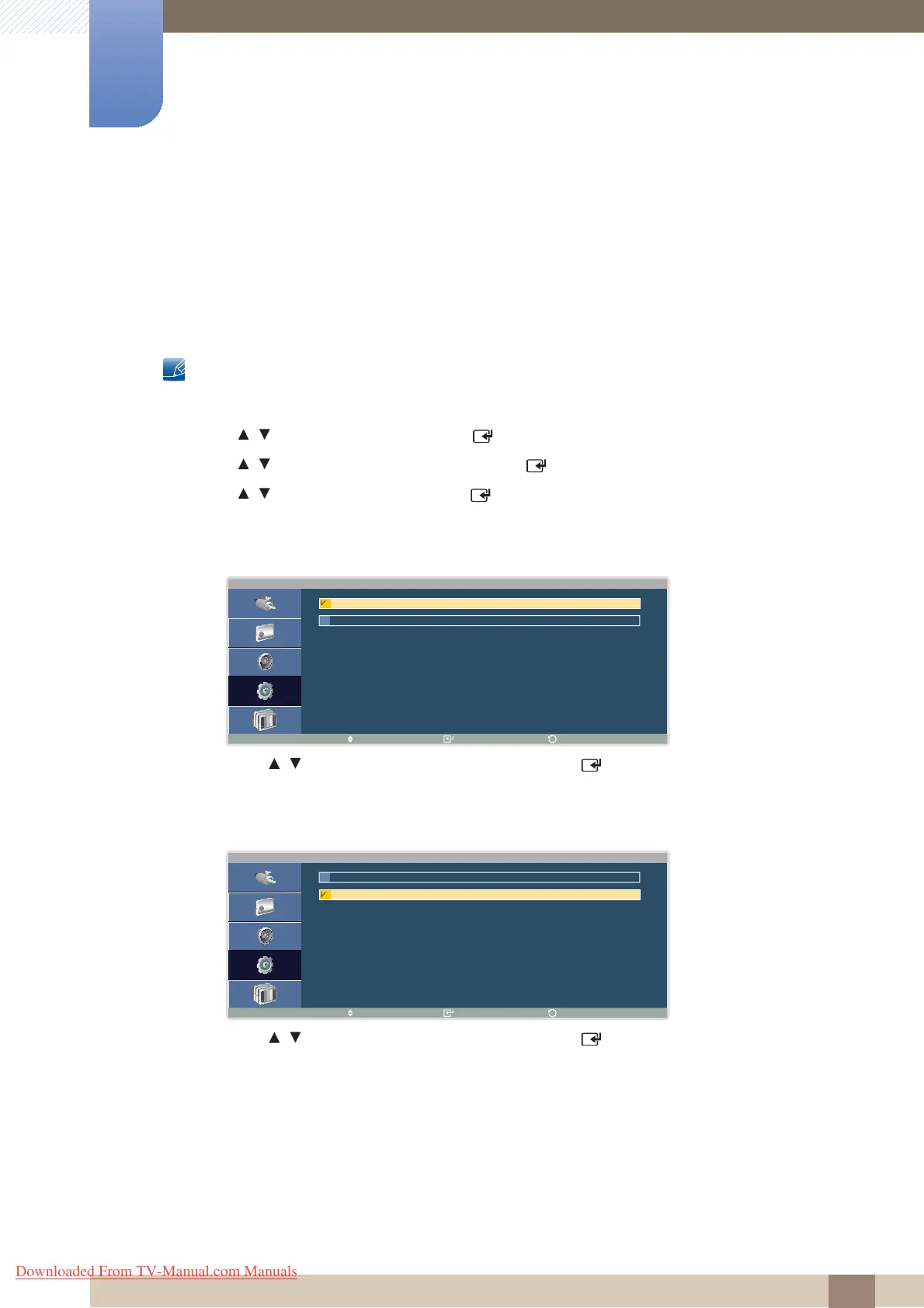
z Timer
You can enable or disable the timer.
Press / to select the option you want and press [ ].
z Mode
You can select mode from Bar or Eraser.
Press / to select the option you want and press [ ].
T i m e r
M o v e E n t e r
R e t u r n
O f f
O n
M o d e
M o v e E n t e r
R e t u r n
E r a s e r
B a r
Downloaded From TV-Manual.com Manuals







 To Next Page