49
2 Connecting and Using a Source Device
2
Connecting and Using a Source Device
2.1 Before Connecting
Check the following before you connect this product with other devices.
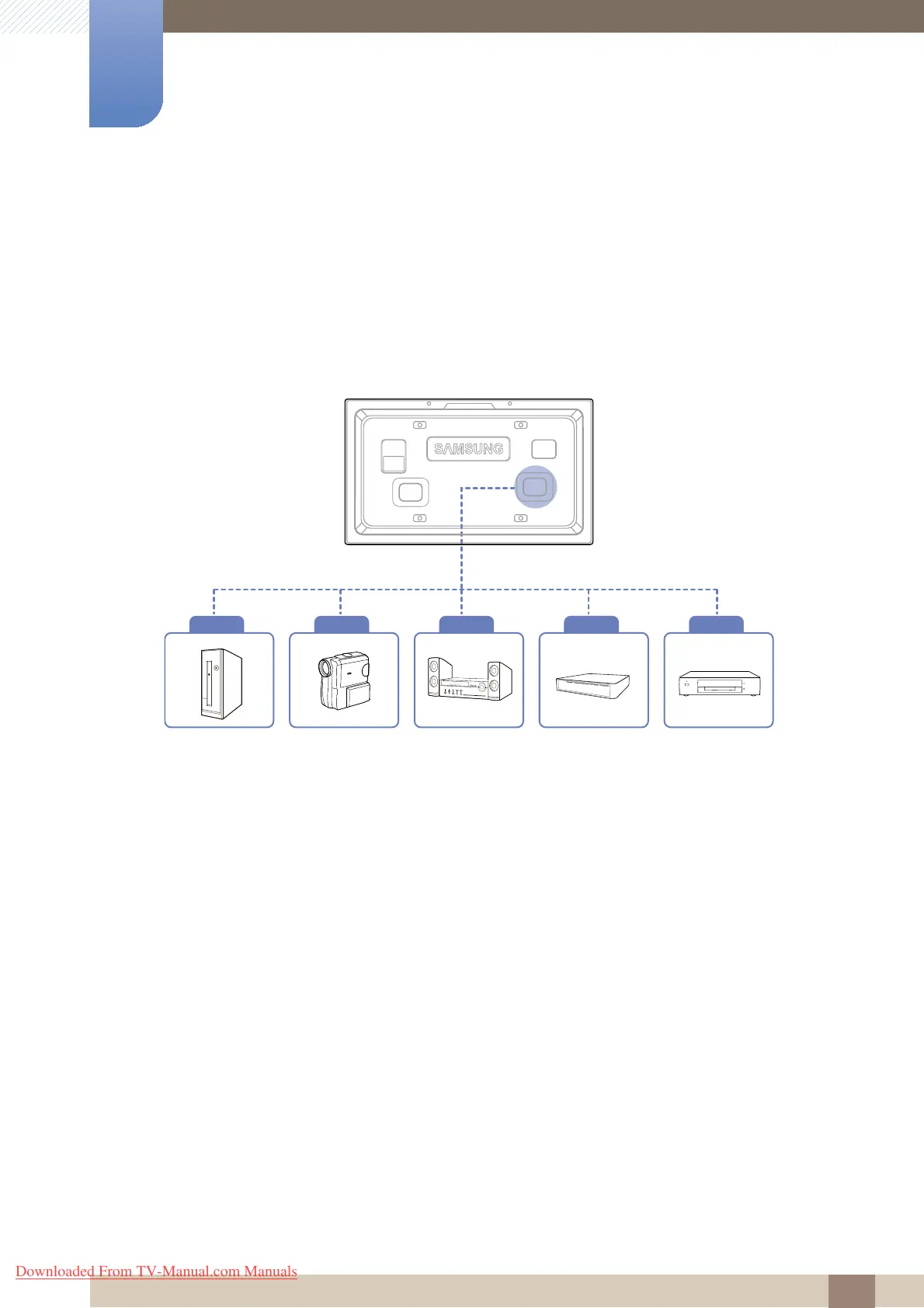
Devices that can be connected to this product include PCs, camcorders, speakers, set top boxes and
DVD/Blu-ray Disc players.
2.1.1 Pre-connection Checkpoints
z Before connecting a source device, read the user manual provided with it. The number and locations
of ports on source devices may differ from device to device.
z Do not connect the power cable until all connections are completed. Connecting the power cable
during connection may damage the product.
z Connect the sound ports correctly: left = white and right = red.
Audio input received via an audio-in port will be outputted via the PC, DVI, Source, or Component
port.
z Check the types of ports at the back of the product you want to connect.
Computer Camcoder Audio Settop box DVD
Downloaded From TV-Manual.com Manuals







 To Next Page