56
Connecting and Using a Source Device
2
2 Connecting and Using a Source Device
2.3 Connecting to a Video Device
z You can connect a video device to the product using a cable.
Connecting parts may differ in different products.
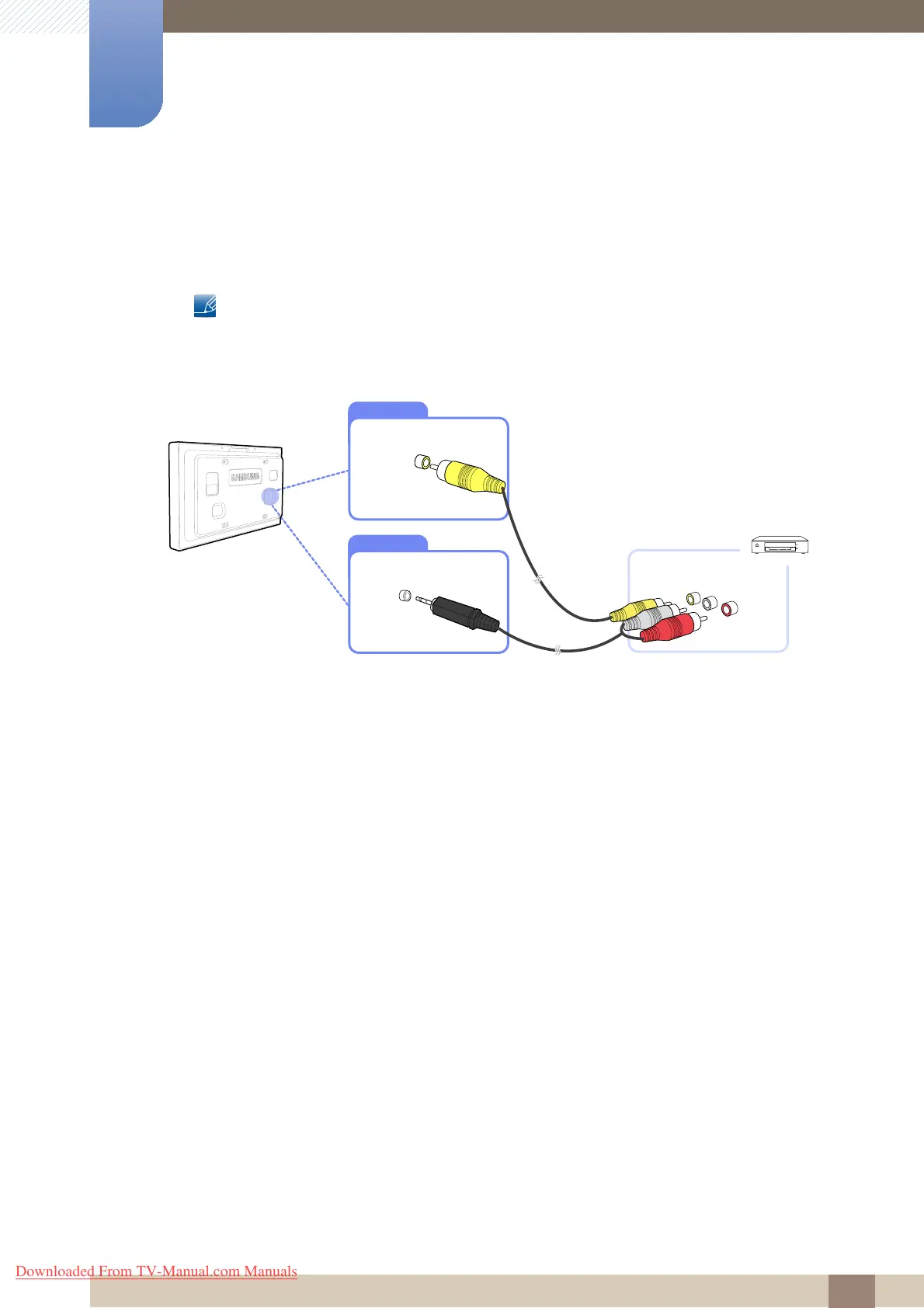
2.3.1 Connection Using the AV Cable
1 Connect the AV cable to the [AV IN] port on the product and the video port on the video device.
2 Connect the RCA stereo cable to the [AUDIO IN] port on the product and the matching-colored
AUDIO OUT ports on the video device.
3 Press the SOURCE button on the remote control to change the source to AV.
Downloaded From TV-Manual.com Manuals







 To Next Page