142
Settings
6
6 Settings
6.11.2 Auto Power
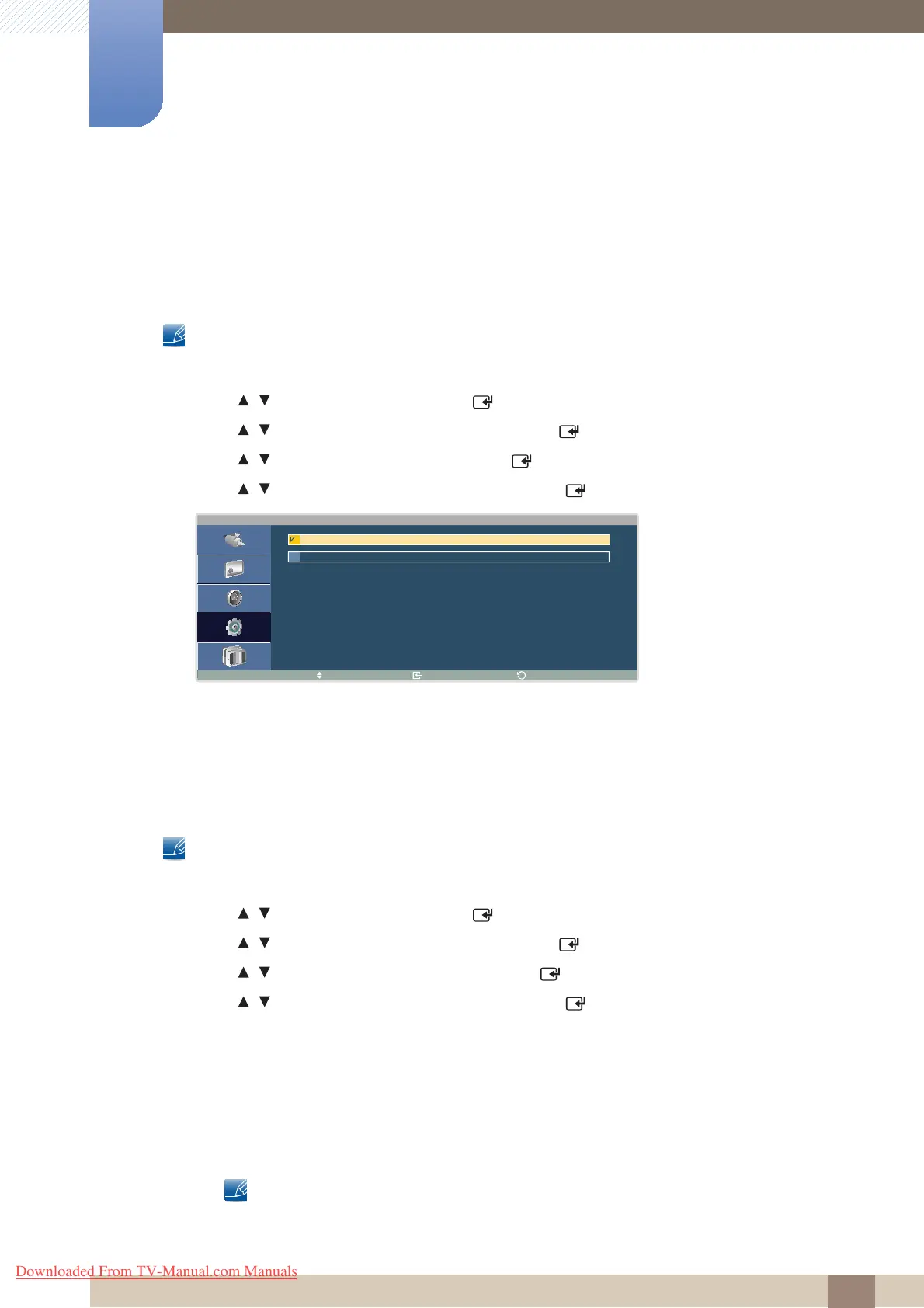
Enabling this option will automatically power on the product if the power cable is connected.
Changing the Auto Power Setting
This product can only be controlled by using the remote control.
1 Press MENU on the remote control.
2 Press / to move to Setup and press [ ].
3 Press / to move to Advanced Settings and press [ ].
4 Press / to move to Auto Power and press [ ].
5 Press / to move to the option you want and press [ ].
6 The selected option will be applied.
6.11.3 User Auto Color
Setting User Auto Color
This product can only be controlled by using the remote control.
1 Press MENU on the remote control.
2 Press / to move to Setup and press [ ].
3 Press / to move to Advanced Settings and press [ ].
4 Press / to move to User Auto Color and press [ ].
5 Press / to move to the option you want and press [ ].
6 The selected option will be applied.
z Auto Color
This menu automatically adjusts the picture color to obtain optimum picture quality.
z Reset
Restore the default color settings.
The User Auto Color option is only enabled when the input source is PC.
A u t o P o w e r
M o v e E n t e r
R e t u r n
O f f
O n
Downloaded From TV-Manual.com Manuals







 To Next Page