68
Using MDC
3
3 Using MDC
3.4 Using the MDC Program (Serial MDC)
Serial data transmission standard RS-232C is used for communication between a PC and display device.
Connect an RS-232C serial cable to the serial ports on the PC and display.
3.4.1 Starting MDC
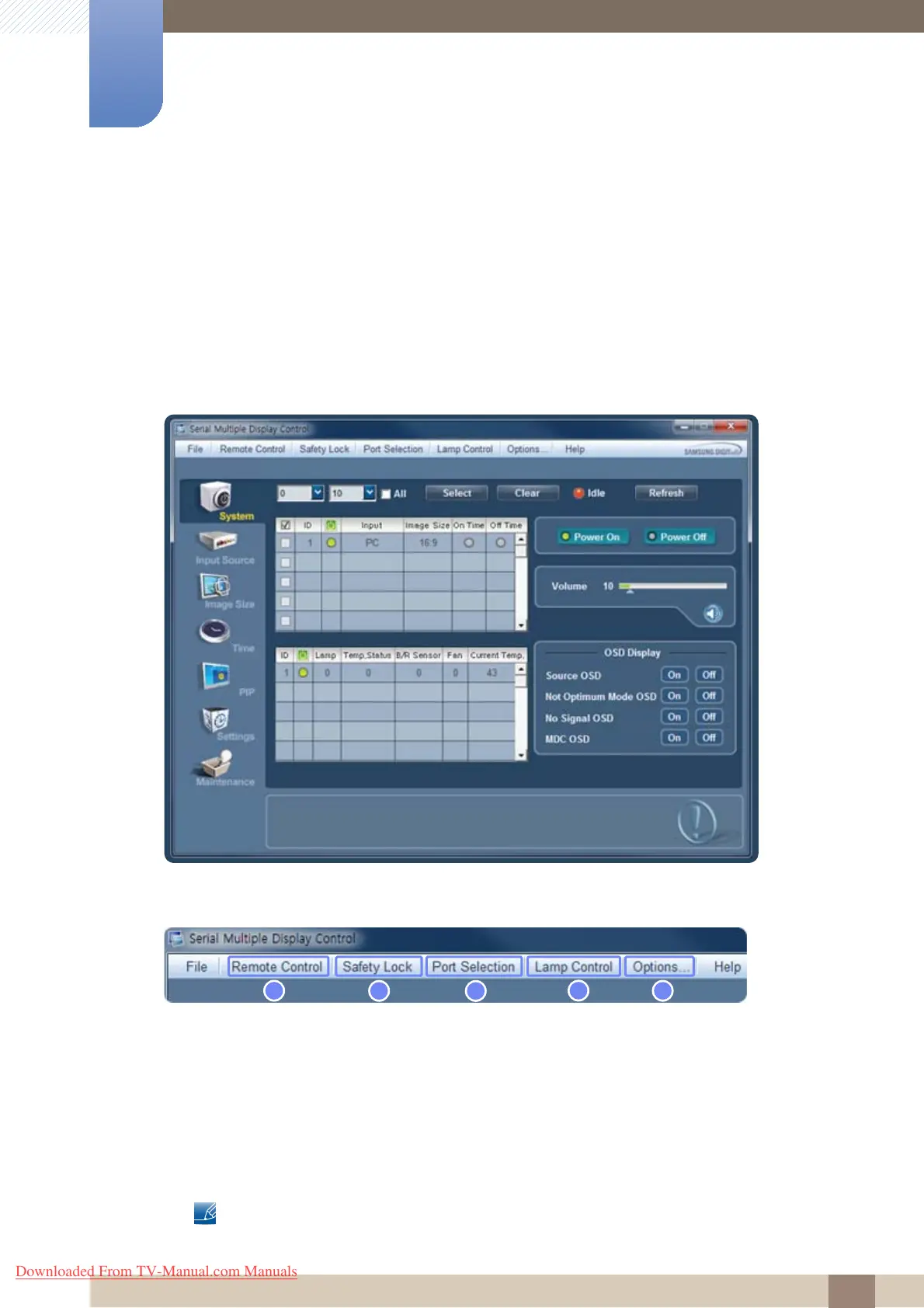
To start the MDC program, click Start>Programs>Samsung>MDC System>MDC System.
Menu Bar
1 Remote Control
z Enable the remote control signal reception function.
z Enable-Disable
2 Safety Lock
z Lock the on-screen menus.
z Off-On
To unlock, set Safety Lock to Off.
Downloaded From TV-Manual.com Manuals







 To Next Page