140
Settings
6
6 Settings
6.10 OSD Rotation
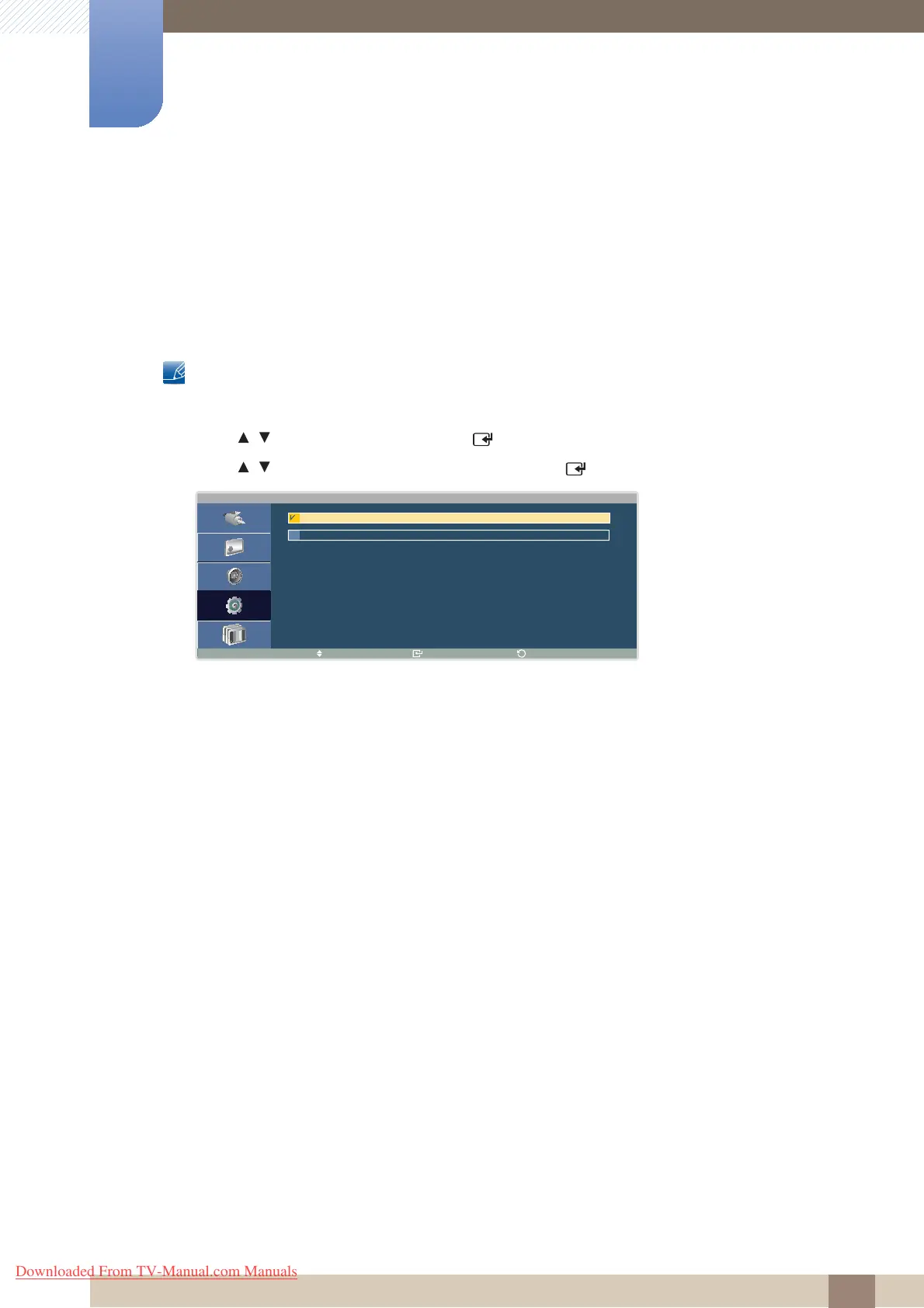
You can rotate and display the menu window in portrait mode when the product is in portrait orientation.
6.10.1 Changing the Menu Orientation (OSD Rotation)
This product can only be controlled by using the remote control.
1 Press MENU on the remote control.
2 Press / to move to Setup and press [ ].
3 Press / to move to the option you want and press [ ].
4 The selected option will be applied.
O S D R o t a t i o n
M o v e E n t e r
R e t u r n
L a n d s c a p e
P o r t r a i t
Downloaded From TV-Manual.com Manuals







 To Next Page