60
Connecting and Using a Source Device
2
2 Connecting and Using a Source Device
2.5 Connecting and Using a Source Device
2.5.1 Source List/Edit Name
Source List allows you to select a variety of sources and change source device names.
Source List
You can display the screen of a source device connected to the product. Select a source from Source
List to display the screen of the selected source.
To change the setting in Source List:
This product can only be controlled by using the remote control.
1 Press MENU on the remote control.
2 Press / to move to Input and press [ ].
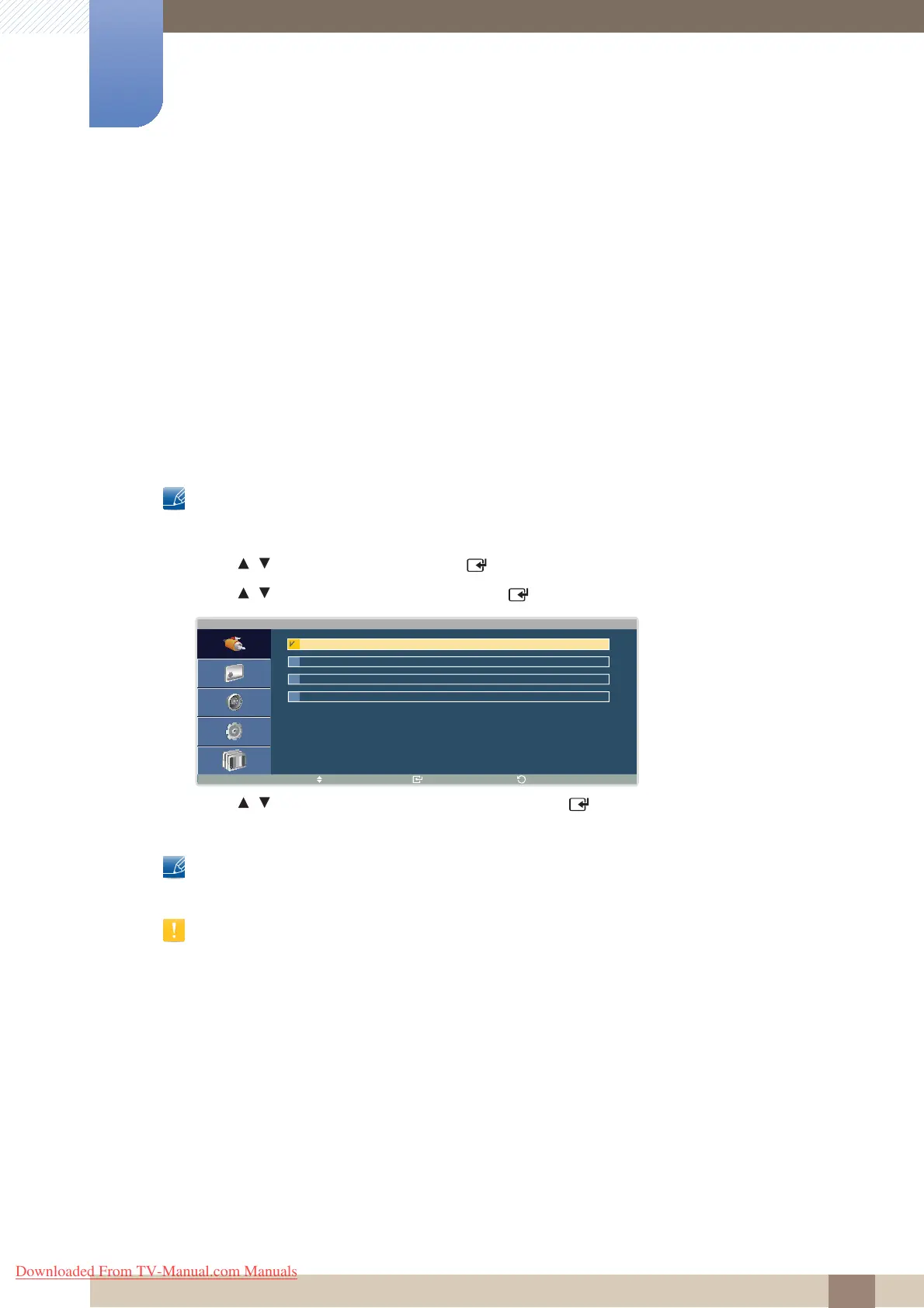
3 Press / to move to Source List and press [ ]. The following screen will appear.
4 Press / to move to the source you want and press [ ]. The screen of the selected source will
be displayed.
To use TV, connect a TV tuner box to the product. DVI will be disabled under Source List if a TV tuner
box is connected. Refer to page 59 for details about connecting to a TV.
The screen may not display correctly if an incorrect source is selected for the source device you want to
convert to.
S o u r c e L i s t
M o v e E n t e r
R e t u r n
P C
D V I
A V
C o m p o n e n t
Downloaded From TV-Manual.com Manuals







 To Next Page