99
Screen Adjustment
4
4 Screen Adjustment
4.3 Color Tone
Adjust the general color tone of the picture.
z This function is available when Dynamic Contrast is set to Off as long as Mode is not set to
Advertisement.
(Refer to page 112 and page 94 for details about Dynamic Contrast and Mode)
z Changing any setting under Color Tone will change the Mode setting to Custom.
4.3.1 Configuring the Color Tone Settings
This product can only be controlled by using the remote control.
1 Press MENU on the remote control.
2 Press / to move to Picture and press [ ].
3 Press / to move to Color Tone and press [ ].
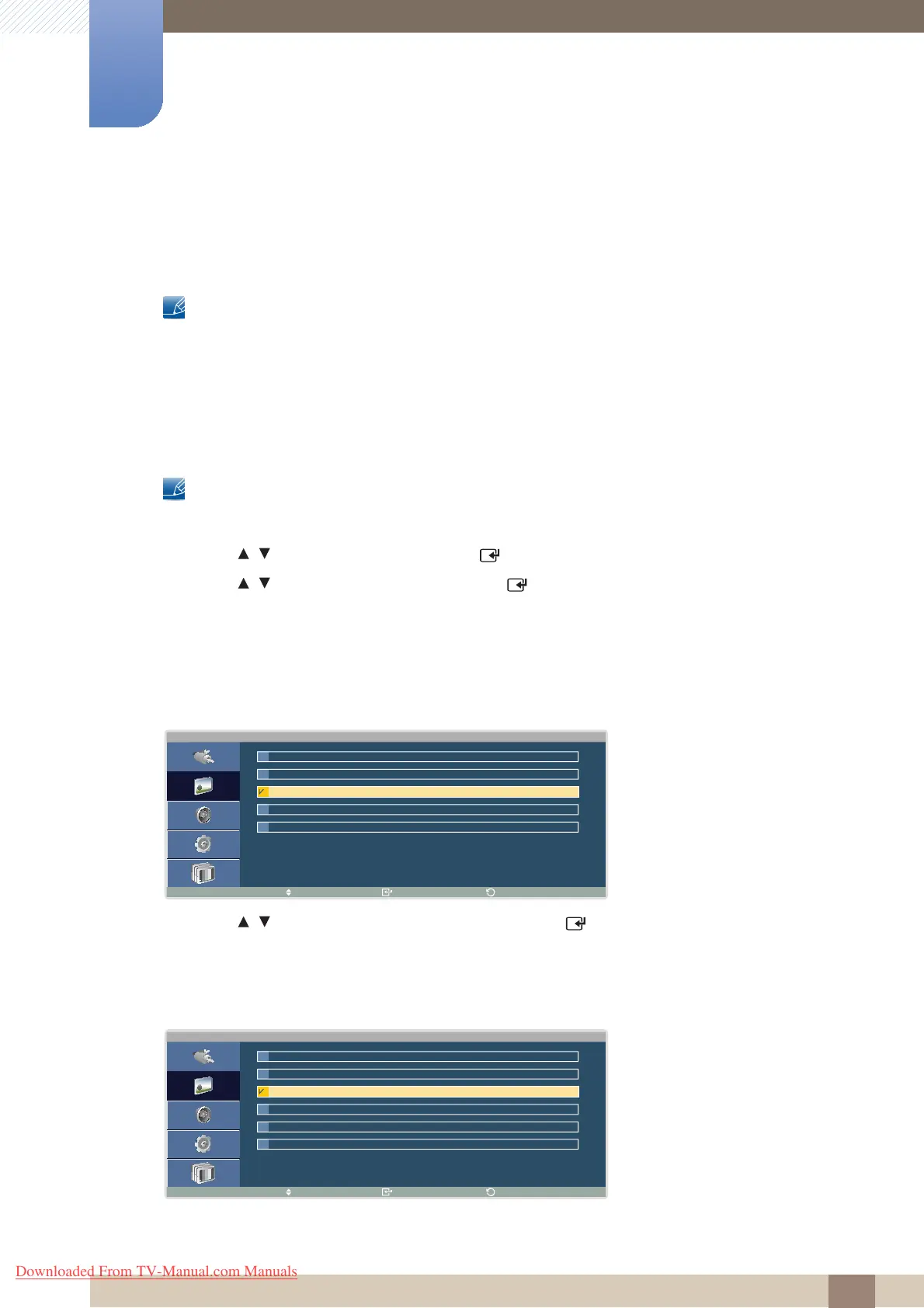
Different Color Tone options are displayed depending on the current input source:
If the input source is PC or DVI:
1 Press / to move to the option you want and press [ ].
The selected option will be applied.
If the input source is AV, Component or TV:
C o l o r T o n e
M o v e E n t e r
R e t u r n
N o r m a l
W a r m
C u s t o m
O f f
C o o l
C o l o r T o n e
M o v e E n t e r
R e t u r n
C o o l 1
N o r m a l
W a r m 1
W a r m 2
O f f
C o o l 2
Downloaded From TV-Manual.com Manuals







 To Next Page