80
Using MDC
3
3 Using MDC
Settings
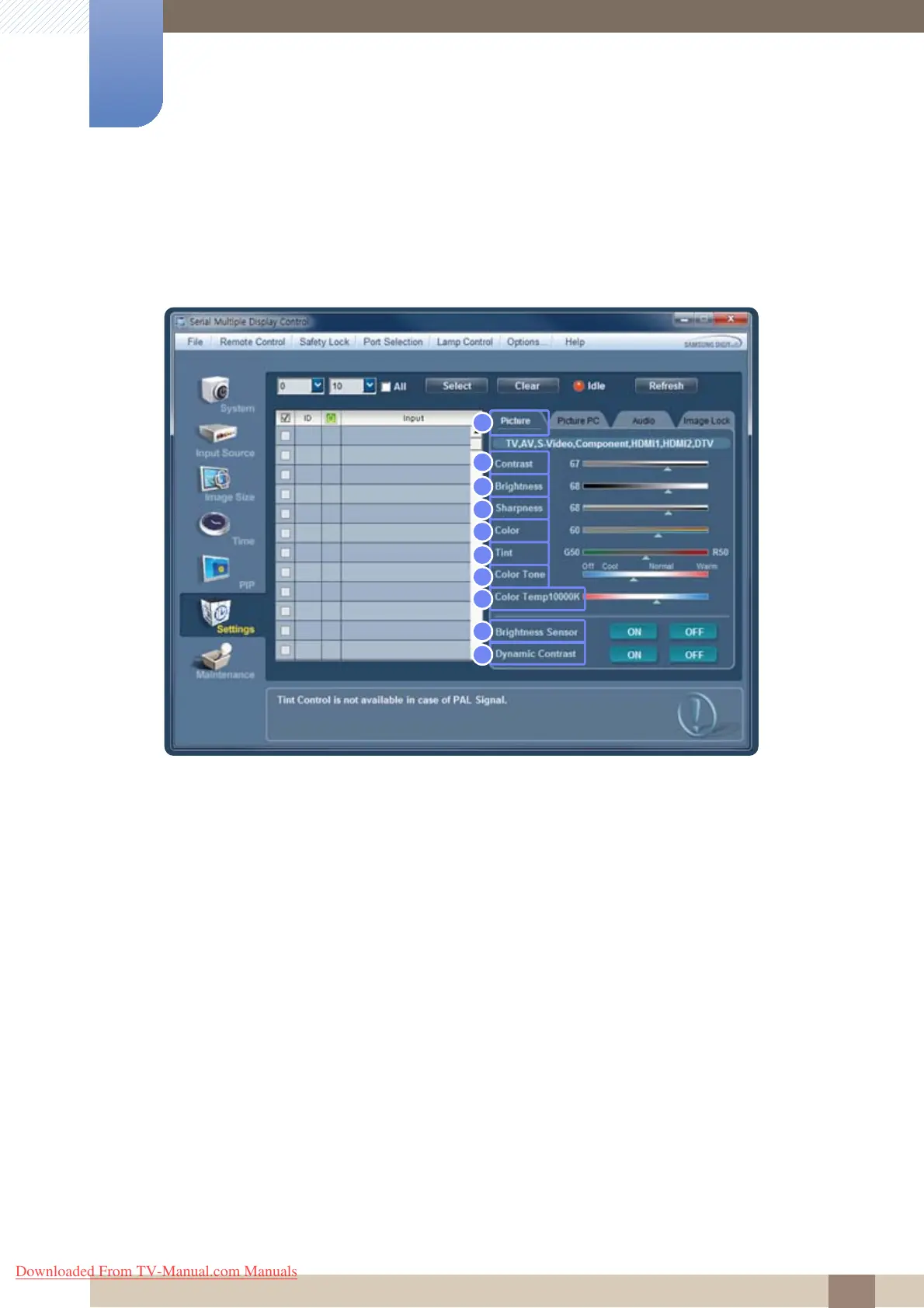
Click "Settings" to configure preferences.
Picture
To view the settings for each connected display, select a display one at a time. Selecting all displays by
clicking All+Select will display the default values.
Changing any setting in this menu will automatically switch the mode to Custom.
1 Picture
Change settings for TV, AV, Component and DTV input sources only.
2 Contrast
Change the contrast for the selected display.
3 Brightness
Change the brightness for the selected display.
4 Sharpness
Change the sharpness for the selected display.
5 Color
Change the color for the selected display.
6 Tint
Change the tint for the selected display.
5
6
7
8
9
10
2
1
3
4
Downloaded From TV-Manual.com Manuals







 To Next Page