ENG-28
BASIC FUNCTIONS
Using the Disc and Title Menu
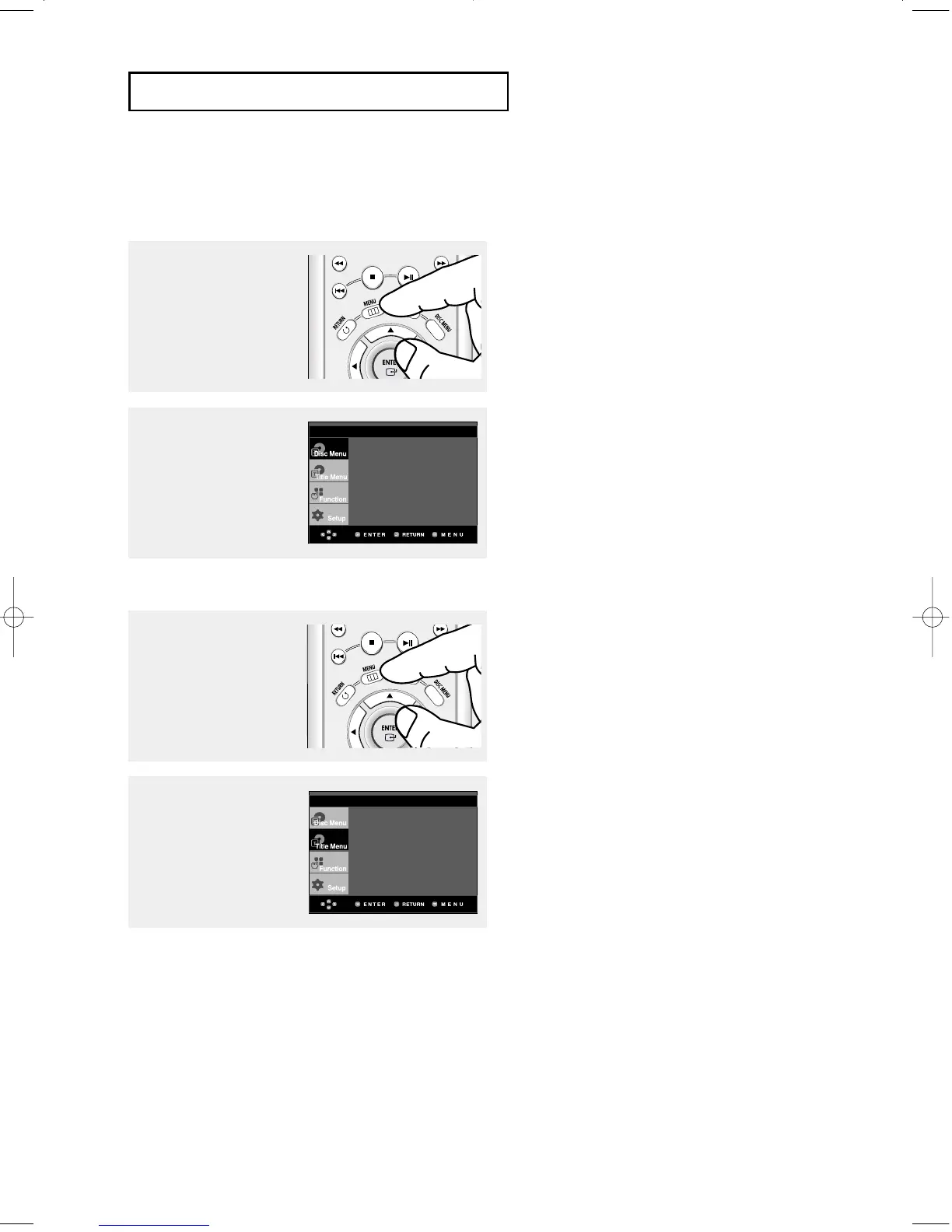
Using the Disc Menu (DVD)
1
During the playback of a
DVD disc, press the MENU
button on the remote
control.
2
Press the …/† buttons to
select Disc Menu, then
press the √ or ENTER
button.
Note
- Depending on the disc, the Disc Menu may not
be avaliable.
- You can also use the Disc Menu, using the DISC
MENU button on the remote control.
- In VCD 2.0 the DISC MENU button is used to
select Menu On or Menu Off mode.
Using the Title Menu (DVD)
1
During the playback of a
DVD disc, press the MENU
button on the remote
control.
2
Press the …/† buttons to
select
Title Menu, then
press the
√ or ENTER
button.
Note
- Depending on the disc, the Title Menu may not
be avaliable.
- Title Menu will only be displayed if there are at
least two titles in the disc.
Press ENTER key
for Disc Menu
Press ENTER key
for Title Menu
00627B-HD950-XAA-1 5/6/05 3:21 PM Page 28











 To Next Page