ENG-65
Changing
Setup Menu
CHANGING S
ETUP MENU
ΠTV Aspect
Depending on a type of television you have,
you may want to adjust the screen setting
(aspect ratio).
- 4:3 Letter Box : Select when you want to
see the total 16:9 ratio screen DVD
supplies, even though you have a TV with a
4:3 ratio screen. Black bars will appear at
the top and bottom of the screen.
- 4:3 Pan & Scan : Select this for
conventional size TVs when you want to
see the central portion of the 16:9 screen.
(Extreme left and right side of movie picture
will be cut off.)
- 16:9 Wide : You can view the full 16:9
picture on your wide screen TV.
´ Still Mode
These options will help prevent picture shake
in still mode and display small text clearer.
- Auto : When selecting Auto, Field/Frame
mode will be automatically converted.
- Field : Select this feature when the screen
shakes in the Auto mode.
- Frame : Select this feature when you want
to see small letters more clearly in the Auto
mode.
ˇ Screen Messages
Use to turn on-screen messages On or Off.
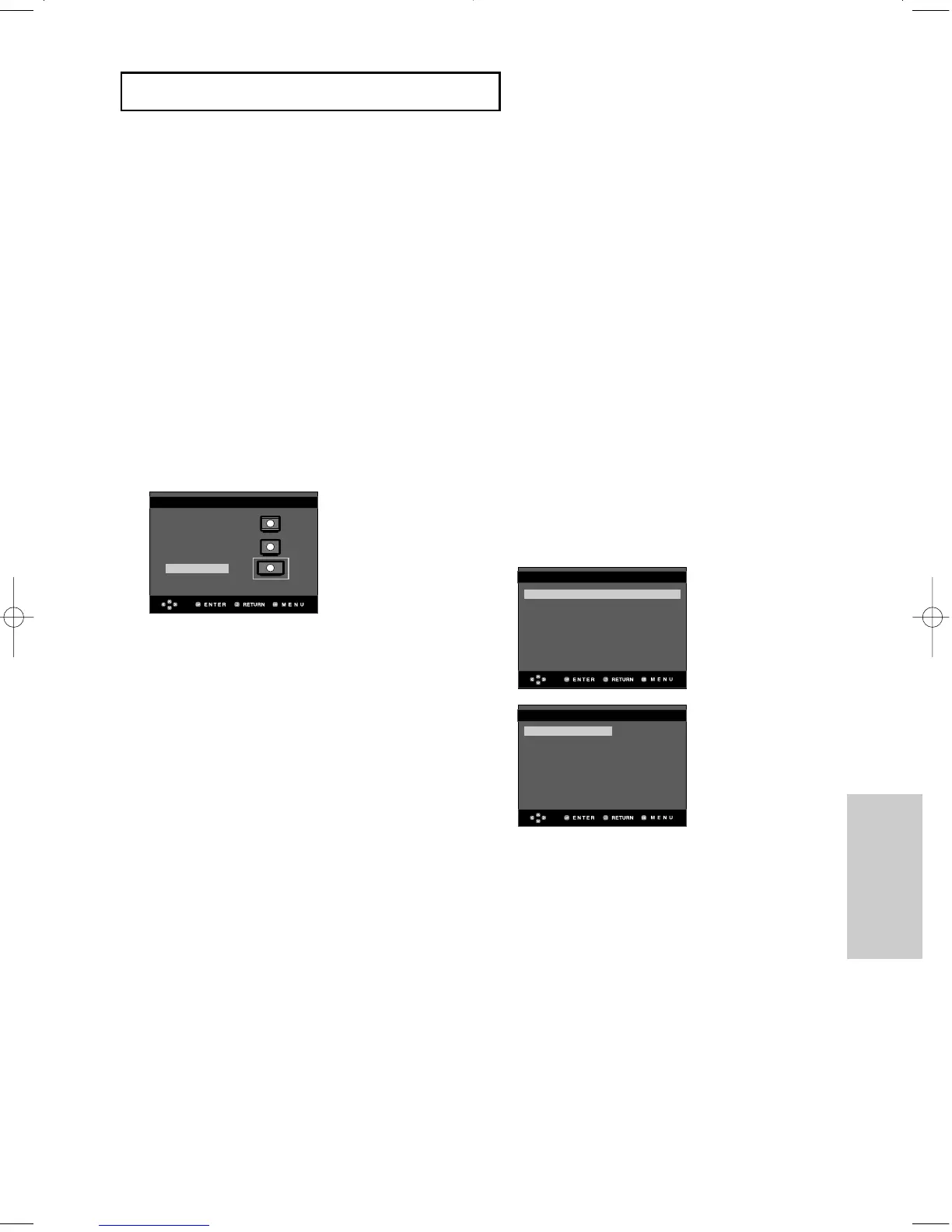
¨ Video Output
Select Video Output.
- COMPOSITE/S-VIDEO : Select when you
want to use Video and S-Video Out.
- COMPONENT(I-SCAN) : Select when you
want to use Video and Component
525i(Interlace) Out.
- HDMI/COMPONENT(P-SCAN) : Select
when you want to use Component
525p(Progressive) Out or HDMI.
• If you press the VIDEO SEL. button, Video
output mode is changed in regular
sequence in no disc mode.
(COMPOSITE/S-VIDEO ➝ COMPONENT
(I-SCAN) ➝ HDMI/COMPONENT(P-SCAN))
• If the Yes/No selection in the Display
Setup sub Menu is not made within 10
seconds, the screen returns to the
previous menu.
TV ASPECT
4:3 Lettre Box
4:3 Pan & Scan
16:9 Wide
TV Aspect : Wide
√√
Still Mode : Auto
Screen Messages : On
Video Output :
COMPOSIT/S-VID
√√
HDMI : 480p
√√
Picture Quality
√√
DISPLAY SETUP
DISPLAY SETUP
COMPOSITE/S-VIDEO
COMPONENT(I-SCAN)
HDMI/COMPONENT(P-SCAN)
00627B-HD950-XAA-2 5/6/05 3:26 PM Page 65











 To Next Page