ENG-48
ADVANCED
FUNCTIONS
MP3/WMA Playback
1
Open the disc tray.
Place the disc on the tray.
Close the tray.
▼
When a disc that contains both MP3
and WMA files, only one type will
play, not both.
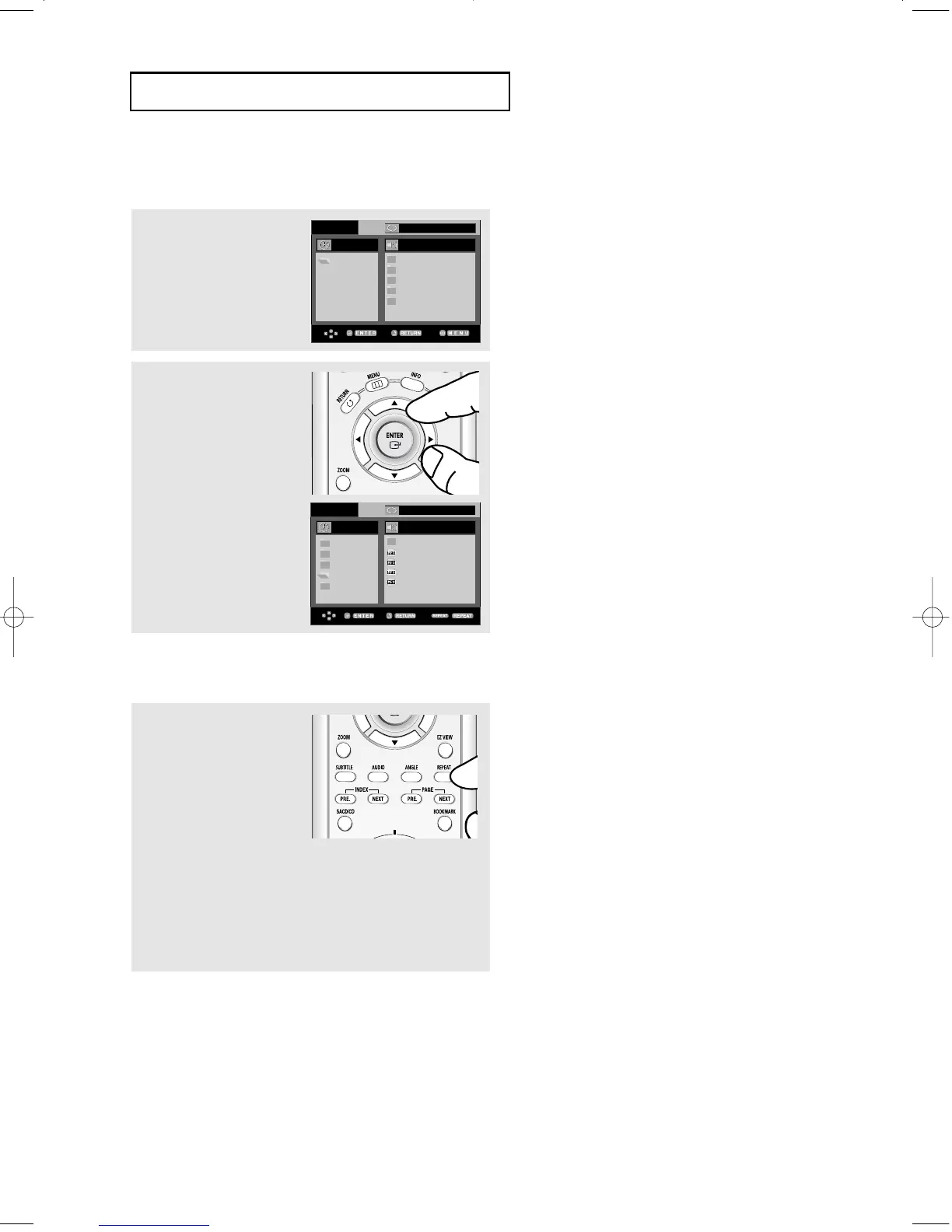
2
Press the
……
/
††
or
œ/√
buttons to select a song
file.
Press ENTER to begin
playback of the song file.
Repeat/Random playback
1
Press the REPEAT button
to change the playback
mode. There are four
modes; Off, Track, Folder
and Random.
- Off: Normal Playback
- Track: Repeats the current song file.
- Folder: Repeats the song files which have the same extension
in the current folder.
- Random: Song files which have the same extension will be
played in random order.
To resume normal play, press the CLEAR button.
00:00:23 Because You
..
Because You
Cactus
Sad Dayu
Wonderful
ROOT
WMA
JPEG
MP3
MPEG4
ROOT
WMA
JPEG
MP3
MPEG4
ROOT
Off
Off
00627B-HD950-XAA-2 5/6/05 3:26 PM Page 48











 To Next Page