ENG-30
BASIC FUNCTIONS
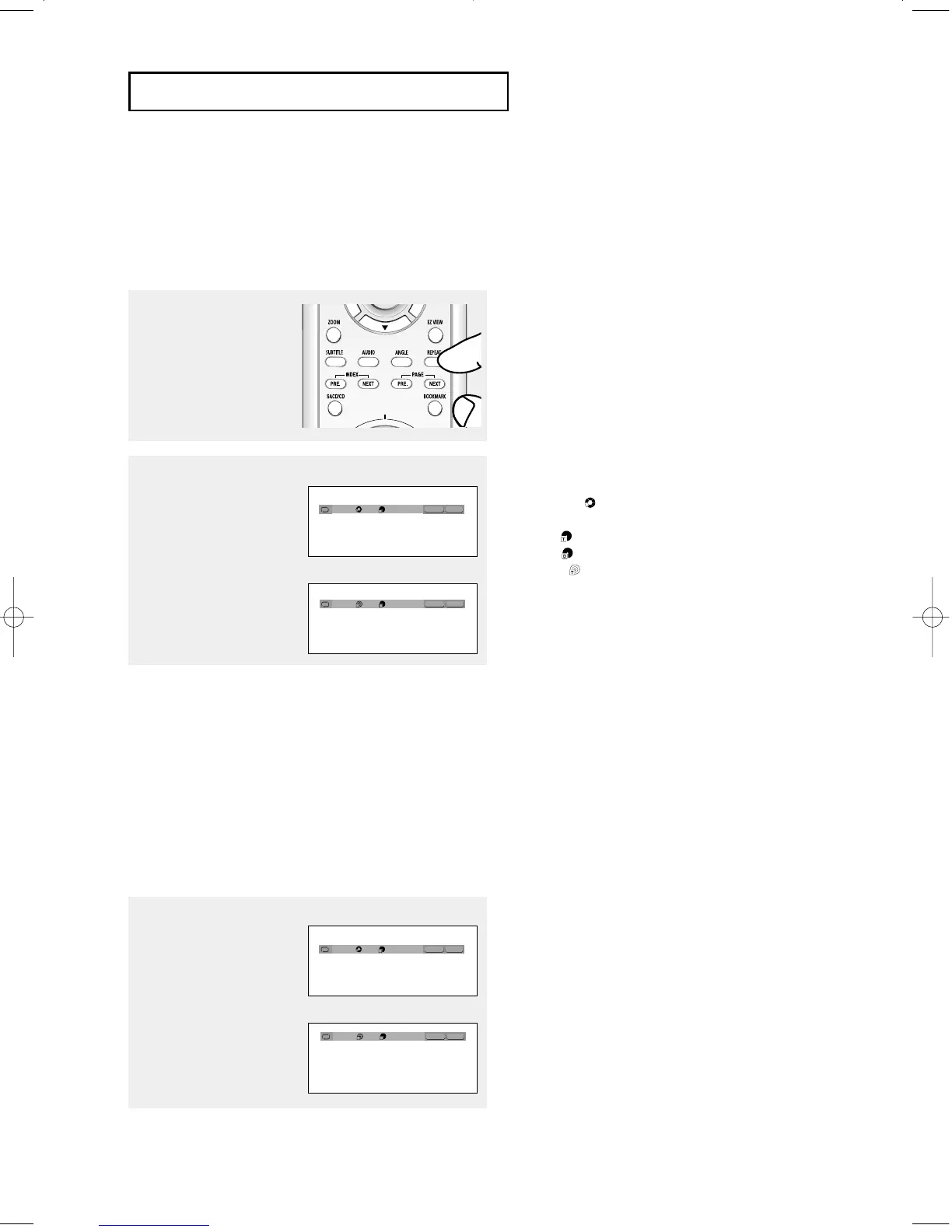
Repeat Play
Repeat the current track, chapter, title, a chosen section (A-B), or all of the disc.
When playing a DVD/VCD/CD
1
Press the REPEAT button
on the remote control.
Repeat screen appears.
2
Press the œ/√ buttons to
select Chapter, Title or A-B,
then press the ENTER
button.
▼
DVD repeats play by chapter or title, CD and
VCD repeat play by disc or track.
Chapter ( ): repeats the chapter that is
playing.
Title ( ): repeats the title that is playing.
Disc ( ): repeats the disc that is playing.
Track ( ): repeats the track that is playing.
A-B: repeats a segment of the disc that you
select.
Using the A-B Repeat function
1. Press the REPEAT A-B button at the point where you want repeat play to start (A).
B is automatically highlighted.
2. Press the REPEAT A-B button again at the point where you want repeat play to stop (B).
- To return to normal play, press the CLEAR button.
Note
A-B REPEAT does not allow you to set point (B) until at least 5 seconds of playback time has
elapsed after point (A) has been set.
3
To return to normal play,
press
REPEAT button
again, then press the œ/√
buttons to select Off and
press
ENTER button.
Note
- Depending on a disc, the Repeat function may
not be available.
- When VCD2.0 is in Menu Off mode only, this
function works. Select Menu Off by pressing the
DISC MENU buton.
REPEAT
ENTER
T
REPEAT
ENTER
T
D
DVD
VCD/CD
REPEAT
ENTER
T
REPEAT
ENTER
T
D
DVD
VCD/CD
Off 01 01 A-B
Off 01 01 A-B
Off 01 01 A-B
Off 01 01 A-B
00627B-HD950-XAA-1 5/6/05 3:21 PM Page 30











 To Next Page