ENG-58
CHANGING S
ETUP MENU
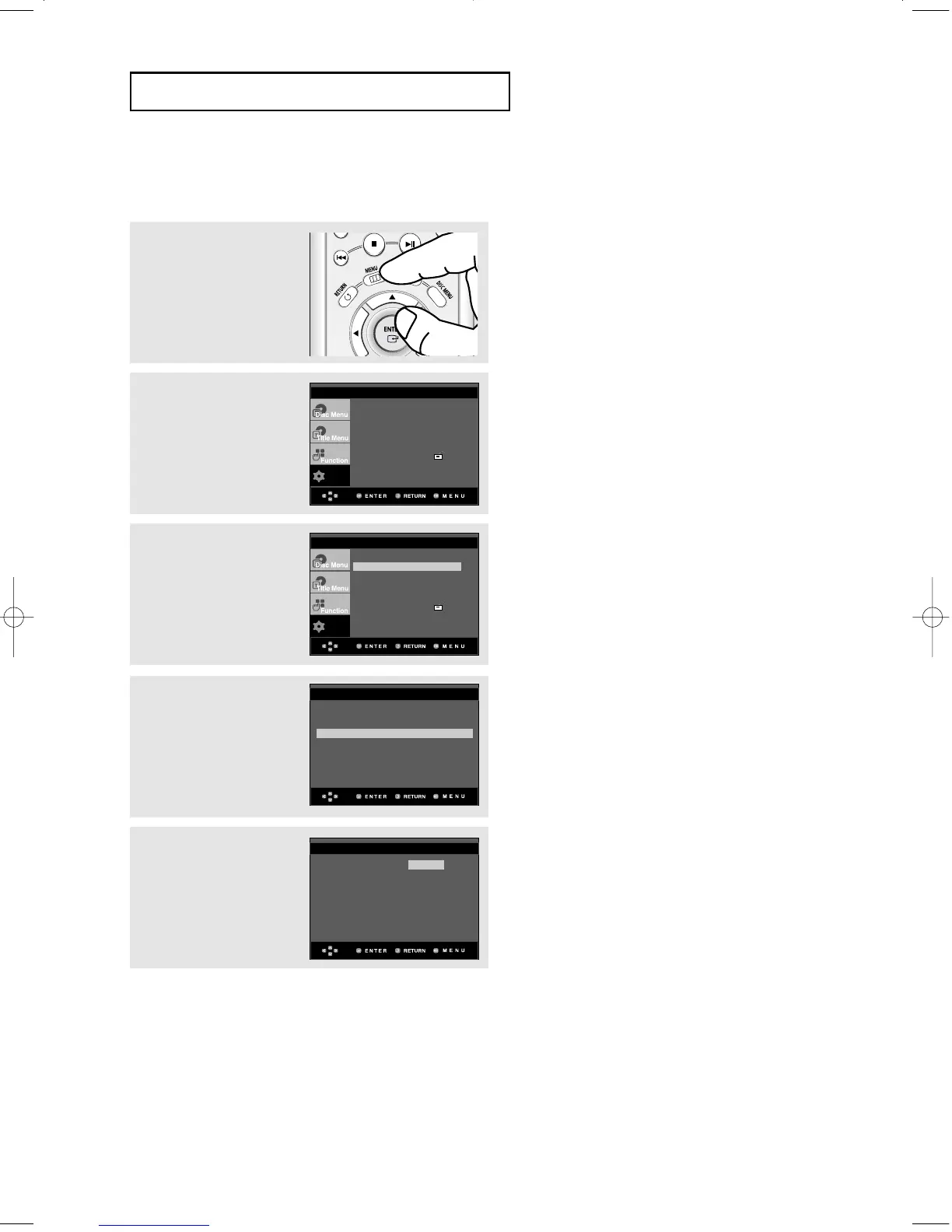
Using the Audio Language
4
Press the
……
/
††
buttons to
select Audio, then press
the
√
or ENTER button.
5
Press the
……
/
††
buttons to
select the desired
language, then press the
√
or ENTER button.
▼
- Select “Original” if you want the default
soundtrack language to be the original
language the disc is recorded in.
- Select “Others” if the language you want is
not listed.
- If the selected language is not recorded on
the disc, the original pre-recorded language is
selected.
- The language is selected and the screen
returns to Language Setup menu.
- To exit the setup menu, press the MENU
button.
1
With the unit in Stop
mode, press the MENU
button.
2
Press the
……
/
††
buttons to
select Setup, then press
the
√
or ENTER button.
3
Press the
……
/
††
buttons to
select Language Setup,
then press the
√
or
ENTER button.
Player Menu : English
√√
Disc Menu : English
√√
Audio : English
√√
Subtitle : Automatic
√√
LANGUAGE SETUP
English
Français
Audio Deutsch
Español
Italiano
Nederlands
Original
Others
AUDIO LANGUAGE











 To Next Page