REPEAT BUTTON
Allows you to repeat a title, chapter, track or disc.
TITLE MENU BUTTON
Use to enter the title menu.
INFO BUTTON
Display information on the connected device currently being used.
ENTER BUTTON
Used to select an item in the SETUP menu.
EXIT BUTTON
Exits the SETUP menu.
TUNER MEMORY BUTTON
Used to set a preset radio frequency.
MO/ST BUTTON
Select MONO or STEREO for radio broadcasts.
AUDIO ASSIGN BUTTON
Toggles to select an input mode for the selected source.
S/W LEVEL BUTTON
Used to adjust the level of the subwoofer.
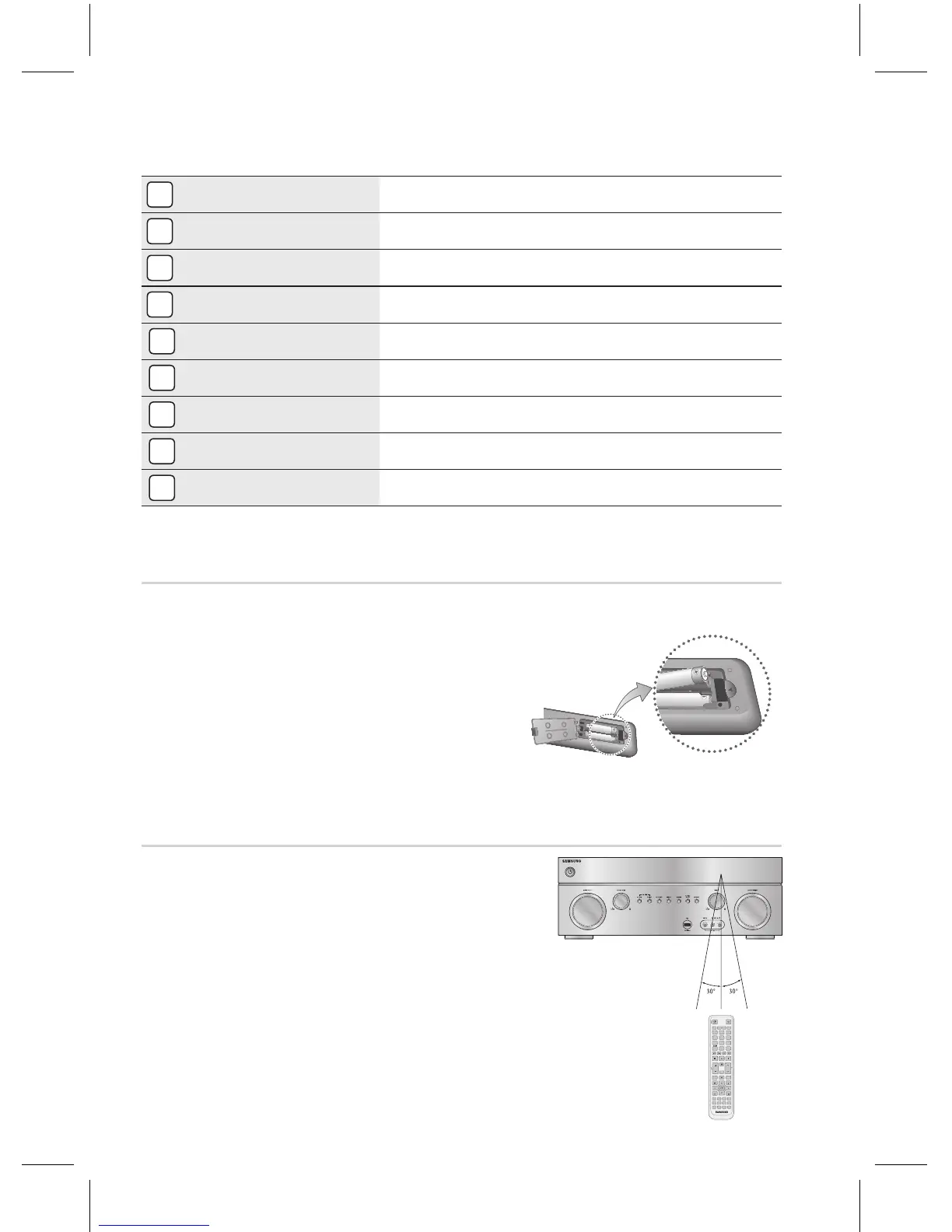
Place batteries in the remote control so they
match the polarity : (+) to (+) and (–) to (–).
Assuming typical AVR usage, the batteries last for
about one year.
Use the correct type of batteries. Batteries that
look similar may differ in voltage.
Always replace both batteries at the same time.
Do not expose the batteries to heat or a ame.
The remote control can be used up to approximately 23 feet/
7 meters in a straight line. It can also be operated at a
horizontal angle of up to 30° from the remote control sensor.
`
`
`
`
`
* Battery size: AAA



 To Next Page