You can not set Center and Surround in this mode when their Speaker Size is set to NONE.
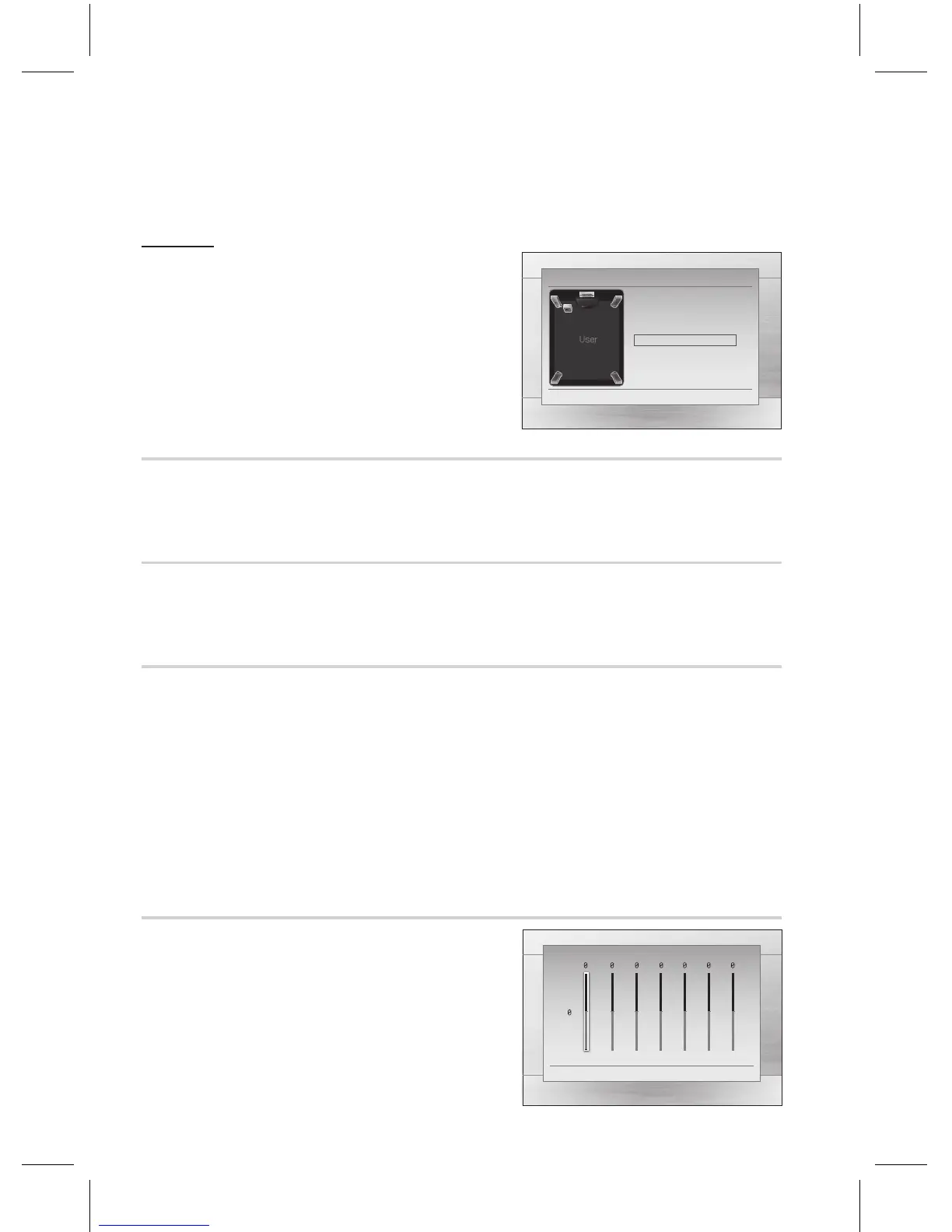
Use the Test Tone feature to check the speaker
connections.
Press the
_+
buttons to select .
The test tone will be sent to ➞➞
➞➞➞
in order.
To stop the test tone, press the button.
This feature balances the range between the loudest and quietest sounds. You can use this function to
enjoy Dolby Digital sound when watching movies at low volume at night.
You can select either Full, 6/8, 4/8, 2/8, off.
Video and audio sync may not match with digital TV. If this occurs, adjust the audio delay time to
match the video
You can set the audio delay time between 0 ms and 300 ms. Set it to the optimal status.
The audio signals transmitted over the HDMI Cable can be toggled On/Off.
Video is transmitted over the HDMI connection cable only, and audio is output through the
product speakers only.
Both video and audio signals are transmitted over the HDMI connection cable, and audio is
output through your TV speakers only.
The default setting of this function is HDMI Audio Off.
HDMI Audio is automatically down-mixed to 2ch for TV speakers.
When HDMI Audio is set to On, PL II/DSP EQ/P.BASS/3D SOUND doesn't work.
With HDMI AUDIO set to 'On', the volume can be adjusted only using the TV remote control.
If you select a different function, HDMI AUDIO will be deactivated accordingly.
You can con gure the equalizer settings manually to your
preference.
✎
`
~
~
~
~
~
~
✎
`
`
`
`
`
m
"
'
"
'
m
"
'
a
Reset
>
Adjust
<
Move
'
Return
dB
6
·
·
·
·
·
·
·
·
·
·
·
·
-6
250Hz 600Hz 1kHz 3kHz 6kHz 10kHz 15kHz



 To Next Page