Miscellaneous
56, 57, 58
01, 15
01, 02, 03, 04, 05, 06, 07, 08, 09, 10,
11, 12, 13, 14
01, 18, 40, 48
57, 58, 81
59, 60
18
03
03, 18, 25
97
03
18
46
15
03, 05, 61, 82, 83, 84
62
03
59, 61, 63
03
02, 03, 04, 15, 16, 17, 18, 19, 20, 21, 22, 23, 24,
25, 26, 27, 28, 29, 30, 32, 34, 35, 36, 48, 59, 90
40
03
03, 15, 40, 46, 59, 61, 64, 82, 83, 84, 85
19, 65
03
03
06, 40, 56, 59, 66, 67, 68
40
15, 18, 50, 59, 69
03, 19
40
00, 15, 16, 17, 40, 43, 46,
47, 48, 49, 59, 60, 98
19, 61, 65
03, 40, 60, 61
15, 18, 19
15, 57, 64
57, 58
50, 51, 52, 53, 55
03, 40
01
18
18, 40, 48, 54, 59, 60, 62
61, 95, 96
06
18
03, 15, 18, 25
18, 40
19, 57, 63, 71
18
59, 60, 69
15, 17, 18, 40, 48, 54, 60, 64
18
40
03
58, 79
01
03, 54
45
56, 59, 67, 86
70
59, 61, 87, 88
03, 15, 40
15
01, 15, 16, 17, 37, 38, 39, 40, 41,
42, 43, 44
18
19, 54, 56, 59, 60, 62, 63, 65, 71
15, 17, 18, 48, 54, 59, 60, 62, 72, 89
40, 54
54
18, 40
18, 40, 59, 60, 75
18
18, 19, 20, 40, 59, 60
03
03
03
06, 07, 08, 09, 54, 66, 67, 73, 74
18
03, 15, 17, 18, 48, 54, 59, 62, 69, 90
15, 17, 18, 40, 48, 54, 62, 72
63, 66, 80, 91
15, 18, 59
40
06, 66, 67
17, 48, 56, 60, 61, 75
18, 59, 67, 76, 77, 78, 92, 93, 94
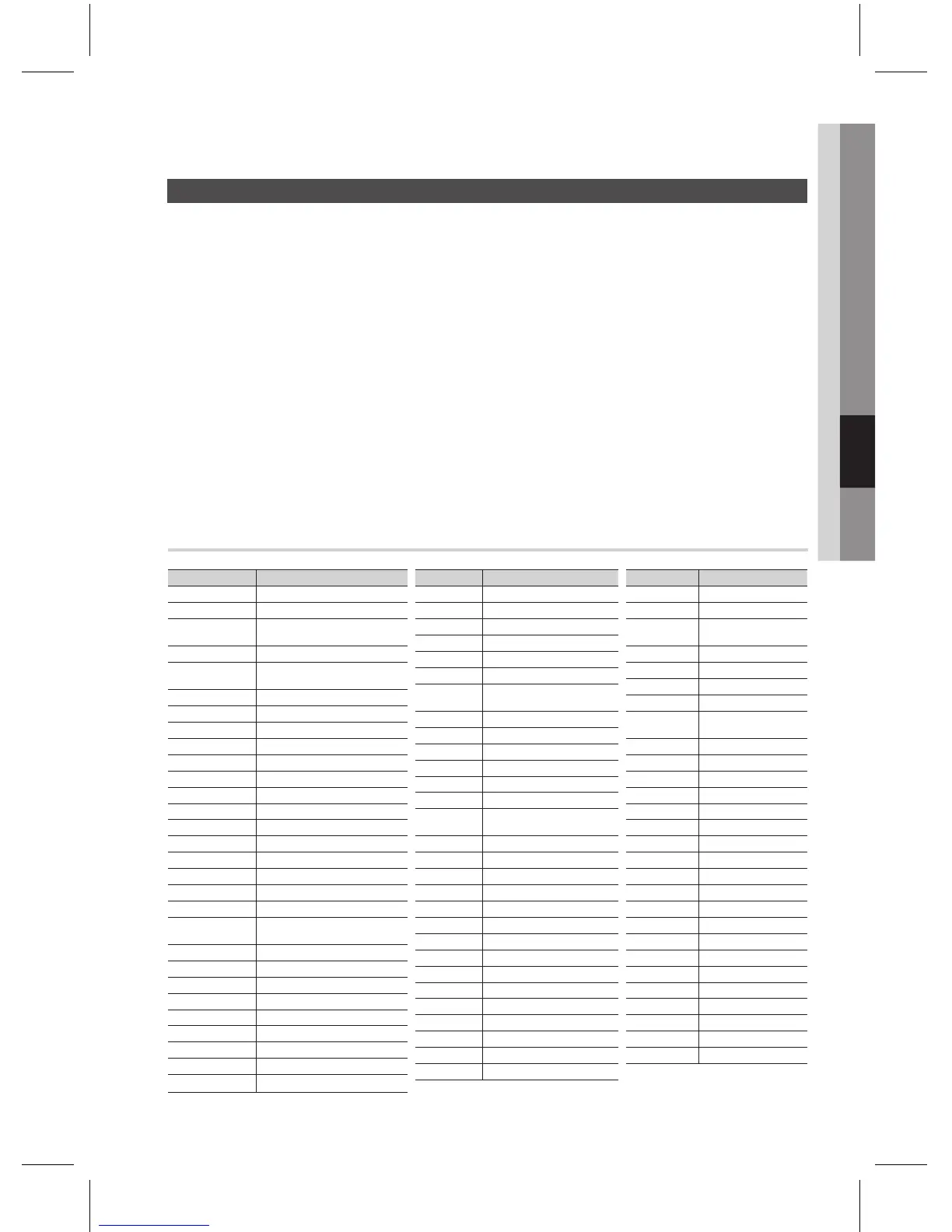
Press the POWER button to turn on the TV.
Press the TV button to set the remote to TV mode.
Point the remote control toward the TV.
While holding down the POWER button, enter the code corresponding to your brand of TV.
If there is more than one code listed for your TV in the table, enter one at a time to determine
which code works.
If the code matches the TV's code, the TV will be turned off.
If TV is turned on or off when you press the POWER button of the remote control, the setting is
completed.
You can use the TV POWER, VOLUME, CHANNEL, MENU and Numeric buttons (0~9).
The remote control may not work on some brands of TVs. Also, some operations may not be
possible depending on your brand of TV.
The remote control will work with Samsung TVs by default.
1.
2.
3.
4.
~
~
5.
~
✎
`
`



 To Next Page