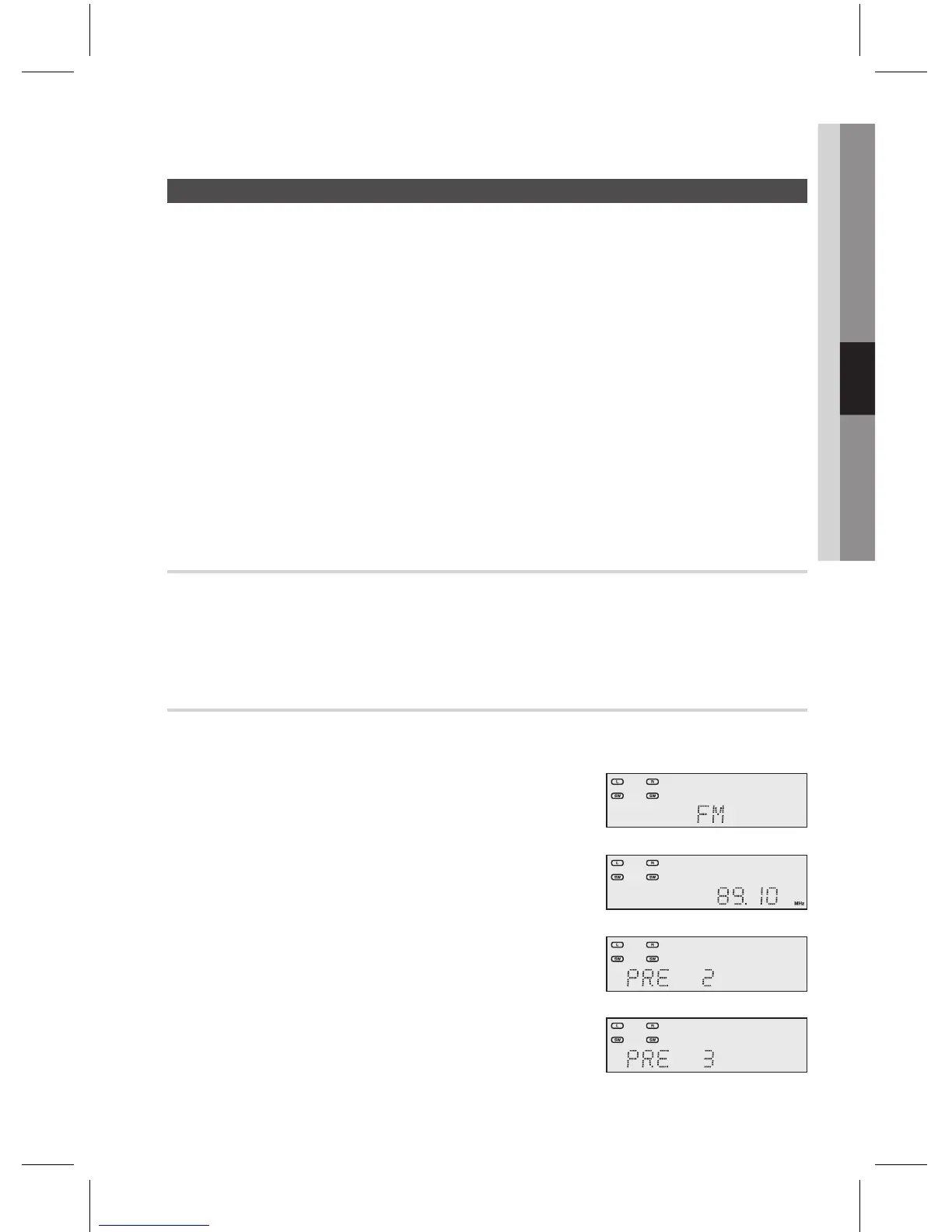
You can listen to the radio by using either automatic or manual tuning.
Press the button on the remote control to select .
If you want to switch the tuning mode between Preset and Manual, use the
button in the front panel, or the button on the remote control.
Each time you press this button,
Select a frequency (radio broadcast).
Preset tuning :
Use the dial on the front panel or press the ( .,, ) buttons on the
remote control to select a preferred frequency.
Manual tuning 1 (Automatic tuning) :
Press and hold the ( .,, ) buttons on the remote control to automatically tune in
a frequency.
Manual tuning 2 :
Press the
( .,, ) buttons on the remote control to increase or decrease the
frequency step by step.
Press the MO/ST button on the remote control.
Each time you press this button, or will be selected in turn.
If you select in an area with weak reception, it will help to reduce noise.
This function works only with the remote control.
You can preset up to 15 FM stations.
E.g.: Setting station FM 89.10 in preset 2.
Press the
button on the remote control to select
.
Press the TUNING/CH ( .,, ) buttons on the remote control to
select 89.10.
Refer to step 3 above to tune in automatically and manually.
Press the MEMORY button on the main unit.
You can also use the button on the
remote control.
Tuner number will blink on the display.
Press the TUNING/CH ( .,, ) buttons on the remote control to
select preset 2.
You can select from presets 1 to 15.
Press the MEMORY button on the main unit.
Tuner number will disappear and station 89.10 will be saved
in preset 2.
To preset other stations, repeat steps 2 to 5.
1.
2.
~
3.
~
~
~
~
~
~
1.
2.
~
3.
~
~
4.
~
5.
~
6.



 To Next Page