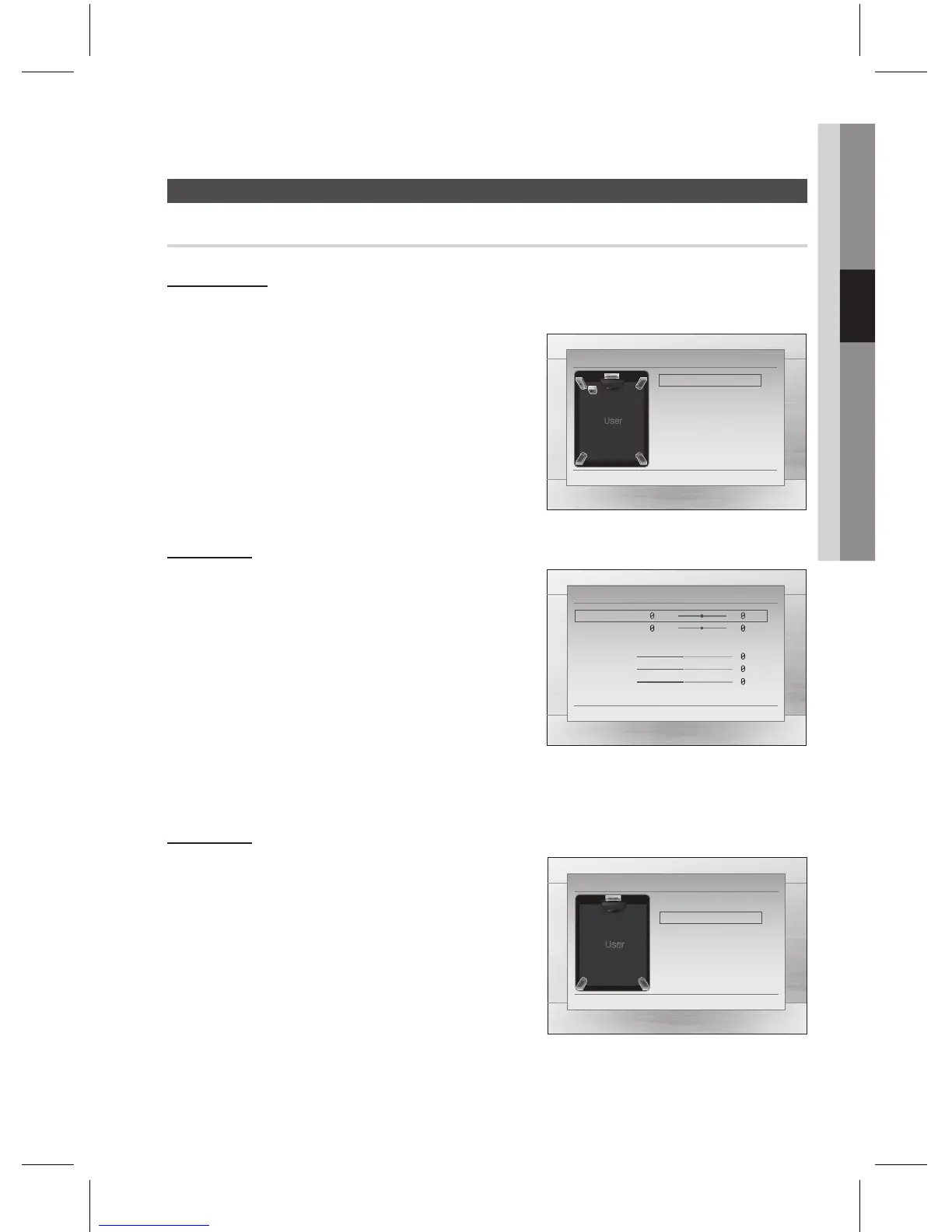
You can set the Speaker Size of the Center and Surround Speakers, as well as Test Tone in this mode.
For the Front, the mode is set to Small.
For the Subwoofer, the mode is set to Present.
For the Center and Surround, you can switch the mode to
Small or None.
: Select this when using the speakers.
: Select this when no speaker is connected.
The speaker mode may vary depending on the
Dolby Pro Logic and Stereo settings.
You can adjust the balance and level for each speaker.
Press the $% buttons to select and adjust the desired
speaker.
Press the _+ buttons to adjust the settings.
You can select between 0 and -6.
The volume decreases as you move closer to –6.
The volume level can be adjusted in steps from +6dB to –6dB.
The sound gets louder as you move closer to +6dB and quieter as you get closer to -6dB.
If the speakers cannot be placed at equal distances from
the listening position, you can adjust the delay time of the
audio signals for Surround speakers.
You can also set the Test Tone in this mode.
When 5.1CH Surround Sound is played, you can enjoy the
best sound if the distance between you and each speaker is
the same.
Since the sounds arrive at the listening position at different
times depending on the placement of speakers, you can adjust
this difference by adding a delay effect to the Center and Surround Speakers.
~
~
~
✎
`
`
`
`
`
m
"
'
"
'
m
"
'
<
"
'
m
"
'
<
"
'



 To Next Page