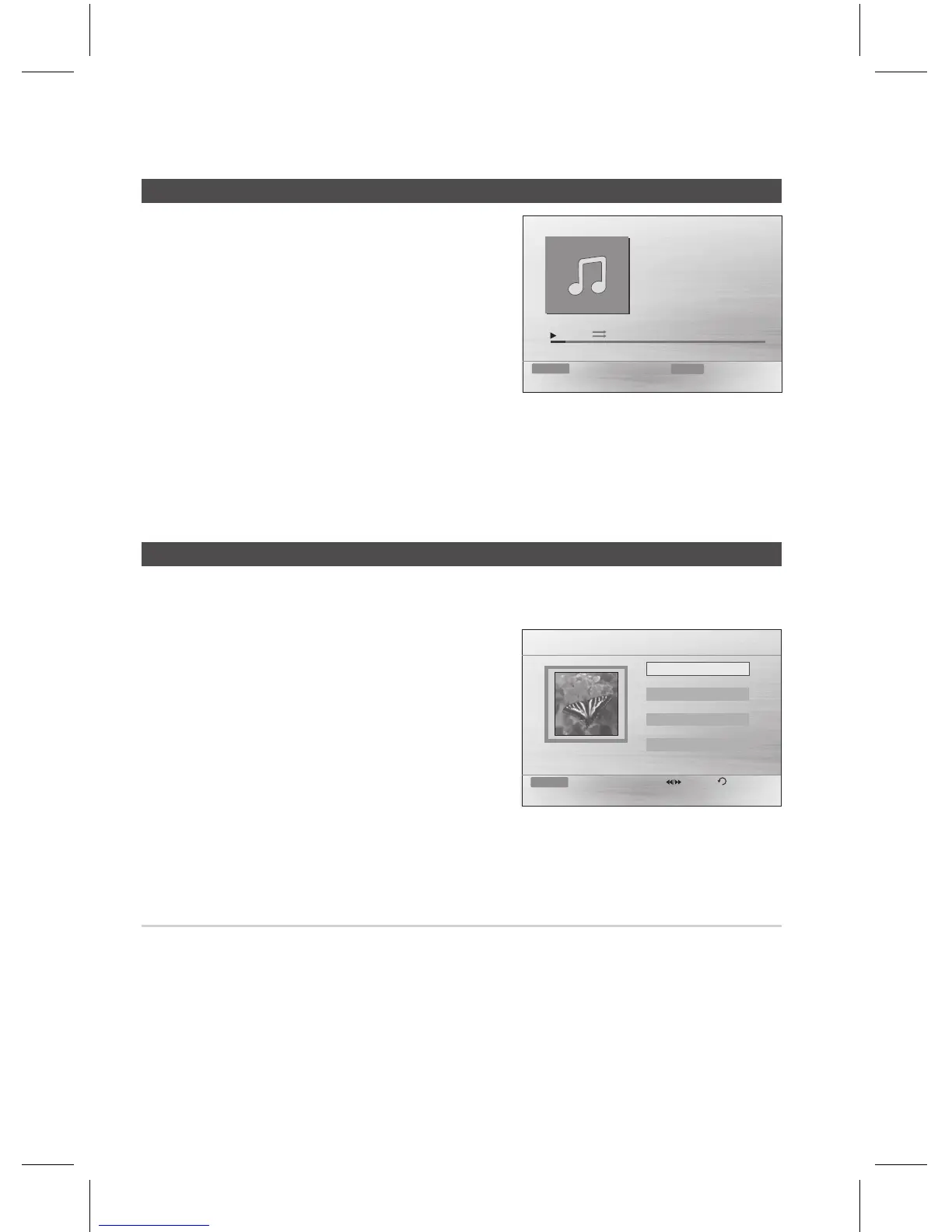
Connect the USB storage device to the USB port on the
front panel of the product.
For the MP3/WMA file, press the _+ buttons to select
, then press the button.
- Press the
$%_+ buttons to select a desired file
and press the button.
- Press the () buttons to move to the previous/
next pages.
Press the (@) button to stop playback.
Some MP3/WMA le may not play, depending on the recording mode.
Table of contents of a USB varies depending on the MP3/WMA track format recorded on the disc.
WMA-DRM les cannot be played.
Images captured with a digital camera or camcorder, or JPEG les on a PC can be stored on a USB
and then played back with this product.
Connect the USB storage device to the USB port on
the front panel of the product.
Press the _+ buttons to select , and then
press the button.
Press the $% buttons to select the folder you want to
play, and then press the button.
Press the ▲▼ buttons to select the photo you want to
play, and then press the button.
The selected le will play and slide show will start.
To stop slide show, press the (#) button.
You can view the previous/next le by pressing the
◀,► buttons during the slideshow mode.
Press the or button during the PAUSE mode.
Button: Rotate 90° counterclockwise.
Button: Rotate 90° clockwise.
The maximum resolutions supported by this product are 5120 x 3480 (or 19.0 MPixel) for standard
JPEG les and 2048 x 1536 (or 3.0 MPixel) for progressive image les.
1.
~
2.
✎
`
`
`
1.
2.
3.
4.
~
~
~
~
~
✎
`



 To Next Page