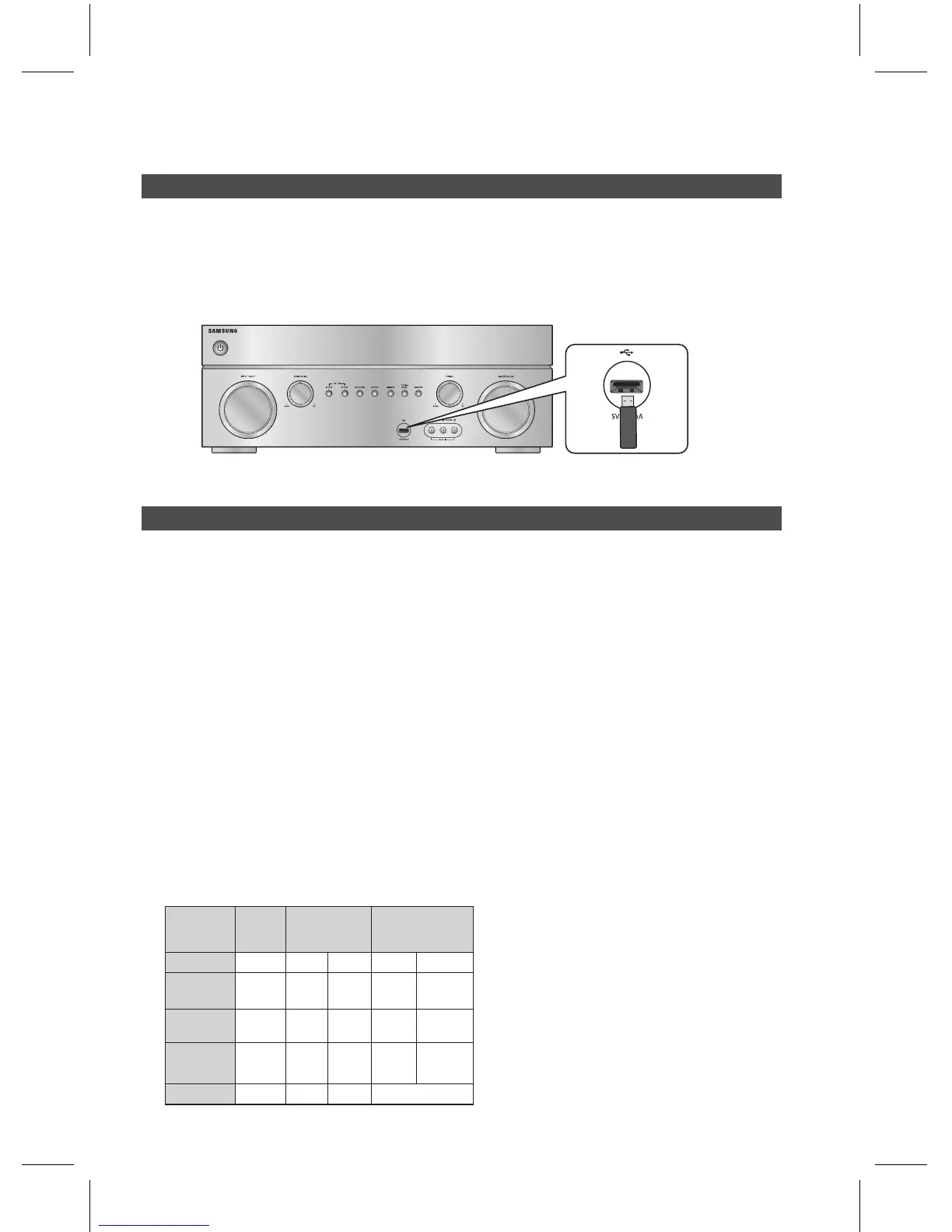
You can use the USB connection to play multimedia les (MP3, JPEG, DivX, etc) downloaded from the USB
storage device.
In Stop mode, connect the USB storage device to the USB port on the front panel of the product.
Use the front USB PLAY
►
, or STOP
@
on the front panel to play, pause or stop playing the music.
Supported devices: USB storage media, MP3 player, digital camera
If a folder or le name is longer than 10 characters, it may not properly display or operate.
A subtitle le bigger than 300KB may not be properly displayed.
A certain USB/digital camera device, USB card reader is not supported.
FAT16 and FAT32 le systems are supported.
Photo (JPEG), music (MP3, WMA) and video le should have their names in English or Korean.
Otherwise, the le may not played.
Connect directly to the product's USB port. Connecting through another cable may raise problems with
USB compatibility.
Inserting more than one memory device to a multi-card reader may not operate properly.
PTP protocol for digital camera is not supported.
Do not disconnect USB device during a "Reading" process.
Bigger the image resolution, the longer the delay to displaying.
DRM applied MP3/WMA or video les downloaded from a commercial site are not played back.
External HDD device is not supported.
The maximum current supported by the USB port for an external device is 500 mA (at 5V DC).
Supported le formats
Format
Still
Picture
Music Movie
File name
JPG MP3 WMA WMV
DivX
File
extension
JPG
.JPEG
.MP3 .WMA .WMV .AVI
Bitrate
–
80~320
kbps
56~128
kbps
4Mbps 4Mbps
Version
– –
V8
V1,V2,
V3,V7
DivX3.11~
DivX5.1,
XviD
Pixel
640x480
– –
720x480
1)
2)
3)
4)
5)
6)
7)
8)
9)
10)
11)
12)
13)
14)



 To Next Page