Personalizing Your Phone 121
Personalizing Your Phone
Changing your Color Theme
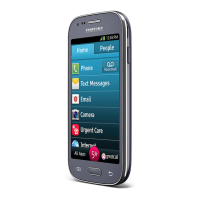
You can personalize your Touch3 by changing the color theme of the GreatCall Home
Screen:
1. While at the Home Tab, TAP the Menu Button ( ).
2. TAP “Options”.
3. TAP “Color Theme”.
4. TAP the color that you like. You can select from Black, Dark Teal (default color),
Grey, Magenta, Purple and Yellow.


 To Next Page