Getting Started
14 Getting Started
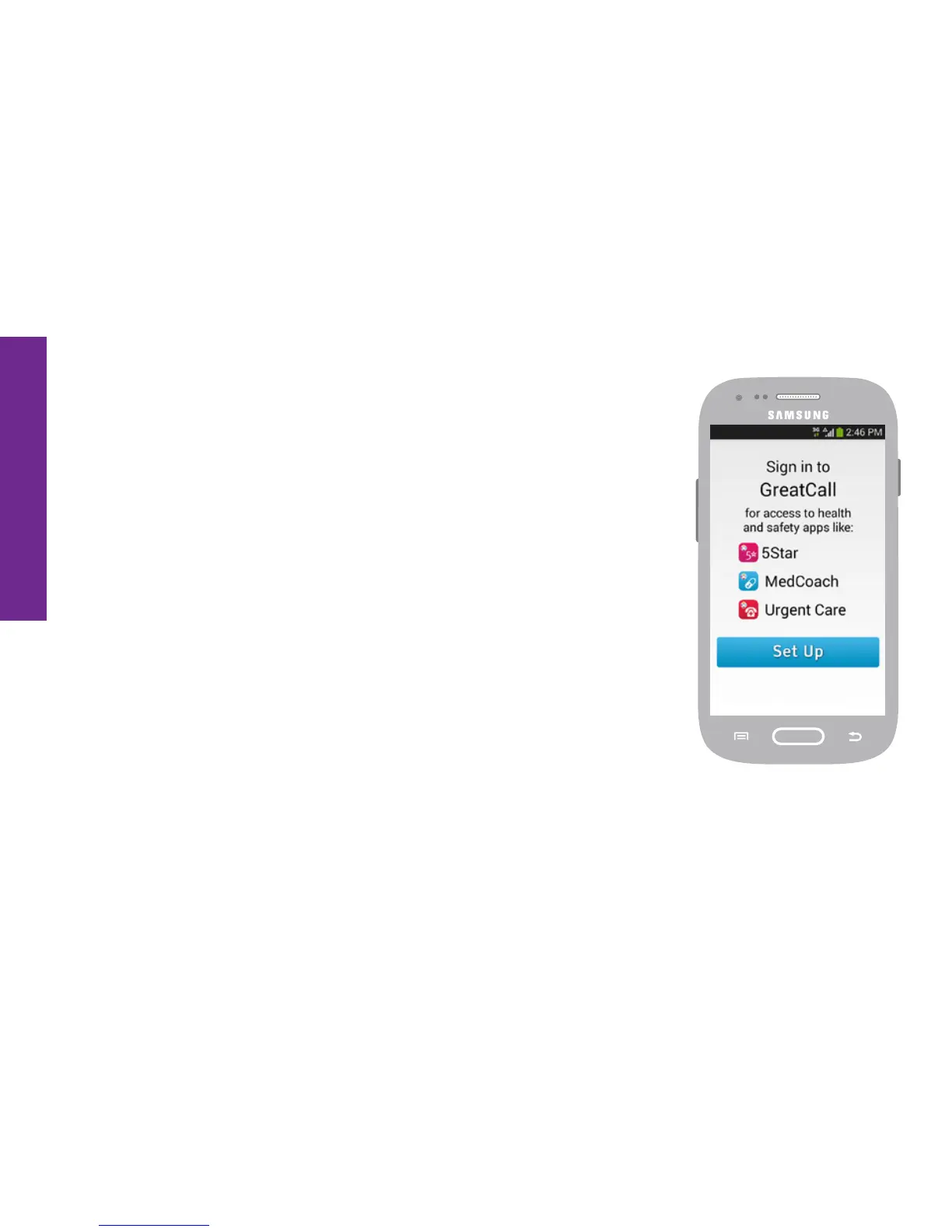
Sign into GreatCall
Once your phone has completed activation, you may
be prompted to log into your GreatCall (also known as
“MyGreatCall”) account so that your built-in GreatCall health
and safety Apps are ready to go. Depending on how you
purchased your Touch3 smartphone, a MyGreatCall account
may already have been created. If you’re not sure, that’s
alright; we’ll help you set one up.
1. At the MyGreatCall welcome screen, TAP the Set Up button
to continue.


 To Next Page