Basics
58
Boot password
Setting a password with the BIOS enhances protection against
viruses and hacking attacks.
•
Do not forget your password or expose it to others.
•
If you forget the
Supervisor Password
or
HDD
Password
, request assistance from the service center. In
this case, a service fee will be charged.
•
When you forget the
User Password
, disable the
Supervisor Password
, and the
User Password
is also
automatically disabled.
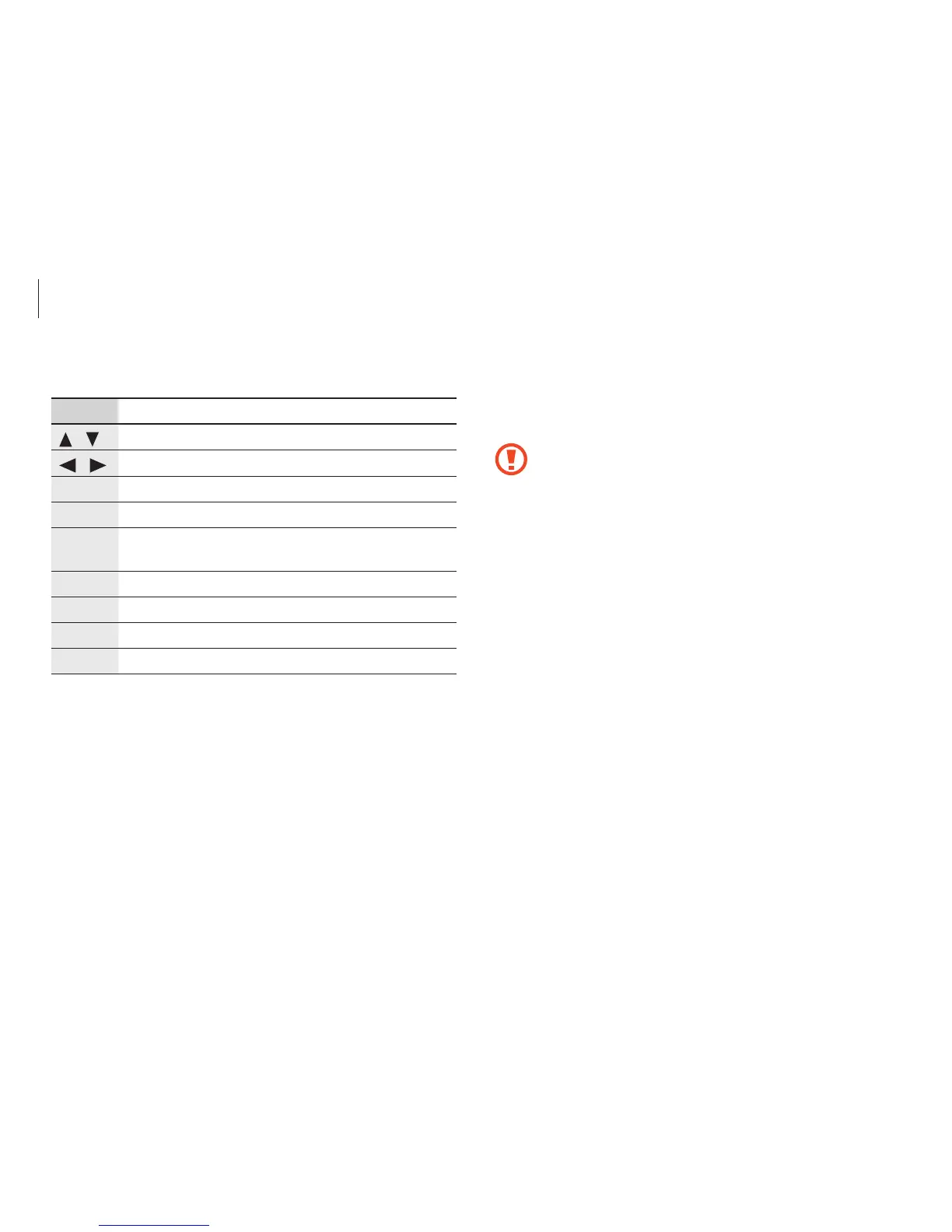
BIOS setup keys
Key Description
/
•
Change values.
/
•
Move to another menu.
Enter
•
Select an item or enter a sub-menu.
Space
•
Change the slide button.
Esc
•
Return to a higher level menu or to the
Exit
menu.
F1
•
View the setup help.
F3
•
Load the previous settings.
F9
•
Load the default settings.
F10
•
Save changes and exit the BIOS setup.












 To Next Page