Basics
39
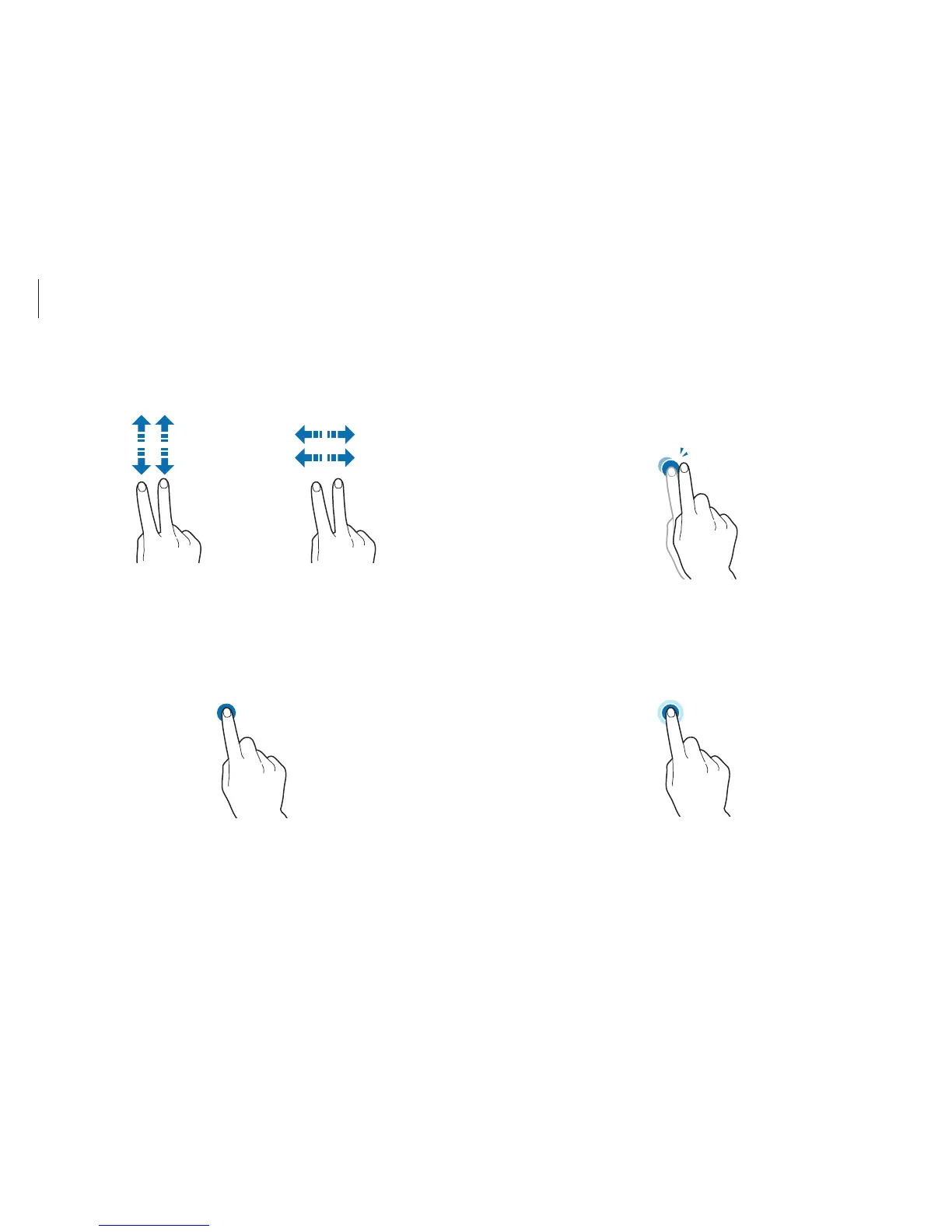
Double-tapping
To zoom in a part or double-click an item, double-tap on the
touch screen.
Tapping and holding
To perform the right-clicking function, tap and hold an item on
the touch screen.
•
To scroll up, down, left or right, swipe with two fingers on the
touch screen.
or
Tapping
To open an application, select a menu item, press an on-screen
button, or enter a character using the on-screen keyboard, tap it
with a finger on the touch screen.












 To Next Page