External devices
92
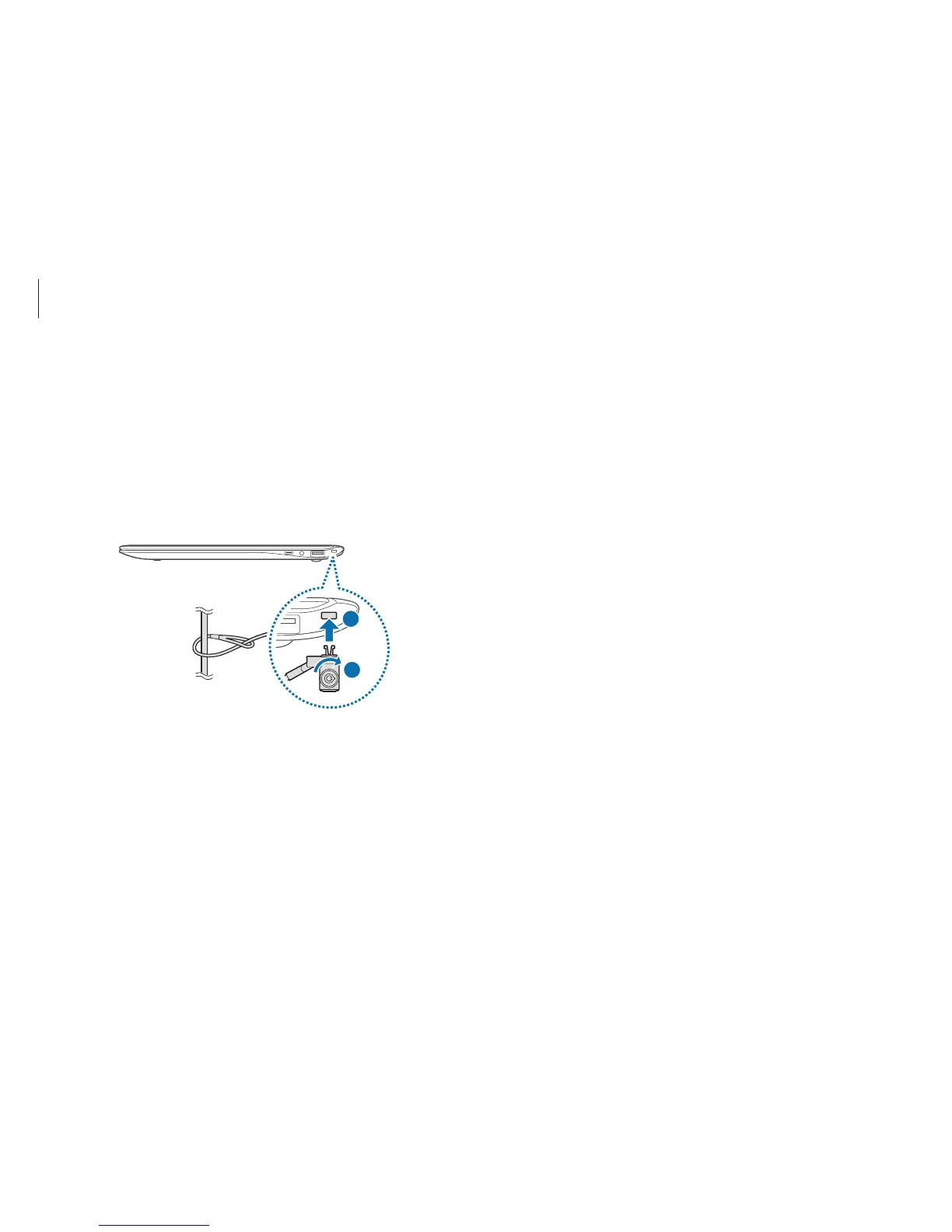
Slim security slot
Secure the computer to an object by connecting the security
lock (optional) to the security slot. The security slot is designed
for Samsung Security Locks only, which are sold separately. Other
security locks will not fit in the slot.
Loop the Samsung Security Lock around a secure object and
connect it to the security slot on the computer.
1
2












 To Next Page