•
Touchpad
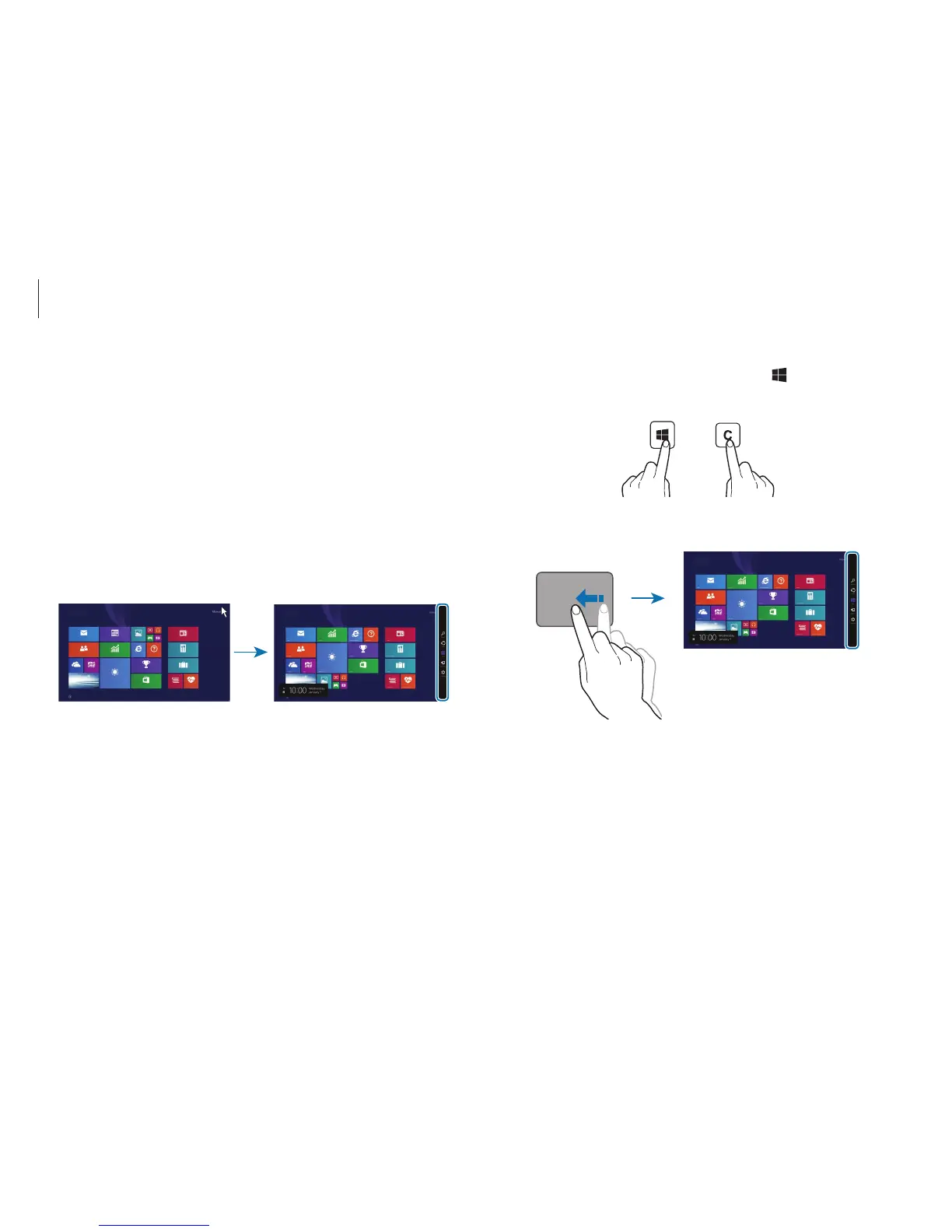
: Swipe inward from the right edge of the touchpad.
Start
The Charms
The Charms let you search, share links and photos, connect
devices, and change settings. The Charms functions available may
differ between the
Start
screen and the desktop or applications.
Opening the Charms
To open the Charms, do one of the following:
•
Mouse
: Move the cursor to the upper- or lower-right edge of
the screen.
Start
Start












 To Next Page