Getting started
14
3
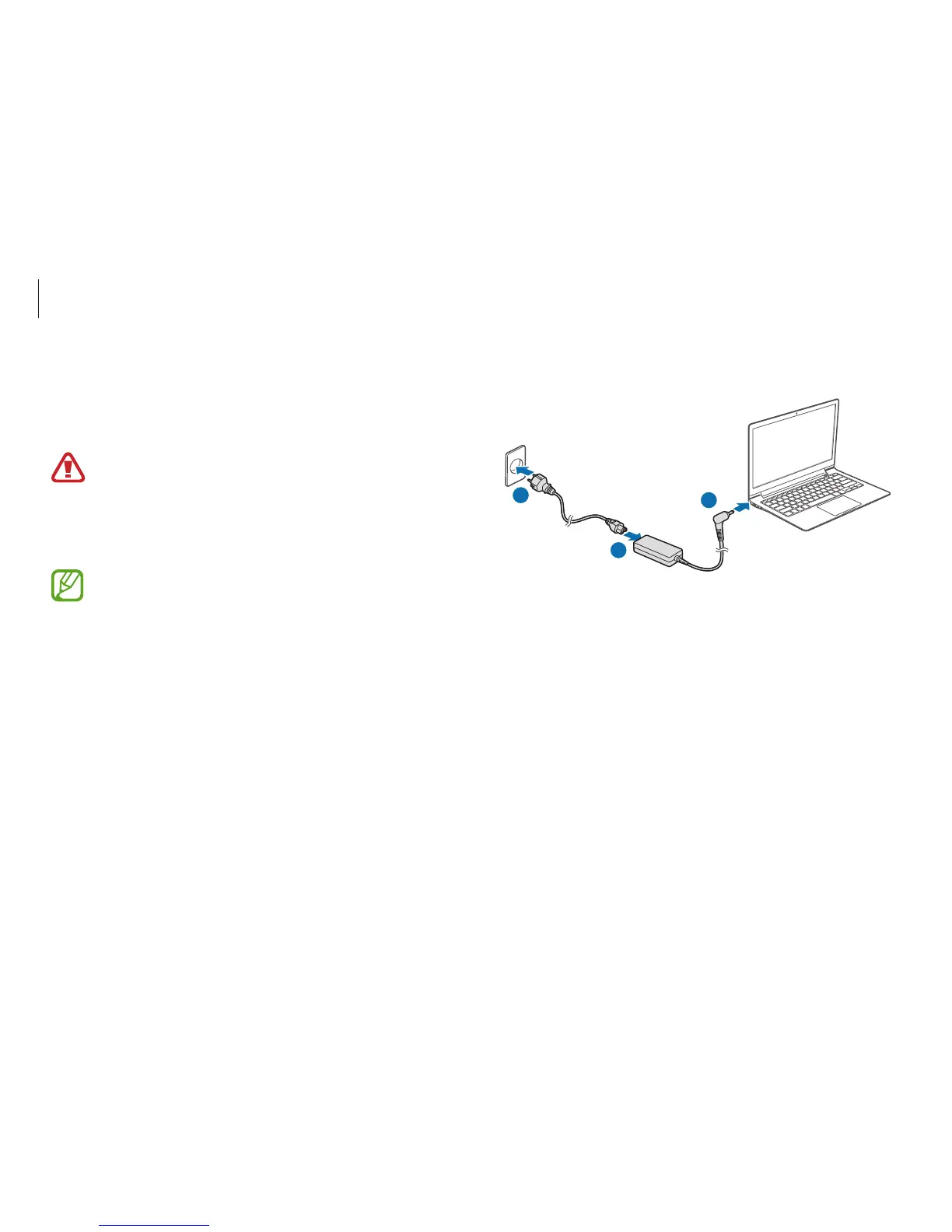
Plug the power cable into an electric socket.
1
2
3
Charging the battery
Charge the battery before using it for the first time. Use the AC
adapter to charge the battery.
•
Use only Samsung-approved AC adapters, batteries,
and cables. Unapproved adapters or cables can cause
the battery to explode or damage the computer.
•
Incorrectly connecting the charger may cause serious
damage to the computer.
To restore the battery power after cutting it, connect the
AC adapter.
1
Connect the power cable to the AC adapter.
2
Connect the AC adapter to the DC jack of the computer.












 To Next Page