Getting started
15
4
After charging, disconnect the AC adapter from the computer.
5
Unplug it from the electric socket.
•
This computer is equipped with an internal battery.
The battery is not user-serviceable or user-replaceable.
•
To have battery removed or replaced safely, take the
device to a Samsung Service Center. You will be charged
for this service.
•
You can use the computer while it is charging, but
the battery charging time may increase. If the battery
temperature rises too much, the charging may stop as a
safety measure.
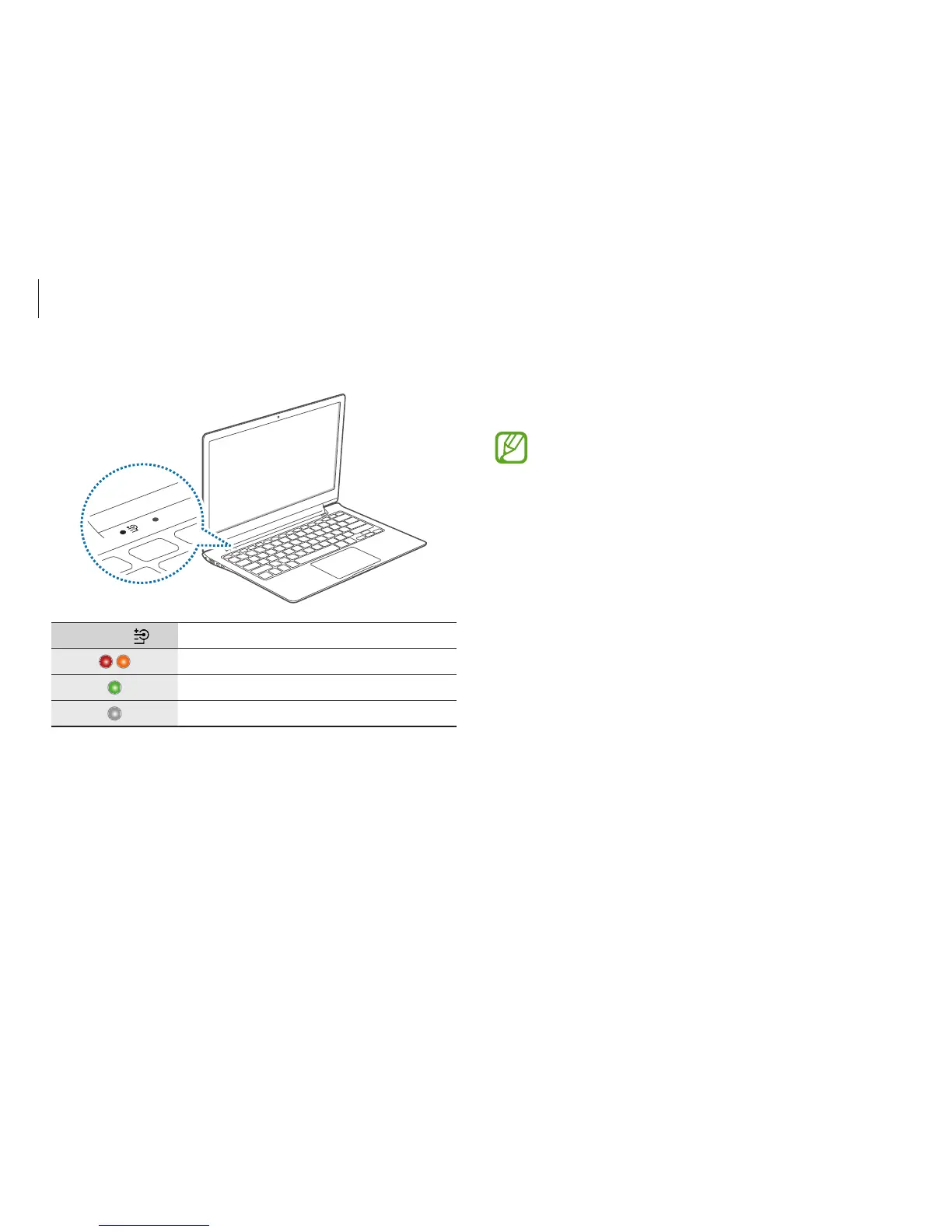
When charging is complete, the charge status turns green.
Charge LED
Status
•
Red or Orange: Charging
•
Green: Fully charged
•
No color: AC adapter not connected












 To Next Page