Basics
50
Gesture functions
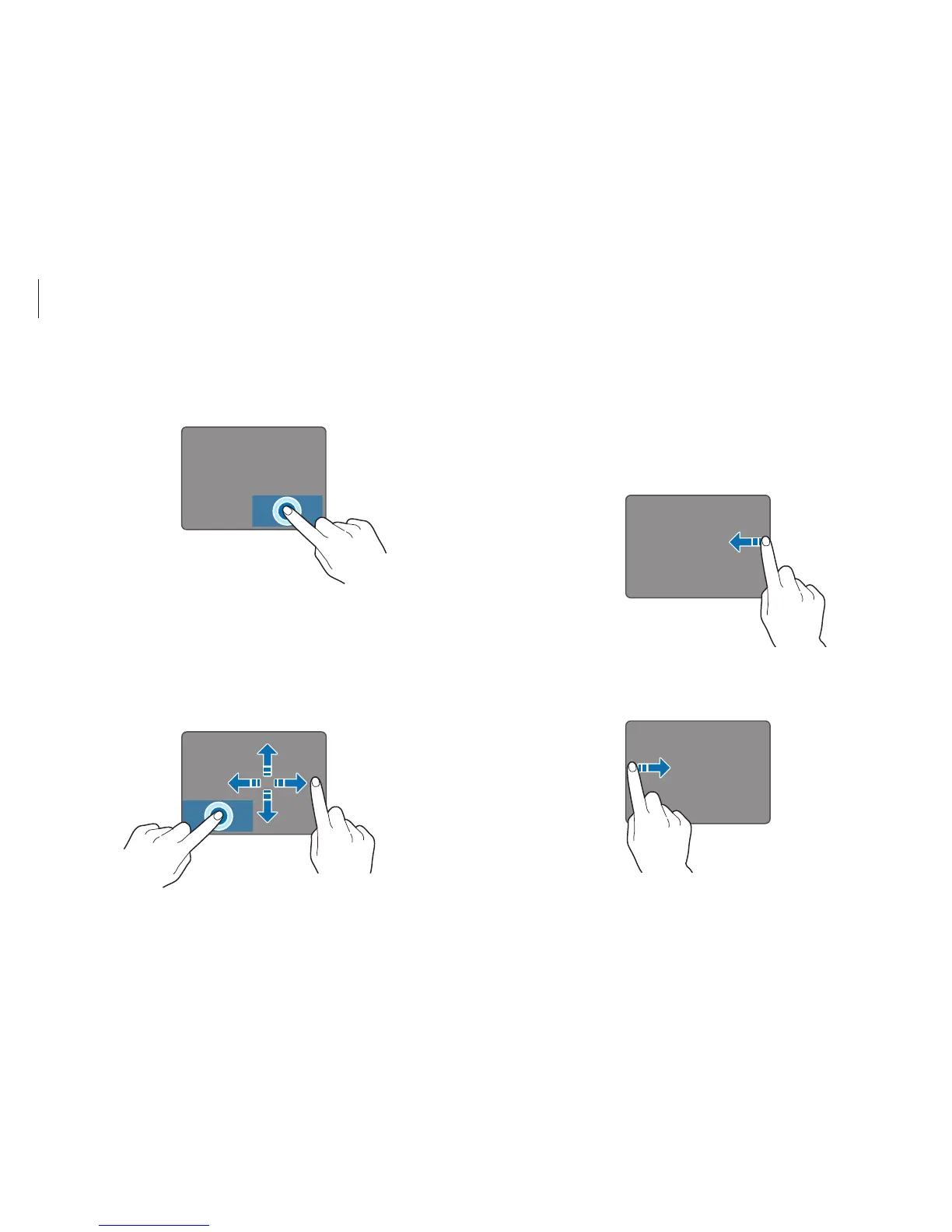
Swiping
•
To open the Charms, swipe from the right edge of the
touchpad to the middle.
•
To open the most-recently used application, swipe from the
left edge of the touchpad to the middle.
Right-clicking function
To right-click an item, press the right touchpad button.
Click
Dragging function
To move an icon or an app tile to a desired location, press and hold
it and then drag it to the target position with the left touchpad
button pressed.












 To Next Page