Basics
43
Entering text
Use the virtual keyboard to enter text.
•
Text entry is not supported in some languages. To
enter text, change the input language to one of the
supported languages.
•
Enter text with the keyboard when using the computer
for a long time.
2
Select
Yes
when a pop-up appears.
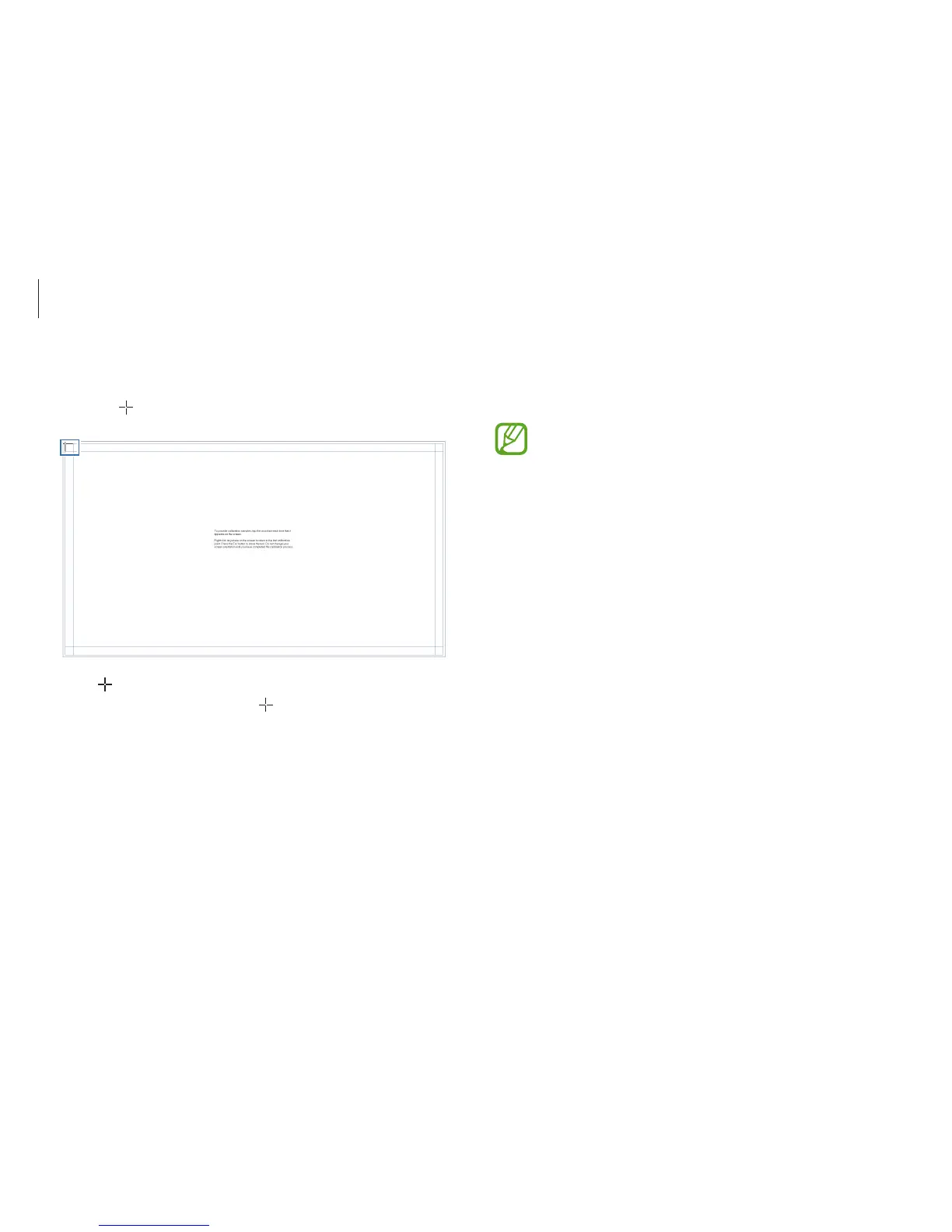
3
Touch on the calibration screen.
•
appears sequentially from the upper-left to the lower-
right on the screen. Touch
each time it appears.
•
To return to the last calibration point, right-click or touch
and hold anywhere.
•
To close the calibration screen, press the
Esc
key.
4
When finishing calibrating and a pop-up appears, select
Yes
.












 To Next Page