Basics
38
•
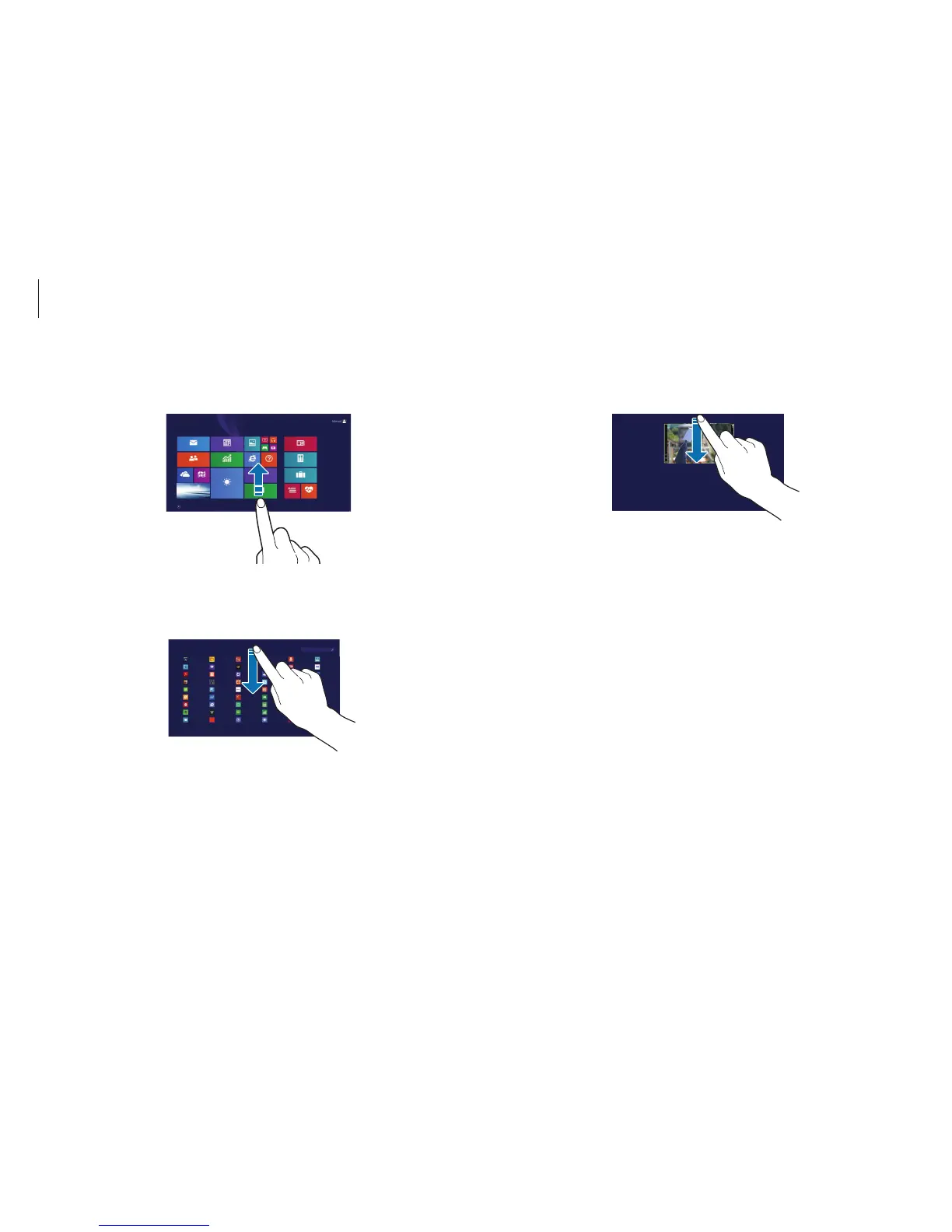
To close an application, swipe downward from the top edge
to the bottom edge of the touch screen.
•
To view all installed applications, swipe upwards on the
Start
screen.
•
To switch from the applications screen to the
Start
screen,
swipe downward on the applications screen.
Start












 To Next Page